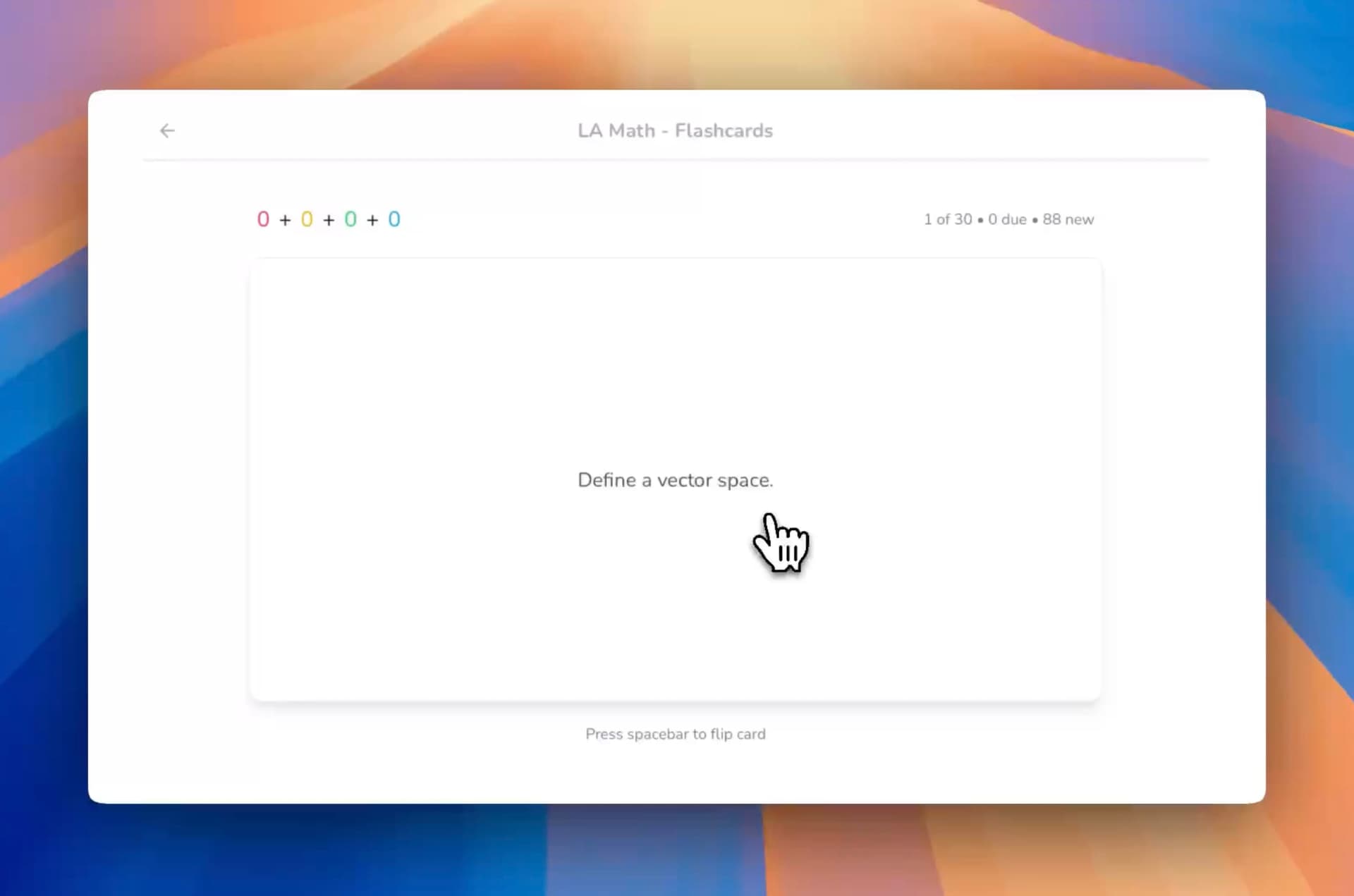
The best free flashcard maker in 2026 for turning your own course material into cards is StudyPDF, because you upload your PDFs, slides, photos, websites, or YouTube videos and its AI builds the deck for you, with every card cited to the exact page, second, or source. If you want maximum control and don't mind typing cards by hand, Anki is the best fully free option on desktop. If you just want a free Quizlet replacement, pick Knowt.
Last updated: June 2026.
Flashcards remain one of the most scientifically proven study methods. Decades of research confirm that active recall through flashcard practice leads to significantly better long-term retention than passive methods like highlighting or rereading. But with dozens of flashcard makers available, finding the right free tool can be overwhelming.
We tested and compared the eight most popular free flashcard makers in 2026, evaluating them across features, ease of use, AI capabilities, spaced repetition algorithms, and overall learning effectiveness. Whether you are a medical student memorizing anatomy, a language learner building vocabulary, or a professional preparing for certifications, this guide will help you choose the best free flashcard generator for your needs.
StudyPDF is a course-scoped AI study agent. You upload your own material and Bo, the AI inside StudyPDF, answers only from it, with every answer cited to the exact page in a PDF, the second in a video, or the source for a website.
Before diving into detailed reviews, here is a side-by-side comparison of all eight tools across the features that matter most to students.
| Feature | StudyPDF | Anki | Quizlet | Brainscape | Cram | StudyBlue | Knowt | Chegg |
|---|
| AI-Generated Cards | Yes (from PDF, YouTube, websites, photos) | No (manual only) | Limited | No | No | No | Yes (basic) | No |
| Cited to Your Source | Yes (page/timestamp) | No | No | No | No | No | No | No |
| Free Tier | Generous, free forever, no card | Fully free | Limited free | Limited free | Free with ads | Limited free | Generous free | Limited free |
| Import Sources | PDF, DOCX, PPTX, YouTube, websites, images | Text files, CSV | CSV, spreadsheets | CSV | Text, CSV | Text | Quizlet import | Text |
| Math Support | Full LaTeX rendering | Via add-ons | Limited | No | No | No | No | No |
| Image Support | Yes (in cards) | Yes | Yes | Yes | Yes | Yes | Yes | Limited |
| Mind Maps | Yes (auto-generated) | No | No | No | No | No | No | No |
| Quiz Generation | Yes (quizzes + practice exams) | No | Basic | No | Basic | Basic | Yes | Basic |
| Mobile App | Coming Soon | Yes (AnkiDroid/AnkiMobile) | Yes | Yes | Yes | Yes | Web only | Yes |
| Progress Tracking | Per-concept mastery + daily streak | No | Basic streaks | Leaderboards | No | No | No | No |
StudyPDF takes the top spot because it fundamentally changes what a flashcard maker can do. Instead of manually typing front-and-back pairs, you upload your own course material and Bo, the AI study agent inside StudyPDF, generates comprehensive, well-structured flashcards automatically. Built for your course, not for the internet. Every card answers from your material and cites the exact page, timestamp, or source it came from. This alone saves hours of preparation time that you can redirect toward actual studying.
What Makes StudyPDF Stand Out
AI-Powered Generation from Your Own Material. The core differentiator is StudyPDF's ability to generate flashcards from your own study material: PDFs (including scanned and handwritten), photos, YouTube videos, and websites. Upload a 50-page textbook chapter and get a complete flashcard deck in under a minute. Paste a YouTube lecture URL and receive flashcards covering every key concept the speaker discussed. This is not just OCR text extraction. Bo understands context, identifies important concepts, and creates cards that test understanding rather than simple recognition.
Answers Cited to Your Source. Every card Bo makes is grounded in the material you uploaded, and each one cites the exact page, second, or source it came from. There is no guessing whether a card reflects your actual syllabus. If it is not in your upload, Bo does not invent it.
Full Math and LaTeX Support. For STEM students, this is a crucial feature that most competitors lack. StudyPDF renders mathematical formulas, chemical equations, and scientific notation directly on flashcards. If your source material contains equations, they appear correctly formatted in the generated cards.
Beyond Flashcards. StudyPDF does not stop at flashcards. From the same source material, Bo builds seven study formats: flashcards, quizzes, practice exams, study guides, cheat sheets, summaries, and mind maps. They are all cited and concept-tagged, so your flashcard study is complemented by visual learning tools and active recall testing, all from a single upload. You can export any of them to PDF, Word, or Anki.
Progress You Can See. Every card you review feeds per-concept mastery tracking, so you always know which topics are solid and which still need work. The one game-like touch is a visit-based daily streak that helps you keep the habit going. No hearts, no XP, no leaderboards, just clear progress.
Free Tier Details
StudyPDF is free forever, with no credit card required and a genuinely generous free tier. Usage runs on a weekly credit budget plus a rolling 5-hour burst window, so you can do real work without paying. Paid Pro and Ultra plans add more headroom when you need it. The free tier includes full access to AI generation, all seven study formats, and per-concept mastery tracking.
Who Should Choose StudyPDF
- Students who study from their own PDFs, photos, websites, or YouTube videos
- Anyone who wants to save time by having AI generate flashcards from their actual course
- STEM students who need math and formula support on cards
- Learners who want a complete study suite, not just flashcards
- Students who want cited answers and visible per-concept progress
Try StudyPDF's flashcard maker free or explore how to use AI to make flashcards.
Anki is the veteran of spaced repetition flashcard software, beloved by medical students and language learners worldwide for its powerful algorithm and complete customizability. It is entirely free on desktop and Android (AnkiMobile for iOS costs $24.99).
Strengths
Unmatched Customization. Anki's card template system lets you create virtually any type of flashcard imaginable. From basic front-back cards to complex cloze deletions, image occlusion, and audio cards, the template system (using HTML and CSS) gives you complete control over how cards look and behave.
Powerful Algorithm. Anki pioneered the SM-2 spaced repetition algorithm for flashcard software and has since added FSRS (Free Spaced Repetition Scheduler), which uses machine learning to optimize review intervals based on your personal learning patterns. For pure spaced repetition effectiveness, Anki remains the gold standard.
Massive Add-on Ecosystem. With thousands of community-created add-ons, you can extend Anki to do almost anything: image occlusion for anatomy, automatic audio pronunciation, integration with dictionaries, heatmap visualizations of your study habits, and much more.
Shared Deck Library. Thousands of pre-made decks are available for free download, particularly strong for medical school (AnKing), language learning, and standardized test prep. These community-curated decks represent thousands of hours of work that you can leverage immediately.
Weaknesses
Steep Learning Curve. Anki's interface was designed by engineers for engineers. New users often struggle with the card creation process, deck management, and settings configuration. The add-on system, while powerful, adds complexity that casual users may not need.
No AI Generation. Every card must be created manually or imported from a CSV file. There is no ability to upload a PDF or YouTube video and get flashcards automatically. This is Anki's biggest disadvantage compared to modern tools like StudyPDF. You spend significant time creating cards instead of studying them.
Dated Interface. The desktop interface has not changed substantially in years. While functional, it feels outdated compared to modern web applications. The mobile apps vary in quality: AnkiDroid (Android) is free but basic, while AnkiMobile (iOS) costs $24.99.
No Additional Study Tools. Anki is exclusively a flashcard tool. There are no mind maps, summaries, quizzes, or AI assistants. If you want a comprehensive study platform, you need to use Anki alongside other tools.
Free Tier Details
Anki is completely free on desktop (Windows, Mac, Linux) and Android. The iOS app costs $24.99 as a one-time purchase. AnkiWeb syncing between devices is free.
Who Should Choose Anki
- Power users who want maximum control over their flashcard system
- Medical students who can leverage the AnKing deck ecosystem
- Users comfortable with a learning curve in exchange for flexibility
- Budget-conscious students who need a fully free solution (non-iOS)
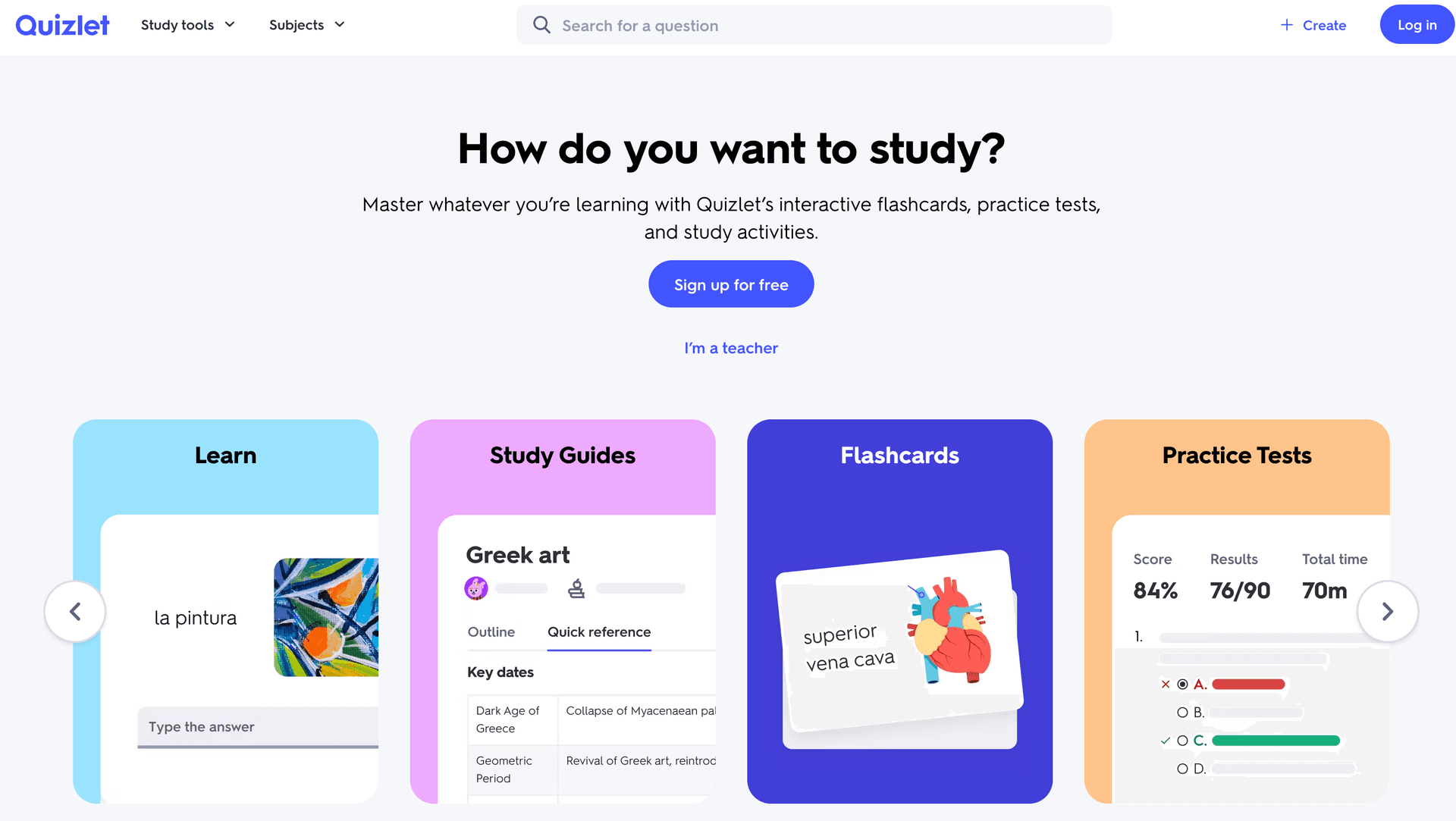
Quizlet is the name most students think of when they hear "flashcards." With over 500 million user-generated sets, it has the largest flashcard library of any platform. However, recent pricing changes have significantly limited the free tier.
Strengths
Massive Content Library. The biggest advantage of Quizlet is access to millions of pre-made flashcard sets. For common courses and textbooks, there is likely already a high-quality deck available. This community-driven approach means you can start studying immediately without creating a single card.
Multiple Study Modes. Quizlet offers several ways to study beyond basic flashcard flipping: Learn mode, Test mode, Match game, and Write mode. Each approaches the material differently, providing varied practice that aids retention.
Polished Mobile Apps. Quizlet's iOS and Android apps are among the best in the flashcard space. They are smooth, well-designed, and sync seamlessly with the web version.
Easy Sharing and Collaboration. Creating study groups, sharing decks, and collaborating on card sets is straightforward. For classroom settings, Quizlet's sharing features work well.
Weaknesses
Increasingly Limited Free Tier. Quizlet has progressively moved features behind its paywall. Many study modes that were previously free now require Quizlet Plus ($7.99/month). The free version feels like a trial for the paid product rather than a functional tool.
Basic Spaced Repetition. Quizlet's learning algorithm is significantly less sophisticated than Anki's SM-2 implementation. It does not provide the same level of optimized review scheduling.
No Document Upload. You cannot upload a PDF, Word document, or YouTube video to auto-generate flashcards. Cards must be created manually, imported from spreadsheets, or found in the community library.
No Advanced Study Tools. There are no mind maps, AI assistants, summaries, or structured quiz systems. Quizlet is purely a flashcard platform with basic testing modes.
Quality Control Issues. Because anyone can create and share decks, the quality of community content varies enormously. You may spend time finding and verifying a good deck rather than studying.
Free Tier Details
Quizlet's free tier allows basic flashcard creation and access to community sets. Learn mode, some test features, and ad-free studying require Quizlet Plus at $7.99/month.
Who Should Choose Quizlet
- Students who want access to pre-made decks for common courses
- Casual learners who prefer a polished, simple interface
- Study groups that need easy sharing and collaboration
- Users willing to pay for the full feature set
Brainscape takes a unique approach to spaced repetition by using a confidence-based system. After seeing the answer, you rate your confidence from 1 to 5, and the algorithm adjusts review frequency accordingly. This self-reported approach is simpler than SM-2 but can be less precise.
Strengths
Intuitive Confidence Rating. The 1-5 confidence scale is immediately understandable. No need to learn the difference between "Again," "Hard," "Good," and "Easy" as in Anki. You simply rate how well you knew the answer, and Brainscape handles the rest.
Certified Content. Brainscape partners with publishers and educators to offer professionally created, fact-checked flashcard decks. For standardized test prep and professional certifications, this curated content is valuable.
Clean Interface. The web and mobile interfaces are modern and visually appealing. Cards display clearly, and the study experience is smooth and distraction-free.
Classroom Features. Teachers can create classes, assign decks, and track student progress. The educator dashboard provides insights into which topics students are struggling with.
Weaknesses
Limited Free Content. While you can create your own decks for free, most of the certified content requires a paid subscription. The free tier feels restrictive compared to alternatives.
No AI Features. There is no AI generation from documents, no smart question creation, and no AI study assistant. Every card must be created manually.
Basic Card Types. Brainscape primarily supports simple text-based front-back cards. There is no cloze deletion, no image occlusion, and limited formatting options.
No Complementary Study Tools. Like Quizlet, Brainscape is flashcards-only. No mind maps, summaries, or practice tests.
Free Tier Details
Create unlimited decks with basic features. Access to certified content and advanced analytics requires Brainscape Pro at $9.99/month.
Who Should Choose Brainscape
- Students who prefer simple confidence-based rating over complex algorithms
- Learners studying for standardized tests with certified content available
- Users who value clean, distraction-free study interfaces
- Teachers who need classroom management features
Cram (formerly Flashcard Machine) is one of the oldest flashcard platforms, offering a no-frills approach to flashcard creation and study. It has a large library of user-created content and a straightforward interface.
Strengths
Simple and Fast. Cram lives up to its name. It is designed for quick flashcard creation and rapid study sessions. The interface wastes no time with unnecessary features.
Large Card Library. With millions of user-created flashcard sets accumulated over many years, Cram has content for most common study topics.
Multiple Study Modes. Cram offers memorize mode, test mode, and game mode, providing different ways to engage with your cards.
Free to Use. Core functionality is available without payment, including card creation, studying, and access to the community library.
Weaknesses
No Spaced Repetition. This is a major drawback. Cram does not implement any spaced repetition algorithm, meaning you must manually decide when to review cards. This makes it significantly less effective for long-term retention.
Outdated Interface. The website design feels dated and lacks the polish of modern alternatives. Ad-heavy pages can detract from the study experience.
No AI Features. Manual card creation only. No document upload, no auto-generation, no AI assistance.
No Mobile App Quality. While a mobile app exists, it has not been updated with the frequency or quality of competitors.
No Additional Study Tools. Flashcards only, with no mind maps, summaries, or structured quizzes.
Free Tier Details
Cram is free to use with advertising. Ad removal and some premium features require a paid subscription.
Who Should Choose Cram
- Students who need a quick, no-frills flashcard tool
- Users who want access to a large library of pre-made cards
- Learners who do not need spaced repetition optimization
- Those who prefer simplicity over advanced features
StudyBlue focuses on the classroom experience, connecting students with shared study materials from their specific courses and institutions. It is part of the Chegg family of study tools.
Strengths
Course-Specific Content. StudyBlue connects you with flashcard sets created by students at your school, in your specific courses. This hyper-relevant content can be incredibly valuable.
Class Collaboration. Study groups can share, edit, and build flashcard sets together. The collaborative features are well-suited for group study sessions.
Progress Tracking. Basic analytics show your study time, cards reviewed, and performance trends. While not as detailed as StudyPDF's per-concept mastery view, it provides useful insights.
Multi-Format Cards. Support for text, images, and audio on cards provides flexibility in card creation.
Weaknesses
Declining Platform. Since being acquired by Chegg, StudyBlue has received less independent development. Some features have been deprecated or merged into Chegg's broader platform.
Limited Free Tier. Core features increasingly require a Chegg subscription, reducing the value of the free tier.
Basic Spaced Repetition. The review scheduling is basic compared to SM-2 implementations.
No AI Generation. Manual card creation only, with no document processing or AI assistance.
No Advanced Study Tools. Flashcards and basic study modes only.
Free Tier Details
Limited free access with basic flashcard creation. Full features require a Chegg subscription.
Who Should Choose StudyBlue
- Students at institutions where StudyBlue has strong adoption
- Learners who want course-specific content from classmates
- Users already in the Chegg ecosystem
- Study groups looking for collaborative flashcard creation
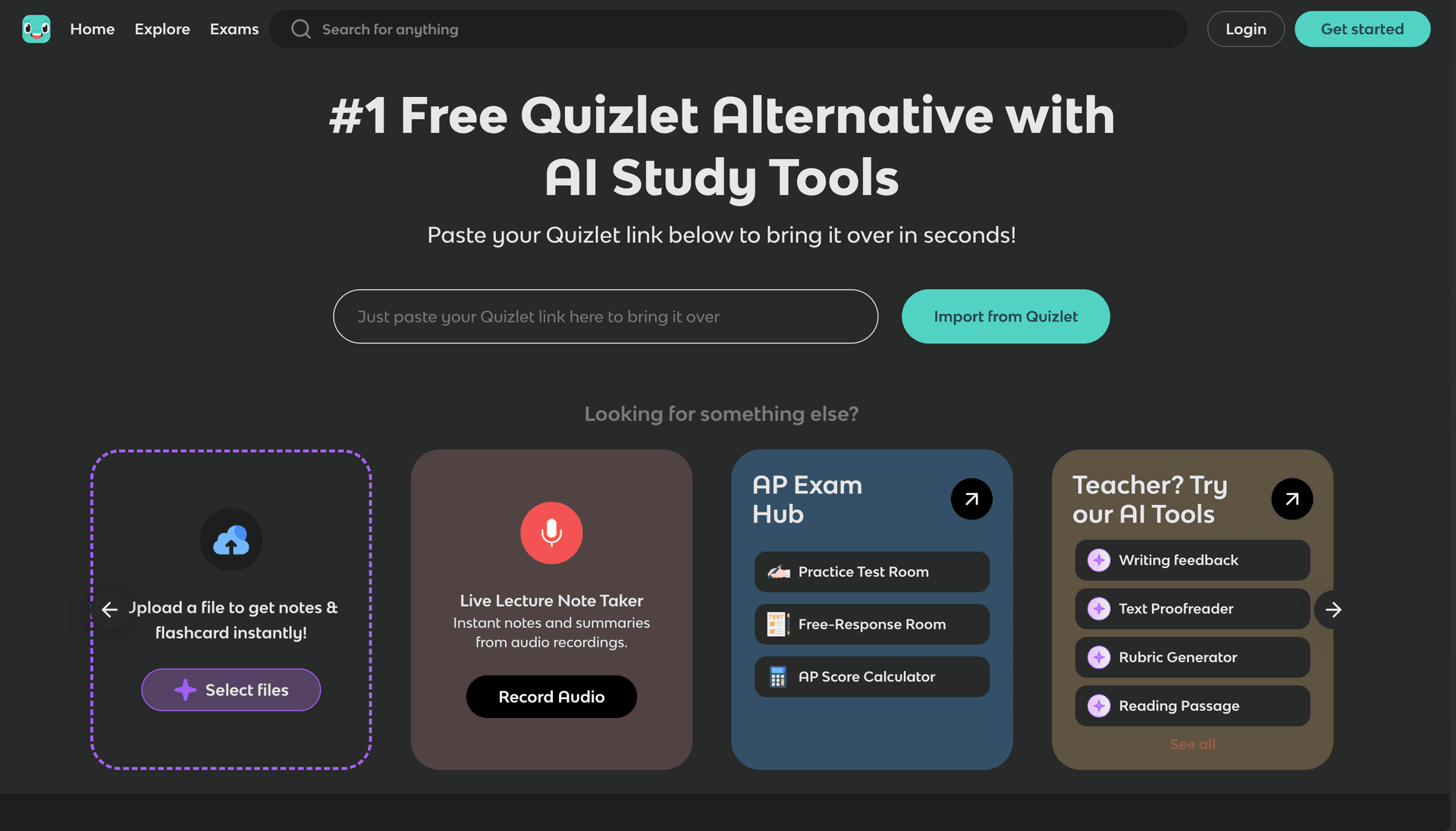
Knowt has positioned itself as the leading free alternative to Quizlet, especially since Quizlet moved more features behind a paywall. It offers generous free access and seamless Quizlet import.
Strengths
Generous Free Tier. Knowt's free tier is significantly more generous than Quizlet's, providing access to study modes and features that Quizlet now charges for. For budget-conscious students, this is a major draw.
Quizlet Import. One-click import of existing Quizlet decks makes migration painless. If you are frustrated with Quizlet's pricing changes, Knowt is the easiest transition.
Basic AI Features. Knowt offers some AI-generated flashcard capabilities, though they are not as comprehensive as StudyPDF's document-to-flashcard AI processing.
Multiple Study Modes. Learn, Test, Match, and other modes provide varied practice similar to what Quizlet offers.
Community Content. A growing library of user-generated content is available, though smaller than Quizlet's.
Weaknesses
Basic Algorithm. The spaced repetition implementation is not as sophisticated as Anki's SM-2.
Limited AI Capabilities. While Knowt has some AI features, it cannot process your own PDFs, photos, websites, or YouTube videos and return cited flashcards the way StudyPDF can.
No Advanced Study Tools. No mind maps, no structured quizzes beyond basic test mode, no AI study assistant.
No Mobile Apps. Knowt is web-only, which limits study flexibility.
Smaller Content Library. While growing, the community library cannot match Quizlet's 500 million+ sets.
Free Tier Details
Generous free access to most features. Pro version at $4.99/month unlocks advanced features.
Who Should Choose Knowt
- Students migrating from Quizlet who want similar features for free
- Budget-conscious learners who need generous free access
- Users who want basic AI flashcard assistance
- Learners comfortable with a web-only platform
8. Chegg: Best for Textbook-Based Flashcards
Chegg is primarily known for textbook solutions and homework help, but it also includes a flashcard maker as part of its broader study platform. The flashcard feature is a supplement to Chegg's core offering rather than a standalone tool.
Strengths
Textbook Integration. If you already use Chegg for textbook solutions, the flashcard maker integrates with the same content. Create cards from the same material you are using for homework help.
Expert Answers. Chegg's network of subject experts means that some flashcard content is verified and high-quality.
Broad Platform. Access to flashcards alongside textbook solutions, writing tools, and math solvers provides a comprehensive academic toolkit.
Mobile Apps. Well-developed iOS and Android apps provide on-the-go access.
Weaknesses
Flashcards Are Secondary. Chegg's flashcard maker is not its primary product, and it shows. The flashcard features are basic compared to dedicated tools.
Expensive for Flashcards Alone. Chegg's subscription ($15.95/month) is priced for the full platform. If you only need flashcards, it is poor value compared to alternatives.
No Spaced Repetition. The flashcard system does not implement spaced repetition, making it less effective for long-term retention.
No AI Card Generation. Cards must be created manually, with no document upload or AI processing.
Academic Integrity Concerns. Chegg has faced criticism for enabling academic dishonesty through its homework help features. Some students may prefer to avoid the platform for this reason.
Free Tier Details
Very limited free flashcard access. The full Chegg Study subscription is $15.95/month.
Who Should Choose Chegg
- Students already paying for Chegg Study who want integrated flashcards
- Learners who want flashcards alongside textbook solutions
- Users who value expert-verified content
- Those who need a broad academic platform beyond just flashcards
AI and Automation
| Tool | AI Card Generation | Document Upload | YouTube Support | Smart Suggestions |
|---|
| StudyPDF | Full AI generation, cited | PDF, DOCX, PPTX, websites, photos | Yes | Yes |
| Anki | None | Text/CSV import only | No | Via add-ons |
| Quizlet | None | CSV only | No | No |
| Brainscape | None | CSV only | No | No |
| Cram | None | Text/CSV only | No | No |
| StudyBlue | None | Text only | No | No |
| Knowt | Basic AI | Limited | No | Basic |
| Chegg | None | Text only | No | No |
Learning Science
| Tool | Spaced Repetition | Progress Model | Adaptive Difficulty | Performance Analytics |
|---|
| StudyPDF | Review-based | Per-concept mastery | Yes | Detailed |
| Anki | Yes | SM-2 / FSRS | Yes | Detailed (via add-ons) |
| Quizlet | Basic | Proprietary | Limited | Basic |
| Brainscape | Yes | Confidence-based | Self-reported | Basic |
| Cram | No | None | No | Minimal |
| StudyBlue | Basic | Basic | No | Basic |
| Knowt | Basic | Basic | Limited | Basic |
| Chegg | No | None | No | Minimal |
Pricing Comparison
| Tool | Free Tier | Paid Plan | Best Value? |
|---|
| StudyPDF | Generous free, no card | Paid Pro and Ultra plans | Best for AI generation |
| Anki | Fully free (desktop + Android) | $24.99 iOS one-time | Best free option (desktop) |
| Quizlet | Limited modes, ads | $7.99/month | Overpriced for flashcards |
| Brainscape | Create own decks | $9.99/month | Good for certified content |
| Cram | Full with ads | Varies | Free but dated |
| StudyBlue | Very limited | Chegg sub $15.95/mo | Poor standalone value |
| Knowt | Generous free | $4.99/month | Best Quizlet alternative |
| Chegg | Very limited | $15.95/month | Only if using full Chegg |
Choose Based on Your Study Style
If you study from your own documents and videos: StudyPDF is the clear winner. No other free tool can automatically generate cited flashcards from your own PDFs, Word documents, PowerPoint slides, photos, websites, and YouTube videos. The time saved on card creation alone makes it the most efficient choice.
If you want maximum control and customization: Anki gives you complete flexibility with card templates, add-ons, and algorithm settings. Be prepared to invest time learning the system.
If you want pre-made decks for common courses: Quizlet's massive library means someone has probably already created flashcards for your exact textbook chapter. Just verify the quality before relying on community content.
If you are migrating from Quizlet: Knowt offers the most painless transition with one-click Quizlet import and a generous free tier.
If you need classroom features: Brainscape's educator tools or StudyBlue's course-specific sharing may suit your needs.
Choose Based on Your Subject
| Subject | Best Tool | Why |
|---|
| Medicine | StudyPDF or Anki | Cited cards from your own material, image support, comprehensive decks |
| Languages | StudyPDF or Anki | Audio support, spaced repetition, large libraries |
| STEM | StudyPDF | Full LaTeX/math support, document processing |
| Law | StudyPDF | Long-form document processing, structured quizzes |
| General | Quizlet or Knowt | Large community libraries, simple interface |
| Test Prep | StudyPDF or Brainscape | Structured content, adaptive review |
Choose Based on Your Budget
- $0 (desktop): Anki for unlimited free use with full features
- $0 (web): Knowt for the most generous free web-based tier
- $0 with AI: StudyPDF's generous free tier for cited AI generation from your own material
- Paid plans: StudyPDF Pro or Ultra for more headroom on AI generation and full features
- Under $5/month: Knowt Pro for enhanced free-tier features
- Under $10/month: Brainscape Pro for certified content access
After extensive testing, StudyPDF earns the top spot as the best free flashcard maker for 2026 for several compelling reasons:
-
AI generation eliminates the creation bottleneck. The biggest problem with flashcard studying is that creating cards takes longer than studying them. StudyPDF eliminates this entirely by generating cards from your existing study materials.
-
Cited to your own course. Every card is grounded in the material you uploaded and cites the exact page, timestamp, or source. Built for your course, not for the internet, so you study from what your exam will actually cover.
-
Complete study suite. Flashcards are just the beginning. Quizzes, practice exams, study guides, cheat sheets, summaries, and mind maps all work together from the same source material, with export to PDF, Word, and Anki.
-
Per-concept mastery keeps you on track. Everything you review feeds visible per-concept mastery tracking, and a daily streak helps you keep the habit going.
-
Generous free tier. StudyPDF is free forever with no card and a generous free allowance, enough for most students to cover their weekly study materials without paying anything.
Anki remains an excellent choice for power users who want maximum customization and are willing to create cards manually. Knowt is the best option for students who simply want a free Quizlet replacement. But for the overall best combination of features, AI capability, learning science, and user experience, StudyPDF is the clear leader.
Ready to try the best free flashcard maker? Get started with StudyPDF's flashcard maker or learn more about how to use AI to make flashcards from your study materials.