Last updated: June 2026.
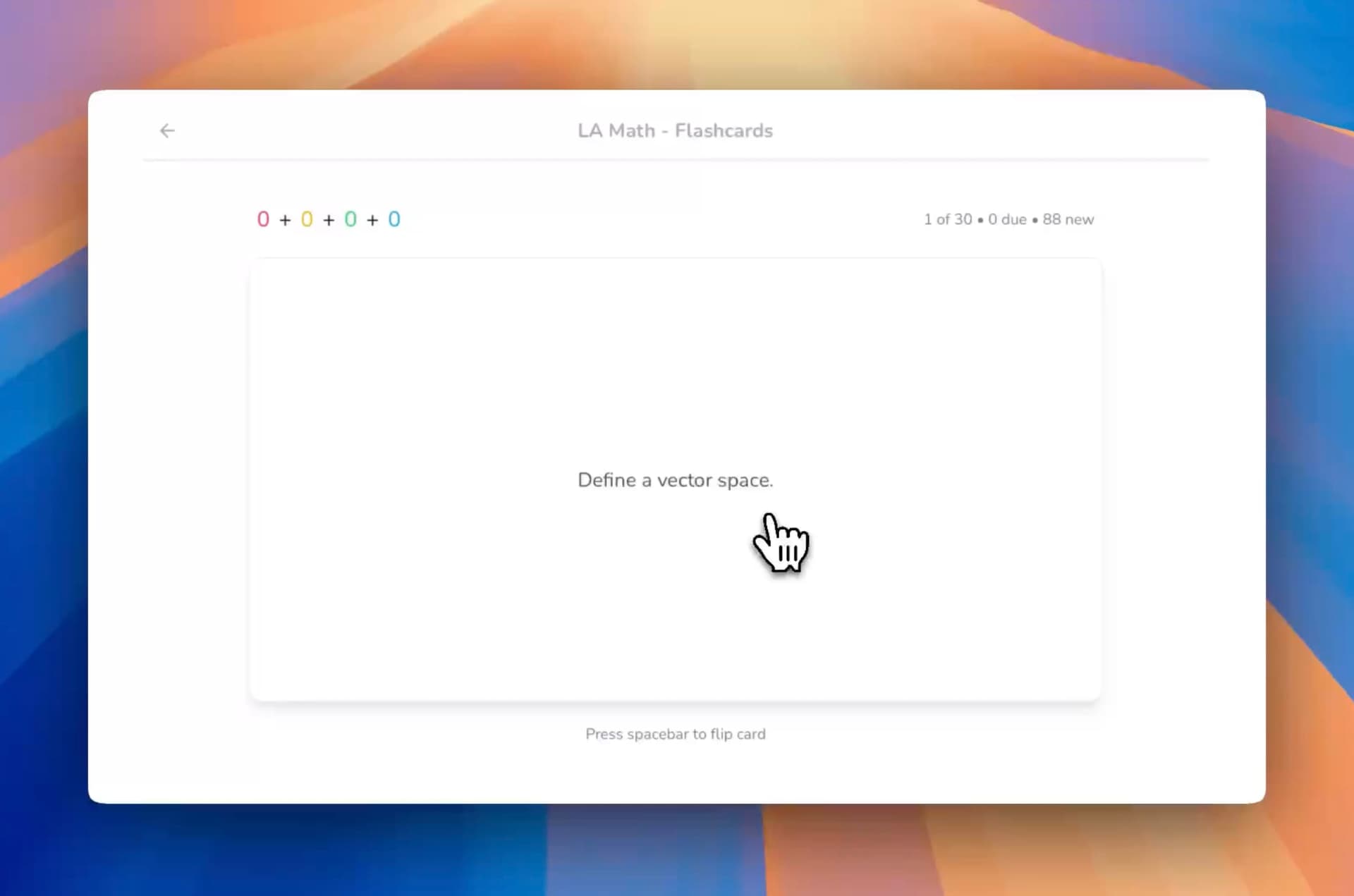
The best AI app for generating flashcards from your own lecture notes in 2026 is StudyPDF, because it turns the exact notes you upload (typed or handwritten) into flashcards that cite the page or source each card came from, then tracks your mastery concept by concept. Most other tools generate cards from a generic model. StudyPDF only answers from your material.
Lecture notes are the foundation of effective studying, but converting them into usable flashcards takes time. AI flashcard generators can do this work for you, turning both digital and handwritten lecture notes into study cards in minutes.
Whether you have typed class notes, handwritten lecture scribbles, or a mix of both, modern AI tools can create flashcards that improve retention and test performance. We tested the leading platforms to find the best AI app for generating flashcards from lecture notes. This guide keeps the 2025 ranking as its base and refreshes every tool, price, and feature for 2026.
Modern AI flashcard tools do more than pull out text. They read context, find the key concepts, and write questions that test real understanding. The best platforms pair good models with a simple interface so making flashcards stays quick.
Essential features to look for:
- OCR for handwritten note conversion
- Context awareness to understand lecture content
- Grounding and citations so each card traces back to your source
- Multi-format support for various note types
- Mastery or progress tracking so you know what to review next
| Platform (2026) | Digital Notes | Handwritten OCR | Cited / grounded cards | Mobile Apps | Price |
|---|
| StudyPDF | ✅ From your own material | ✅ High accuracy (vision OCR) | ✅ Every card cites page/source | 🚧 Coming soon | Free to start, paid Pro/Ultra |
| StudyFetch | ✅ Good | ✅ Basic OCR | ❌ None | ✅ iOS/Android | ~$9.99/mo |
| Knowt | ✅ Excellent | ✅ Good OCR | ❌ None | ✅ iOS/Android | Free + Pro |
| YouLearn | ✅ Multi-format | ➖ Limited | ❌ None | ✅ iOS/Android | ~$9.99/mo |
| Acemate | ✅ Academic | ✅ Advanced | ➖ Source-linked | ❌ Web only | ~€9.99/mo |
| Mindgrasp | ✅ Broad | ✅ Standard | ❌ None | ✅ iOS/Android | ~$9.99/mo |
| Quizlet | ✅ Legacy + AI | ➖ Manual | ❌ None | ✅ iOS/Android | Free + Plus |
| Studyable | ✅ Basic | ❌ None | ❌ None | ✅ iOS | Free + paid |
| Algor Education | ✅ Visual | ✅ Concept-based | ➖ Source-linked | ❌ Web only | Free + paid |
AI flashcard generators read your lecture notes, find the important ideas, and write questions that push active recall. Compared to making cards by hand, these tools:
Process multiple input formats including typed text, PDFs, images, and handwritten notes
Extract key concepts while keeping the context and relationships intact
Write better questions that test understanding, not just memory
Organize content into logical study sequences
Track progress so you spend more time on weak spots
StudyPDF is a course-scoped AI study tool built around Bo, a study agent that answers only from the material you upload. You add your own lecture notes (PDFs of any quality, photos, YouTube videos, websites, or a mixed batch), and Bo builds flashcards that pull straight from what you uploaded, with each card citing the exact page, second, or source it came from. Built for your course, not for the internet. Vision OCR reads scanned, handwritten, and photographed notes, every card is concept-tagged, and per-concept mastery tracking shows what you actually know.
Key Features
- Cited flashcards from your own material: Each card points to the exact page, second, or source it came from, with math and figures from your slides kept intact
- Vision OCR: Reads scanned, handwritten, and photographed lecture notes
- Context-aware generation: Understands your lecture content and how concepts relate
- Per-concept mastery tracking: Every card is concept-tagged, so you can ask Bo "what should I focus on?" and get a quiz from your weakest concepts
- Multi-format input: PDFs, images, YouTube videos (timestamped), websites, handwritten notes, mixed batches
- Seven artifact kinds: Flashcards, quizzes, practice exams, study guides, cheat sheets, summaries, and mind maps from the same upload
- Export: PDF and Word (.docx) for every kind, plus Anki .apkg for flashcards with math intact
Pros&Cons
Pros
- Every card is cited back to your own uploaded material
- Excellent OCR for handwritten lecture notes
- Per-concept mastery tracking shows what you still need to review
- Comprehensive note format support
- Generous free tier, no card needed
Cons
- Mobile app still in development
- Advanced features may require brief learning period
Best For
- Students with extensive lecture notes (digital or handwritten)
- Learners who want answers grounded in their own course material
- Those who want to track mastery concept by concept
- Users who need cited, exportable study material
Pricing
- Free forever tier, no card needed
- Paid Pro and Ultra plans for heavier use
StudyFetch provides strong mobile flashcard generation from lecture notes with integrated OCR and Spark.E AI tutor. Its app-first approach makes it ideal for students who create flashcards on-the-go.
Key Features
- Mobile OCR: Convert handwritten notes using phone camera
- Spark.E Integration: AI tutor explains difficult concepts
- Lecture Recording: Record and convert lectures to flashcards
- Offline Creation: Generate flashcards without internet
- App Ecosystem: Connected mobile study experience
Pros&Cons
Pros
- Excellent mobile OCR for handwritten notes
- Integrated AI tutor for concept clarification
- Strong offline capabilities
- 100k+ app downloads prove user satisfaction
Cons
- No advanced spaced repetition algorithms
- Basic flashcard customization options
- Limited analytics and gamification features
Best For
- Mobile learners creating flashcards on phones
- Students with handwritten lecture notes
- Users who need offline flashcard generation
- Those who want integrated AI tutoring
Pricing
- Limited free features
- Pro: $9.99/month
- Custom enterprise pricing
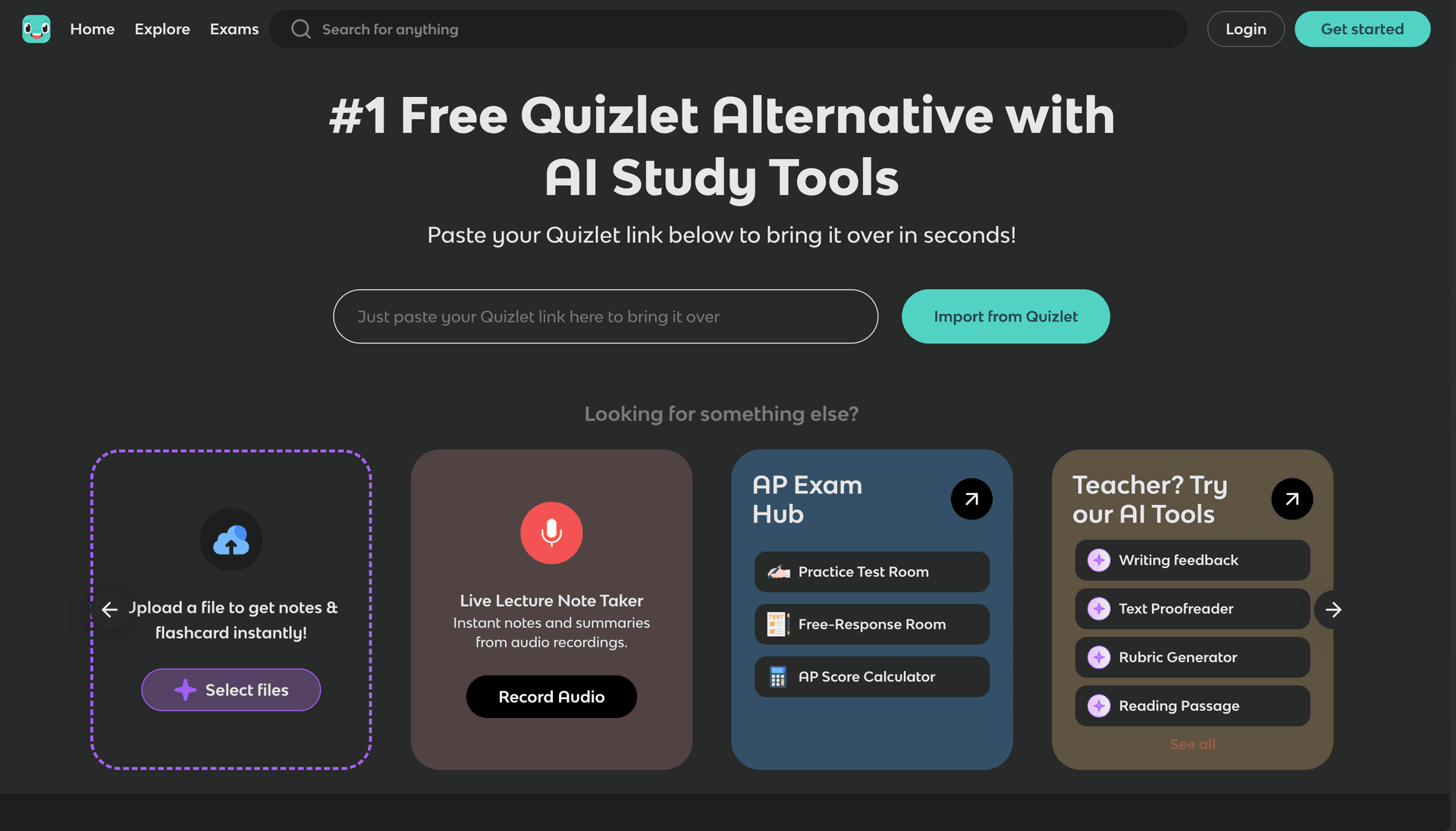
Knowt offers unlimited free flashcard generation from lecture notes with good OCR capabilities, positioning itself as the "free Quizlet alternative" for students who primarily need basic flashcard creation.
Key Features
- Free Unlimited Creation: No limits on flashcard generation
- OCR Support: Convert handwritten lecture notes
- Quizlet Migration: Import existing flashcard collections
- Simple Interface: Easy note-to-flashcard conversion
- Community Features: Share and access user content
Pros&Cons
Pros
- Completely free for unlimited flashcard creation
- Good OCR for handwritten lecture notes
- Easy Quizlet import for existing users
- Simple, intuitive interface
Cons
- No advanced spaced repetition algorithms
- Basic flashcard quality and customization
- Limited analytics and learning features
- No mobile apps (web-only interface)
Best For
- Students who need free unlimited flashcards
- Users migrating from Quizlet
- Those with basic flashcard needs
- Learners who want simple note conversion
Pricing
- Free unlimited basic features
- Pro: $4.99/month for advanced features
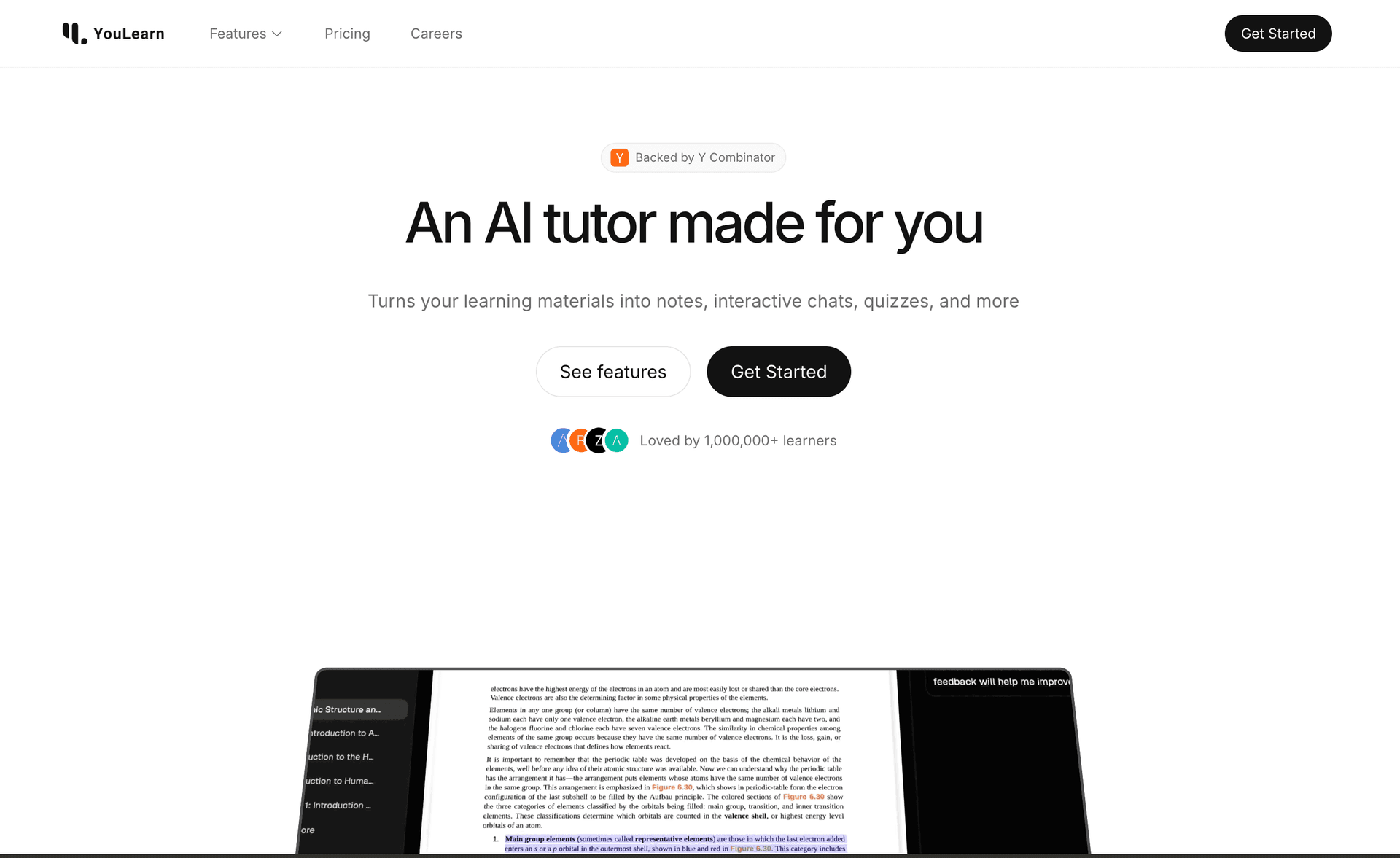
YouLearn combines flashcard generation with voice-based AI, offering a unique approach to studying lecture notes. While it has basic OCR, its strength lies in conversational learning from created flashcards.
Key Features
- Voice Integration: Speak answers to flashcards
- Multi-format Support: Various note types and sources
- AI Tutor: Conversational explanations
- Fragments OS: Innovative study interface
- Basic OCR: Simple handwritten note conversion
Pros&Cons
Pros
- Unique voice-based flashcard interaction
- Multi-format input support
- YC-backed development quality
- Conversational AI tutoring
Cons
- Limited OCR capabilities for handwritten notes
- No advanced spaced repetition
- Basic flashcard generation
- Web-only platform
Best For
- Students who prefer voice-based learning
- Users who want conversational AI help
- Those who study from multiple content types
- Learners seeking interactive study methods
Pricing
- Basic features available
- Pro: $8.99/month for full access
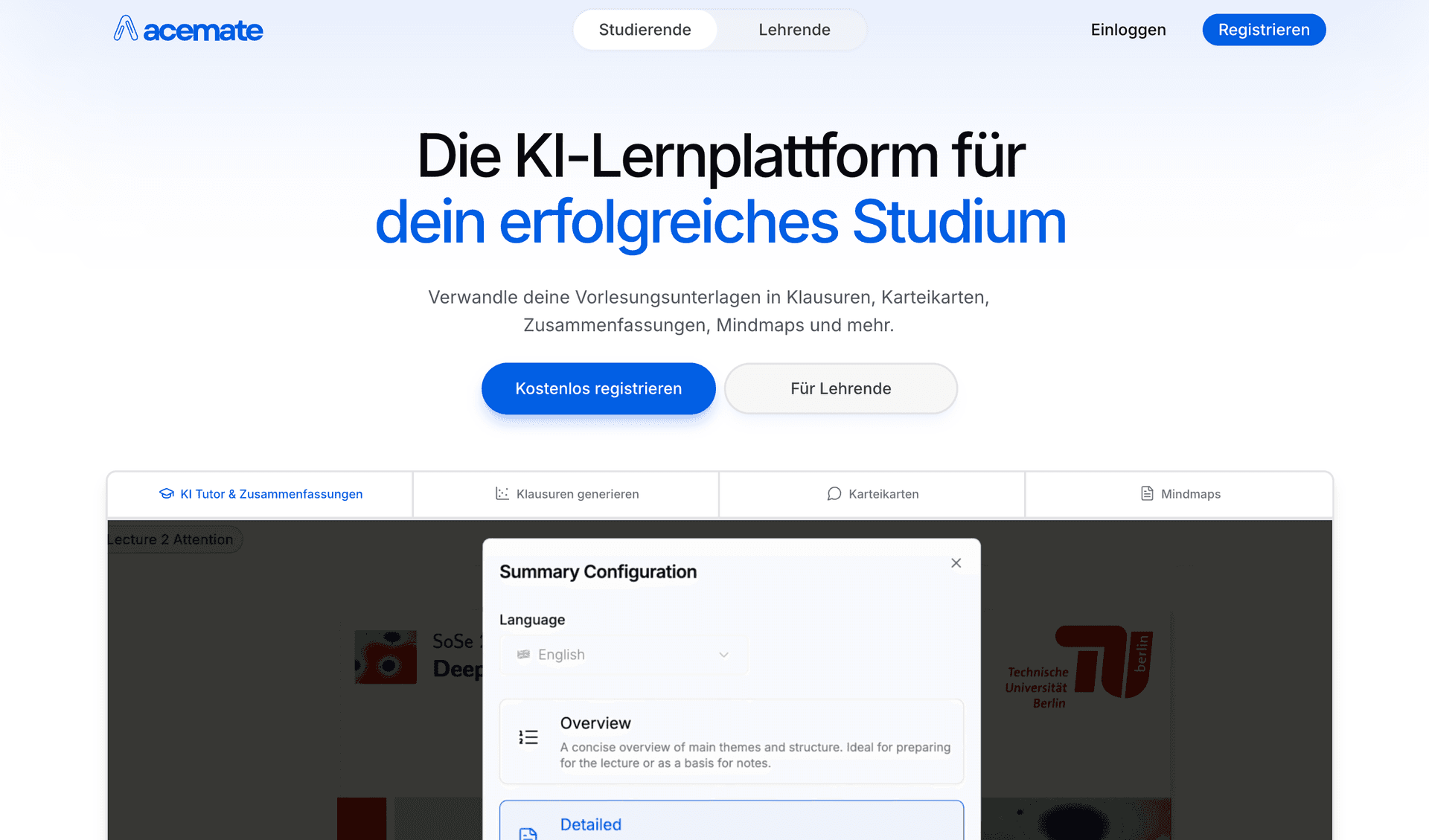
Acemate provides sophisticated flashcard generation for academic lecture notes with advanced OCR and knowledge graphs. It excels at creating flashcards from complex scholarly content.
Key Features
- Advanced OCR: High-accuracy for academic handwriting
- Knowledge Graphs: Visual concept relationships
- Academic Focus: Optimized for scholarly content
- Citation Support: Source-linked flashcards
- University Partnerships: Trusted academic credibility
Pros&Cons
Pros
- Excellent OCR for academic handwritten notes
- Advanced knowledge visualization
- Strong academic content processing
- Citation-based accuracy
Cons
- Complex interface for casual users
- Limited free access
- Steeper learning curve
- Higher cost than basic alternatives
Best For
- University students and researchers
- Users with complex academic lecture notes
- Those who need citation-based flashcards
- Learners requiring advanced knowledge visualization
Pricing
- Limited free features
- Pro: €9.99/month
- Custom enterprise pricing
Step-by-Step Process:
- Upload Your Notes: Support for digital text, PDFs, images, and handwritten scans
- AI Analysis: Machine learning identifies key concepts and relationships
- Smart Question Generation: Creates questions that test understanding, not just memorization
- Algorithm Optimization: Applies spaced repetition for optimal review timing
- Adaptive Learning: Adjusts difficulty based on your performance
Best Automatic Flashcard Tools:
- StudyPDF: Cited flashcards from your own course with per-concept mastery tracking
- Knowt: Free unlimited automatic flashcard creation
- StudyFetch: Mobile-optimized automatic generation
OCR Technology Comparison:
- StudyPDF: Vision OCR that reads scanned, handwritten, and photographed pages of any quality
- Acemate: Specialized OCR for academic handwriting and symbols
- Knowt: Good OCR with handwriting recognition
- StudyFetch: Mobile OCR optimized for phone camera input
Handwritten Note Features to Look For:
- Multiple Languages: Support for different writing systems
- Symbol Recognition: Mathematical symbols, scientific notation
- Layout Preservation: Maintains note structure and formatting
- Error Correction: AI suggestions for unclear handwriting
- Batch Processing: Convert multiple note pages simultaneously
Top Tools for Handwritten Notes:
- StudyPDF: Vision OCR that handles low-quality scans and photos, then cites the source on each card
- Acemate: Strong for academic and technical handwriting
- StudyFetch: Good mobile OCR for quick conversion on your phone
| Feature | StudyPDF | StudyFetch | Knowt | YouLearn | Acemate | Mindgrasp |
|---|
| Digital notes | ✅ From your material | ✅ Good | ✅ Excellent | ✅ Multi-format | ✅ Academic | ✅ Broad |
| Handwritten OCR | ✅ High accuracy | ✅ Basic | ✅ Good | ➖ Limited | ✅ Advanced | ✅ Standard |
| Cited / grounded cards | ✅ Page, second, source | ❌ None | ❌ None | ❌ None | ➖ Source-linked | ❌ None |
| Concept-tagged cards | ✅ Mastery tracking | ❌ No | ❌ No | ❌ No | ➖ Basic | ❌ No |
| Anki export | ✅ Math intact | ❌ No | ✅ Yes | ❌ No | ➖ Partial | ❌ No |
| Mobile apps | 🚧 Coming soon | ✅ iOS/Android | ✅ iOS/Android | ✅ iOS/Android | ❌ Web | ✅ iOS/Android |
| Free usage | ✅ Free to start | ✅ Limited | ✅ Generous free | ✅ Basic | ➖ Limited | ✅ Limited |
How each tool builds and reviews cards:
- StudyPDF: Cited flashcards grounded in your own material, with per-concept mastery tracking that points you to weak spots
- Knowt: Simple review scheduling, basic optimization
- StudyFetch: Static intervals with the Spark.E tutor
- Acemate: Academic focus with source-linked cards
- Others: Basic review, little or no progress tracking
What this means for retention:
- StudyPDF: Cards stay accurate because they trace back to your notes, and mastery tracking keeps you on the topics you have not learned yet
- Knowt: Solid for high-volume, low-friction card creation
- StudyFetch: Best when you study on your phone and want a tutor nearby
- Acemate: Strongest on dense academic and technical material
StudyPDF is the best pick if you want flashcards built from your own lecture notes in 2026. It reads scanned and handwritten pages with vision OCR, cites the exact page or source on every card, and tracks your mastery concept by concept. That mix of grounding and progress tracking is what sets it apart from tools that generate cards from a generic model.
The other tools still have real strengths. StudyFetch and Mindgrasp are strong if you study mainly on your phone. Knowt is hard to beat for free, high-volume card creation. Acemate is a good fit for dense academic material. Pick the one that matches how you study.
If your goal is to turn your own typed or handwritten notes into cards you can trust and review against your weak spots, StudyPDF is the one to start with. It is free to start, no card needed.