Last updated: June 2026.
The best AI-powered tool for making practice quizzes from your own course material in 2026 is StudyPDF, because it builds every question straight from the files you upload and cites the exact page or source, so you can trust the answer and find where it came from. If you instead want huge public question banks or quizzes built from general web knowledge, tools like Quizlet or Knowt fit that need better. This guide compares the main options so you can pick the one that matches how you study.
Practice quizzes help you lock in what you learn and check where you stand, but writing them by hand takes a long time. AI quiz tools speed this up by reading your material and writing questions that test whether you actually understand it.
Whether you need multiple-choice quizzes from your notes or custom quizzes for a specific subject, these tools make quiz creation fast and useful. We compared the leading platforms to find the best AI-powered tool for making practice quizzes.
Good AI quiz tools do more than spit out questions. They read your material, find the key ideas, and write questions that make you think. StudyPDF is a course-scoped AI study agent. You upload your own material, and Bo, the agent inside it, answers only from that material and cites the exact page, video second, or website it came from.
Key things that make quiz creation work:
- Reads your material so questions come from what you study
- Question variety including multiple choice and short answer
- Difficulty control that you can set per quiz
- Clear answers with explanations and believable wrong options
- Customization for the scope and count you want
- Mastery tracking so weak concepts surface over time
| Platform | Question Types | AI Intelligence | Customization | Analytics | Price |
|---|
| StudyPDF | ✅ Cited quiz + 6 more kinds | ✅ Advanced | ✅ Per-concept mastery | ✅ Comprehensive | Free, paid Pro/Ultra |
| StudyFetch | ✅ 3 types | ✅ Good | ✅ Basic | ✅ Standard | $9.99/mo |
| Knowt | ✅ 2 types | ✅ Basic | ✅ Limited | ✅ Basic | Free |
| YouLearn | ✅ 2 types | ✅ Standard | ✅ Voice-adapted | ❌ Limited | $8.99/mo |
| Acemate | ✅ 4 types | ✅ Academic | ✅ Advanced | ✅ Educator Tools | €9.99/mo |
| Mindgrasp | ✅ 2 types | ✅ Standard | ✅ Basic | ✅ Basic | $9.99/mo |
| Quizlet | ✅ 3 types | ❌ Basic | ✅ Good | ❌ Limited | Free |
| Studyable | ✅ 1 type | ❌ Basic | ❌ Limited | ❌ None | Free |
| Jungle | ✅ 2 types | ✅ Good | ✅ Standard | ✅ Basic | Free tier |
| Algor Education | ✅ 2 types | ✅ Concept-based | ✅ Visual | ❌ Limited | Free tier |
AI quiz tools turn your content into questions you can study with. Most of them work in roughly these steps:
- Read the content to find the key concepts and topics
- Write varied questions that test recall and understanding
- Build believable wrong options for multiple-choice questions
- Add explanations for the right and wrong answers
- Work across subjects, from biology to law to math
- Check question quality before you see the quiz
StudyPDF is built around Bo, a course-scoped study agent. You upload your own material (PDFs including scanned and handwritten, photos, YouTube videos, websites) and Bo builds quizzes that answer only from that material, with every question citing the exact page or source. Built for your course, not for the internet.
Key Features
- Quiz From Your Own Course: Every question is grounded in your uploaded material and cites the exact page or source
- Seven Artifact Kinds: Quiz, flashcards, practice exam, study guide, cheat sheet, summary, and mind map, all cited and concept-tagged
- Per-Concept Mastery: Every quiz feeds mastery tracking so you see which concepts you have down and which need more work
- AI Question Generation: Grounded content analysis for high-quality questions with math support
- Works In Your Language: Quizzes are generated in the language of your material
- Detailed Analytics: Track concept mastery and weak areas
- Export Anywhere: Send quizzes to PDF, Word, or Anki
Pros&Cons
Pros
- Quizzes grounded in your own course material with citations
- Per-concept mastery tracking across every quiz you take
- Six other artifact kinds from the same upload (flashcards, exam, study guide, cheat sheet, summary, mind map)
- Export to PDF, Word, and Anki
- Free forever tier, no card required
Cons
- Mobile app still in development
- Answers stay inside your uploaded material, not the open web
Best For
- Students who want quizzes drawn straight from their own course
- Learners who want to track mastery concept by concept
- Those who need cited, source-linked questions
- Users who want quiz, flashcards, and study guide from one upload
Pricing
- Free forever, no card required, with a generous weekly credit budget
- Paid Pro and Ultra plans for higher usage
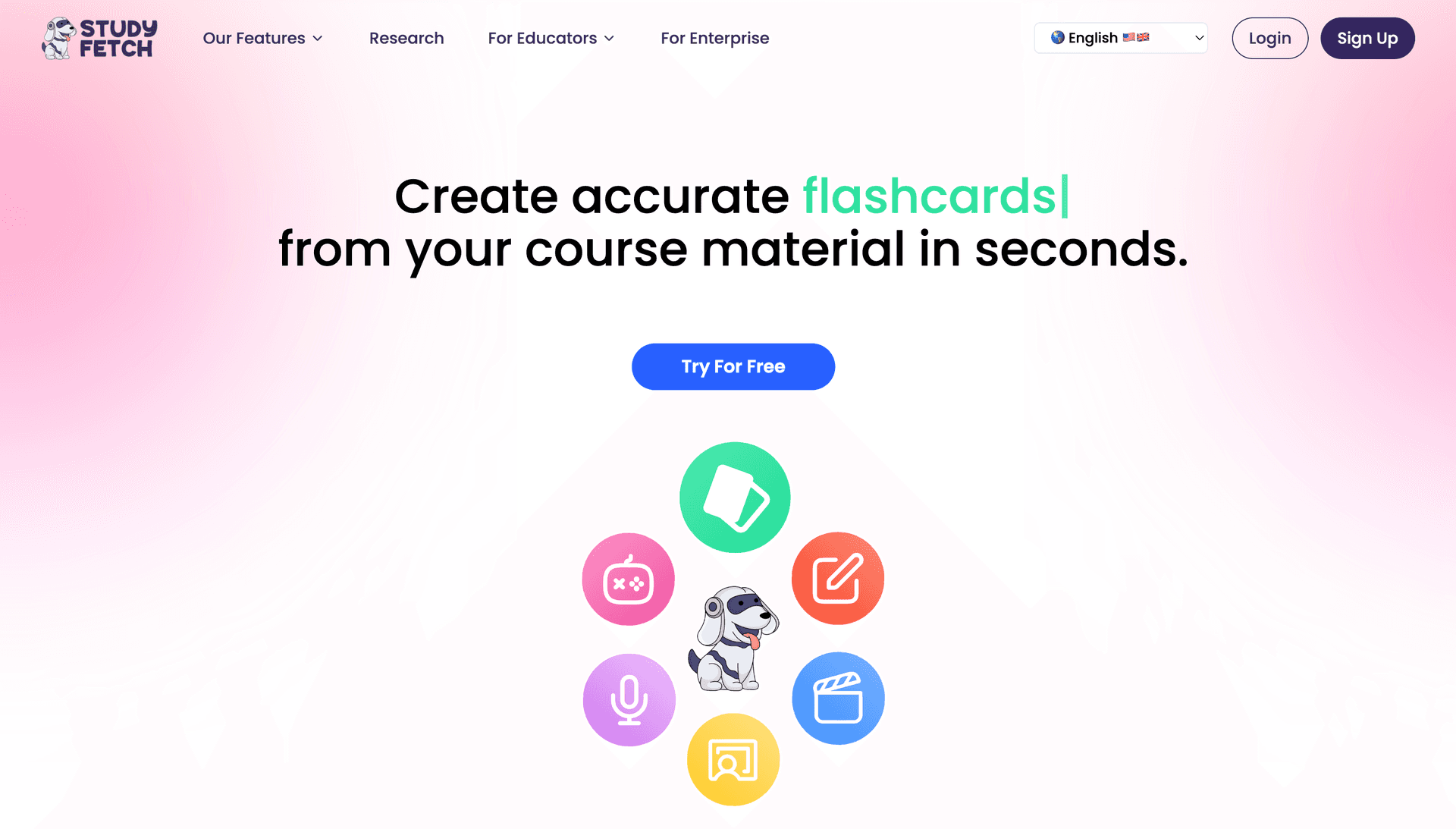
StudyFetch provides excellent mobile quiz creation with integrated AI tutoring, making it ideal for creating quizzes on-the-go and sharing them with students.
Key Features
- Mobile Quiz Creation: Build quizzes on your phone
- Spark.E Integration: AI tutor explains quiz concepts
- Multiple Question Types: MCQ, true/false, short answer
- Easy Sharing: Share quizzes with students instantly
- Offline Access: Create and take quizzes without internet
Pros&Cons
Pros
- Excellent mobile quiz creation experience
- Integrated AI tutor for concept clarification
- Easy quiz sharing and collaboration
- Strong offline capabilities
Cons
- Fewer question types than StudyPDF
- Basic customization compared to advanced platforms
- Limited analytics features
Best For
- Mobile users who create quizzes on phones/tablets
- Educators who need easy quiz sharing
- Users who want integrated AI tutoring
- Those who work offline frequently
Pricing
- Limited free features
- Pro: $9.99/month
- Custom enterprise pricing
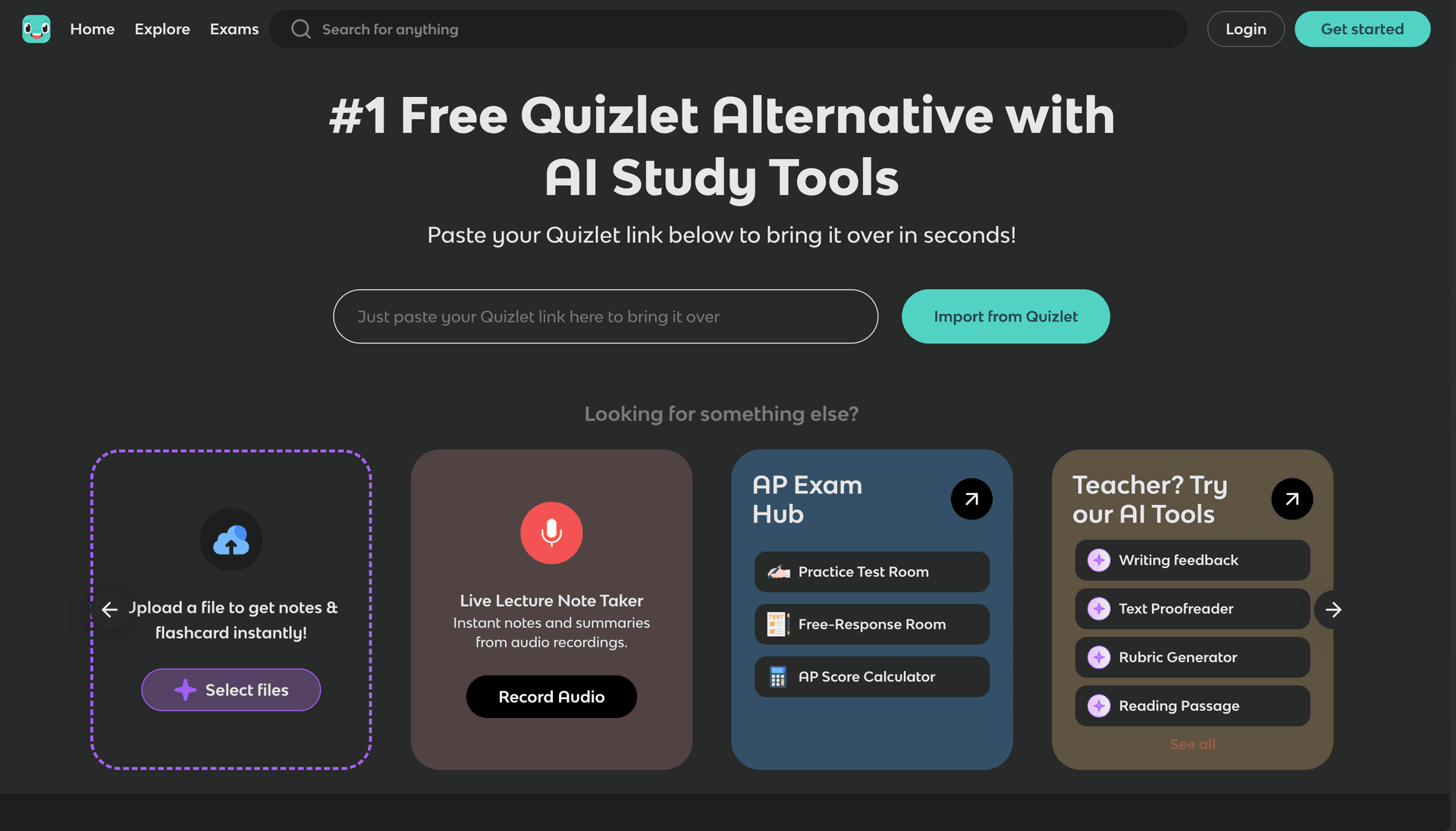
Knowt offers unlimited free quiz creation with a focus on accessibility, positioning itself as the "free Quizlet alternative" for basic quiz needs.
Key Features
- Free Unlimited Creation: No limits on quiz generation
- Multiple Choice Focus: Strong MCQ creation capabilities
- Simple Interface: Easy quiz building from study materials
- Quizlet Integration: Import existing question sets
- Community Sharing: Access shared quiz collections
Pros&Cons
Pros
- Completely free for unlimited quiz creation
- Simple, user-friendly interface
- Good multiple choice question generation
- Easy Quizlet migration
Cons
- Limited to basic question types
- Fewer customization options
- Basic analytics compared to premium tools
- No advanced AI features
Best For
- Users who need free unlimited quiz creation
- Students migrating from Quizlet
- Those who want simple quiz building
- Educators with basic assessment needs
Pricing
- Free unlimited basic features
- Pro: $4.99/month for advanced features
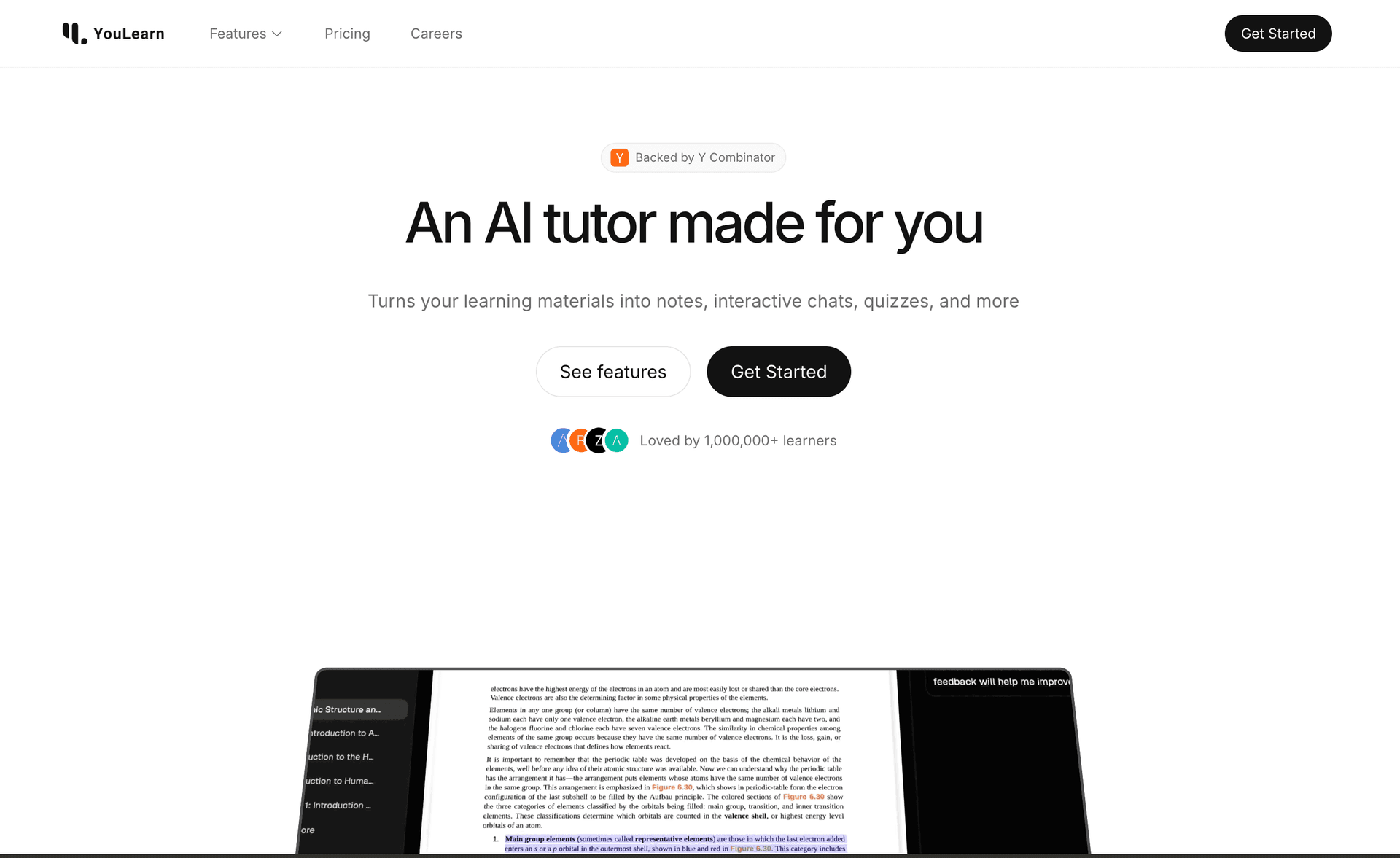
YouLearn combines quiz creation with voice technology, offering quizzes that can be taken conversationally and providing interactive feedback.
Key Features
- Voice Quiz Interaction: Speak answers to questions
- Conversational Feedback: AI explains answers verbally
- Multi-format Support: Create quizzes from various content types
- AI Tutor Integration: Interactive quiz assistance
- Fragments OS: Innovative quiz interface
Pros&Cons
Pros
- Unique voice-based quiz interaction
- Interactive AI feedback during quizzes
- Multi-format content support
- YC-backed quality and innovation
Cons
- Limited question type variety
- Basic customization options
- No advanced analytics
- Web-only platform
Best For
- Users who prefer voice-based learning
- Those who want interactive quiz experiences
- Educators seeking engaging assessment methods
- Students who enjoy conversational AI
Pricing
- Basic features available
- Pro: $8.99/month for full access
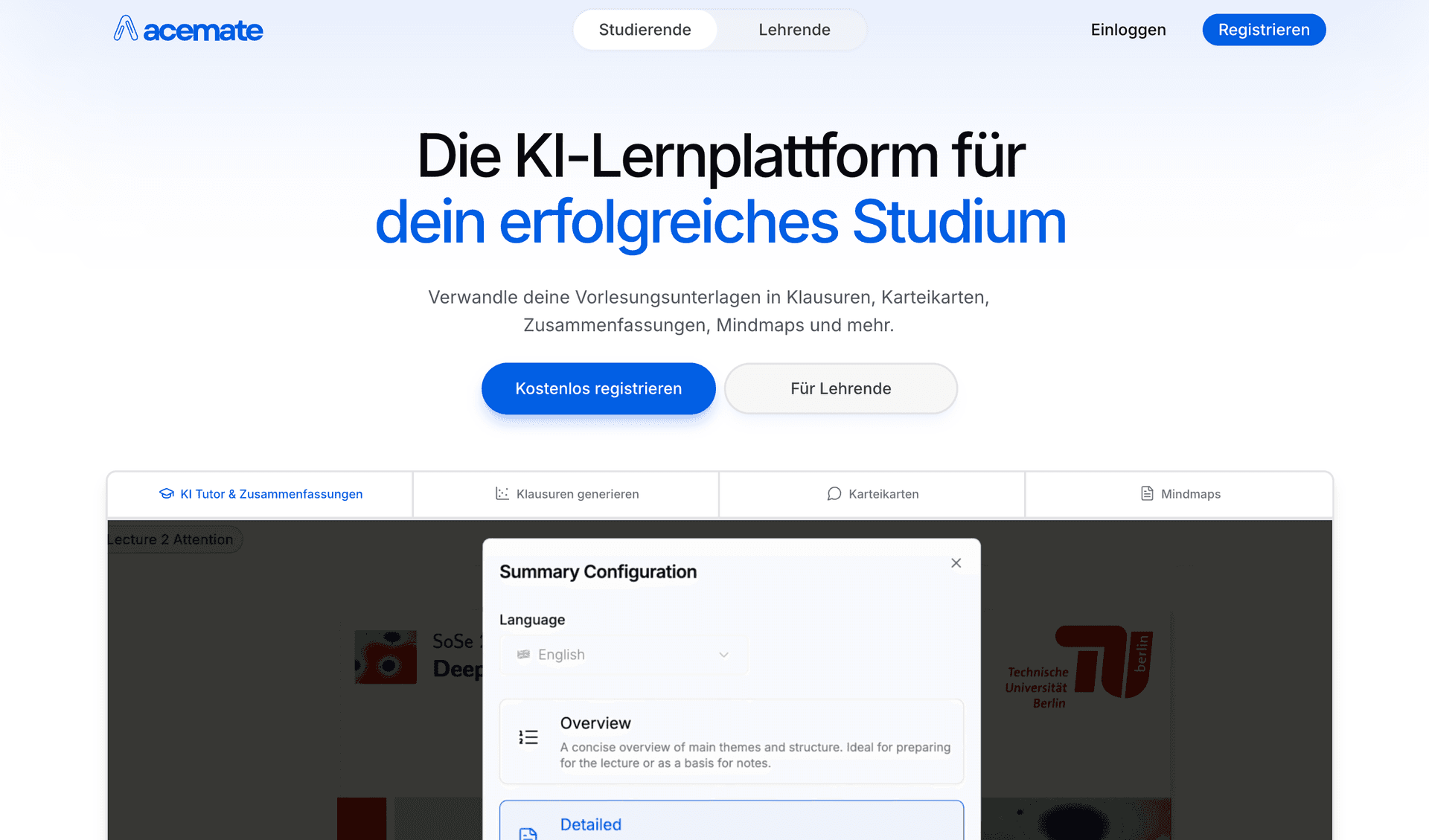
Acemate provides sophisticated quiz creation for academic content with university partnerships and advanced question types suitable for higher education.
Key Features
- Academic Question Types: Citation-based and analytical questions
- University Focus: Optimized for higher education assessment
- Advanced Analytics: Educator dashboard and detailed reporting
- Knowledge Integration: Links quiz questions to broader concepts
- Citation Support: Source-linked quiz content
Pros&Cons
Pros
- Excellent for academic and scholarly content
- Advanced question types for higher education
- Strong educator analytics and reporting
- University credibility and partnerships
Cons
- Complex interface for casual users
- Limited free access
- Higher cost than basic alternatives
- Steeper learning curve
Best For
- University educators and professors
- Students in higher education programs
- Those who need advanced question types
- Users requiring detailed assessment analytics
Pricing
- Limited free features
- Pro: €9.99/month
- Custom enterprise pricing
MCQ Generation Process:
- Content Analysis: AI identifies key facts and concepts from your notes
- Question Formulation: Creates clear, unambiguous questions
- Answer Generation: Produces one correct answer and plausible distractors
- Difficulty Calibration: Adjusts question complexity based on content level
- Explanation Creation: Generates detailed feedback for each option
Best Tools for MCQ Creation:
- StudyPDF: Most sophisticated MCQ generation with adaptive features
- Knowt: Free unlimited multiple choice quiz creation
- StudyFetch: Mobile-optimized MCQ generation
Custom Quiz Features:
- Subject Adaptability: Works across all academic disciplines
- Difficulty Scaling: Easy to advanced question levels
- Topic Customization: Focus on specific subject areas
- Question Variety: Mix different types in one quiz
- Learning Objective Alignment: Match questions to educational goals
Top Platforms for Custom Quizzes:
- StudyPDF: Most comprehensive customization options
- Acemate: Best for academic subject customization
- YouLearn: Voice-adapted custom quiz creation
| Feature | StudyPDF | StudyFetch | Knowt | YouLearn | Acemate | Mindgrasp |
|---|
| Question Types | ✅ 5+ | ✅ 3 | ✅ 2 | ✅ 2 | ✅ 4 | ✅ 2 |
| AI Intelligence | ✅ Advanced | ✅ Good | ✅ Basic | ✅ Standard | ✅ Academic | ✅ Standard |
| Customization | ✅ Full Control | ✅ Basic | ✅ Limited | ✅ Voice-adapted | ✅ Advanced | ✅ Basic |
| Analytics | ✅ Comprehensive | ✅ Standard | ✅ Basic | ❌ Limited | ✅ Educator Tools | ✅ Basic |
| Mobile Apps | 🚧 Coming | ✅ iOS/Android | ❌ Web | ❌ Web | ❌ Web | ✅ iOS |
| Free Usage | ✅ Free forever | ✅ Limited | ✅ Unlimited | ✅ Basic | ❌ Limited | ✅ Limited |
The biggest difference between these tools is where the questions come from and whether you can check them.
- StudyPDF: Questions are grounded in your own uploaded material, and each one cites the exact page or source. You can open the citation and confirm the answer yourself. Wrong questions are easy to spot because the source is right there.
- Acemate: Strong on academic and scholarly content, with question types built for higher education.
- Knowt: Simple multiple-choice questions, good for quick free practice.
- StudyFetch: Solid on mobile, with an AI tutor that explains concepts after a quiz.
- YouLearn: Voice-based quizzes with spoken feedback during the session.
If trust matters to you, cited questions are the feature to look for. A quiz that points to the exact page in your notes is one you can verify in seconds, instead of guessing whether the AI made it up.
StudyPDF is the best AI-powered tool for making practice quizzes from your own course material in 2026. Every question is grounded in the files you upload and cites the exact page or source, so you study from what your class actually covers and can verify each answer. The same upload also gives you flashcards, a practice exam, a study guide, a cheat sheet, a summary, and a mind map, and you can export to PDF, Word, or Anki.
It is not the right pick for everyone. If you want big public question banks or quizzes built from general web knowledge, Quizlet or Knowt fit that need better. StudyPDF answers from your material, not the open web, by design.
If you want quizzes drawn straight from your own notes, slides, or readings, with citations you can check, StudyPDF is the one to start with. It is free to start, with no card required.
