Last updated: June 2026.
The best AI study buddy in 2026 is StudyPDF, because its study buddy Bo answers only from the material you upload and cites the exact page, second, or source for every answer. Most tools called a "study buddy" are general chatbots that answer from the open internet. Bo is course-scoped. You upload your lectures, slides, notes, videos, and links, and Bo studies that, not the web. Built for your course, not for the internet.
"Study buddy" means different things depending on who is selling it. Some tools mean a homework solver that hands you one answer. Some mean a chatbot bolted onto a flashcard app. A few mean a real study partner that knows your course and works with you all semester. Those are not the same thing, and picking the wrong kind wastes your time.
We tested the main AI study buddy tools over several weeks. We uploaded real course PDFs, asked the same follow-up questions, generated flashcards and quizzes, and checked whether each tool could point us back to where its answer came from. This guide ranks them honestly, StudyPDF first because it is the strongest course-grounded study buddy, with a fair word on where the others are better.
Here is how the main tools compare on the things that decide whether a study buddy is trustworthy: does it answer from your own material, and can you check where each answer came from.
| Tool | What it does | Answers from YOUR material | Citations | Free tier |
|---|
| StudyPDF (Bo) | Course-scoped study agent that builds flashcards, quizzes, exams, guides, and more from your uploads | ✅ Yes, only your uploads | ✅ Exact page, second, or source | ✅ Generous, free to start |
| Mindgrasp | Document and lecture study assistant with notes and quiz generation | ✅ From uploaded files | ⚠️ Links to the file, not always the exact spot | ✅ Limited |
| NotebookLM | Google research notebook that answers from sources you add | ✅ From added sources | ✅ Inline source citations | ✅ Free |
| Quizlet (Q-Chat) | Flashcard app with an AI chat layer | ⚠️ Mostly its own card sets | ❌ No source citations | ✅ Free basic |
| Knowt | Free flashcard and notes tool with basic AI | ⚠️ Some upload support | ❌ No source citations | ✅ Free |
| StudyFetch | Mobile-first study app with a Spark.E tutor | ✅ From uploaded files | ⚠️ Limited | ✅ Limited |
| Generic homework solvers | Snap a question, get an answer | ❌ Answers from the web | ❌ None | ✅ Varies |
Every tool was put through the same checks:
- Course grounding: We uploaded the same PDFs and lecture notes and asked whether the tool answered from those files or from general training data.
- Citations: We checked whether each answer pointed back to a real spot, the page of a PDF, the second of a video, or the source page of a website.
- Input range: We tried scanned PDFs, photos of notes, YouTube videos, and websites to see what each tool could actually read.
- Studying, not just answering: A study buddy should help you learn, not hand you answers. We tested follow-ups, hints, and whether the tool builds practice material.
- Progress tracking: We looked for any sense of what you know and what you still need to study.
- Free tier and price: We compared what you get before paying.
StudyPDF is the most complete AI study buddy in 2026. At its center is Bo, a course-scoped study agent. You upload your own course material, and Bo answers only from that material. Every answer cites the exact page of a PDF, the exact second of a video, or the source page of a website. Built for your course, not for the internet. That one rule is what makes Bo a real study buddy instead of a chatbot. Ask "why is this wrong?" after a quiz question and Bo answers from your lecture, shows you the page, and lets you open it and check.
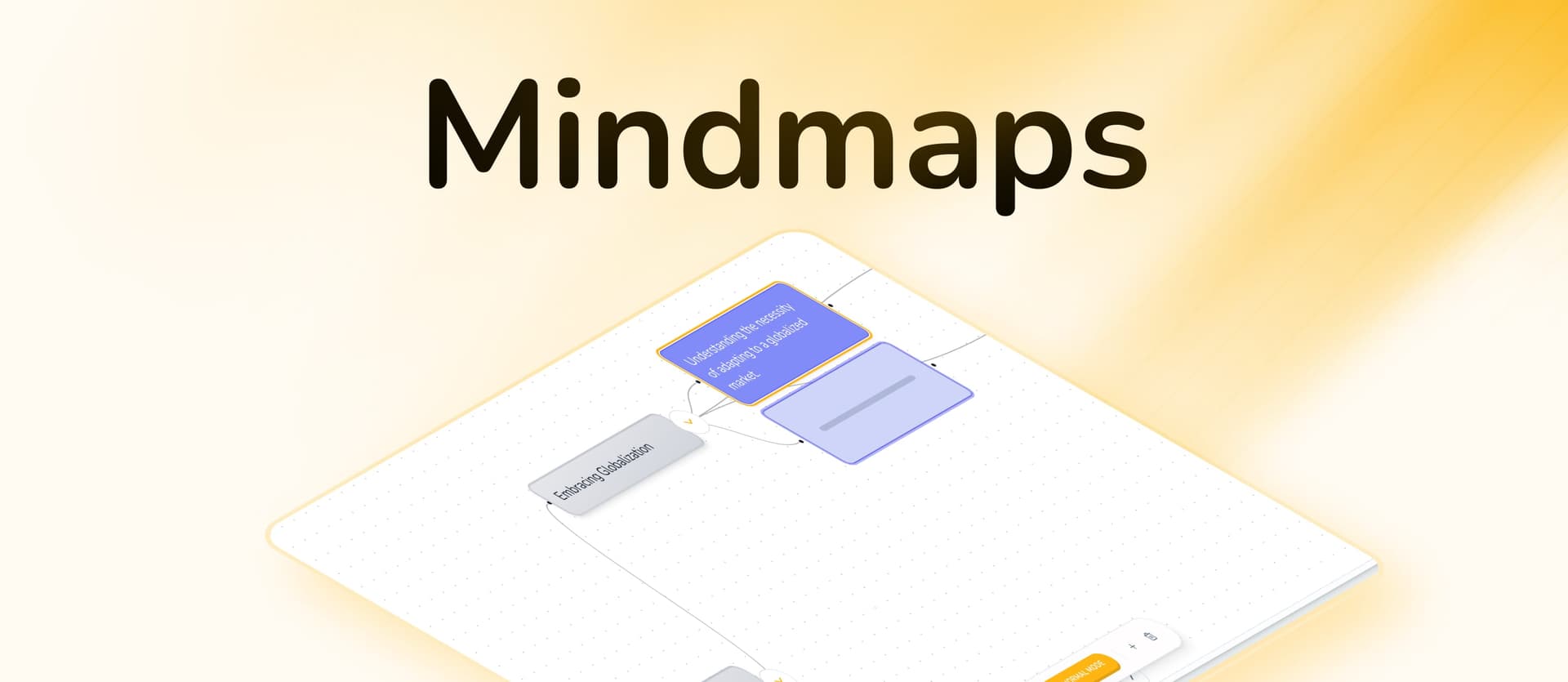
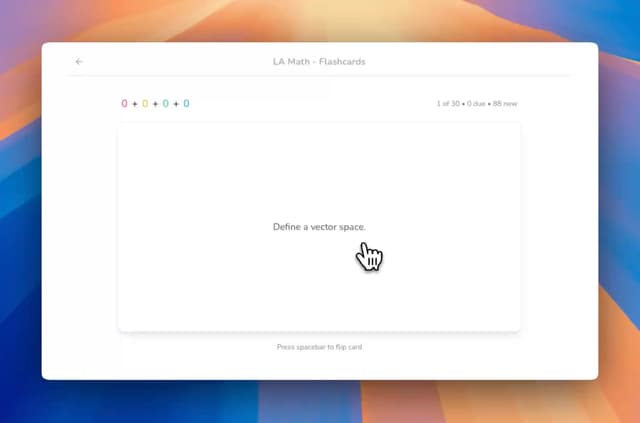
Bo also builds things. Ask for flashcards, a quiz, or a practice exam on lecture 3, and Bo researches your material and writes them while you watch the count climb. StudyPDF makes seven kinds of study material: flashcards, a quiz, a practice exam, a study guide, a cheat sheet, a summary, and a mind map. Every card and question is tied to its source and tagged with the concept it tests, and everything comes out in your language. The part most tools miss is memory of you. Every time you rate a flashcard or answer a question, StudyPDF updates per-concept mastery, so you can ask Bo "what should I focus on?" and get a quiz built from your weakest concepts.
Key Features
- Bo, your course study buddy: Answers only from your uploaded material, with a citation on every answer
- Cited everything: Every flashcard, quiz question, and exam question links to the page, second, or source it came from
- Seven study artifacts: Flashcards, quiz, practice exam, study guide, cheat sheet, summary, and mind map
- Reads almost anything: PDFs of any quality (scanned, handwritten, photographed), photos, YouTube videos with timestamps, and websites
- Per-concept mastery: Every interaction tracks what you know, so Bo can drill you on your weak spots
- Export anywhere: PDF and Word for every kind, Anki for flashcards with math intact
Pros
- Answers come from your own course, not the open internet, so you can trust and verify them
- Every answer and question cites the exact page, second, or source
- Knows your weak concepts and can build a quiz from them
- Reads scanned and handwritten PDFs that other tools reject
- Generous free tier, free to start with no card
Cons
- Mobile app is coming soon, not out yet
- Best used all semester, not as a one-night cram tool
- The deeper features take a session or two to get used to
Pricing
- Free: Free to start, generous weekly usage, no card needed
- Pro and Ultra: Paid plans with larger weekly usage budgets
Best For: Students who want a study buddy that knows their actual course and works with them all semester. Especially strong for PDF-heavy and STEM courses, where the source citation matters.
Try StudyPDF's AI Flashcard Maker, Quiz Maker, AI Summarizer, or Mind Map Maker.
NotebookLM is Google's research notebook, and it is the closest thing to StudyPDF on the feature that matters most: it answers only from sources you add, with inline citations back to them. Drop your readings into a notebook, ask questions, and the answers stay grounded and clickable. It is free and genuinely good at this.
Where it falls short as a study buddy is that it is built for research and reading, not studying. There is no real flashcard deck, no practice exam, and no sense of which concepts you have mastered. It explains and summarizes your sources well, but it will not turn them into a study routine or track your progress. It is a reading companion more than a study partner.
Key Features
- Answers grounded only in the sources you add, with inline citations
- Audio overviews that turn your notes into a short spoken summary
- Handles PDFs, Google Docs, websites, and pasted text
- Free with a Google account
Pros
- Strong source grounding with clickable citations
- Free
- Clean, simple interface
- Good at explaining and summarizing your own readings
Cons
- No flashcards, quizzes, or practice exams
- No progress or mastery tracking
- Built for reading, not active studying
- Limited as an all-semester study system
Pricing
- Free with a Google account
- Higher limits on a paid Google AI plan
Best For: Students who want to ask grounded questions about their own readings and get cited answers. Not a full study tool if you need practice material and progress tracking.
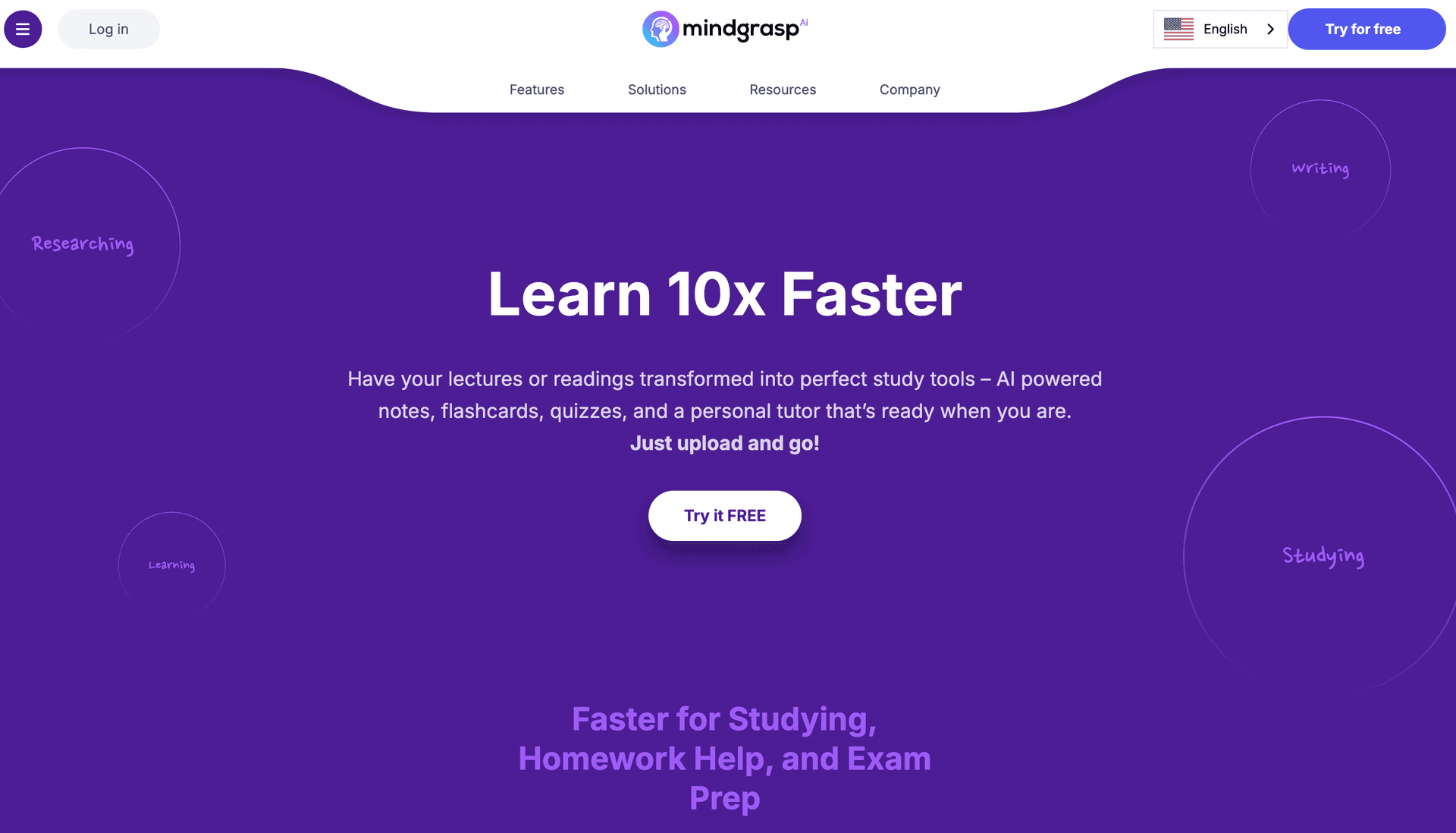
Mindgrasp is a study assistant built around documents and lectures. Upload a PDF, video, or recording and it generates notes, summaries, and quiz questions, then lets you chat about the content. It supports many languages and has a browser extension for grabbing content from a learning platform. For a student who mostly wants auto-notes from their files, it does the job.
As a study buddy it is competent but generic. Its chat answers from your uploaded files, which is the right idea, but it tends to link back to the whole file rather than the exact page or second, so verifying an answer takes more work. The flashcards and quizzes are basic, and there is no per-concept mastery view to tell you what to study next.
Key Features
- Notes and summaries auto-generated from documents and lectures
- Chat that answers from your uploaded content
- Quiz and flashcard generation
- Broad language support and a browser extension
Pros
- Solid auto-notes from documents and lectures
- Answers come from your uploaded files
- Wide language support
- Browser extension is convenient
Cons
- Citations point to the file, not always the exact spot
- Flashcards and quizzes are basic
- No per-concept mastery tracking
- Paid plan is pricey for what you get
Pricing
- Free: Limited
- Paid plans for higher limits and more features
Best For: Students who mainly want clean notes and summaries pulled out of their documents and lectures, with a chat on top.
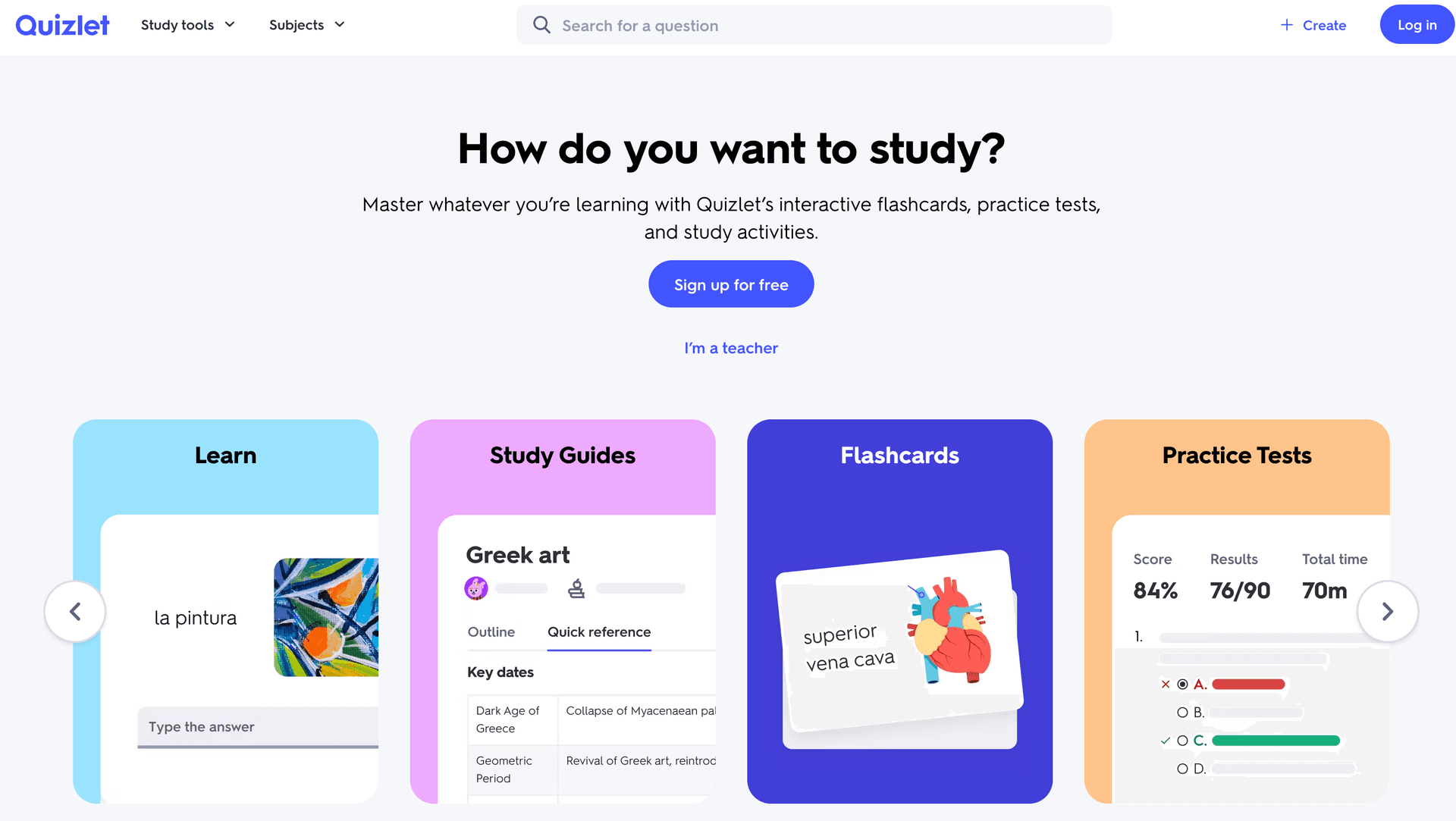
Quizlet has been the default flashcard app for years, and Q-Chat is its take on an AI study buddy. If you study a popular course, someone has probably already made a Quizlet set for it, and the study modes around those sets are polished. Q-Chat can quiz you and explain terms in a conversational way, a real step up from plain card review.
The catch is what Q-Chat is grounded in. It works from Quizlet card sets, not your own lectures, and its answers do not cite a source you can open and verify. You cannot upload a scanned PDF and have it study your actual material. As a flashcard tool with a chat layer it is good. As a study buddy that knows your course, it is not really trying to be that.
Key Features
- Huge library of community-made flashcard sets
- Q-Chat AI for conversational quizzing and explanations
- Study modes: Learn, Test, Match
- Strong iOS and Android apps
Pros
- Largest flashcard community anywhere
- Genuinely useful free tier
- Familiar, easy interface and excellent mobile apps
- Q-Chat adds conversational practice
Cons
- Answers come from card sets, not your own course material
- No source citations you can verify
- Cannot upload a PDF and study your real material
- No per-concept mastery tracking
Pricing
- Free: Unlimited flashcard access
- Quizlet Plus: paid monthly, cheaper billed yearly
Best For: Students who want flashcards for vocabulary or fact-heavy courses and like learning from community sets. Not the right pick if you need a buddy grounded in your own lectures.
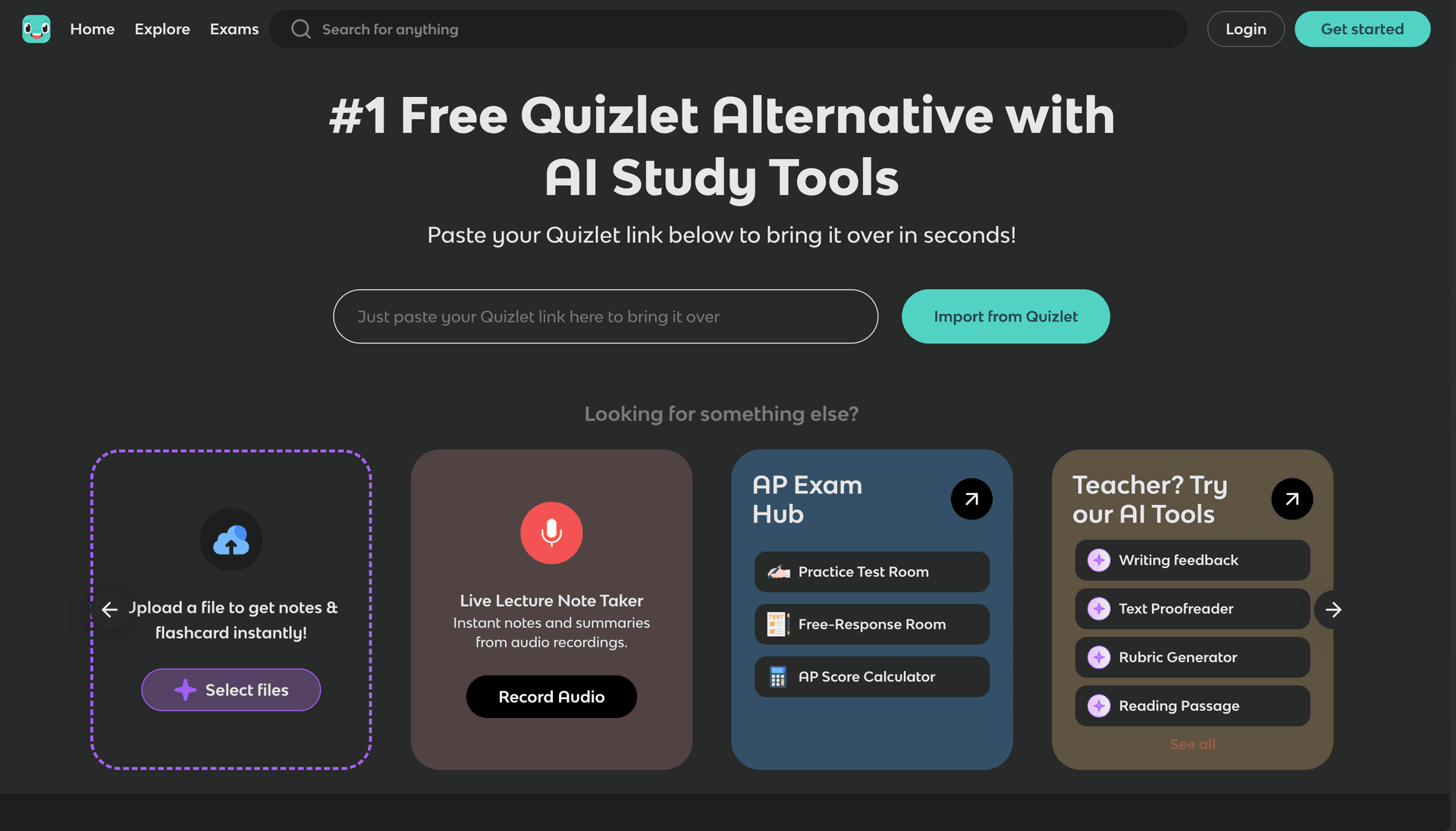
Knowt is the best free option here. It gives you unlimited flashcards, note-taking, Quizlet import, and a basic AI layer that makes cards and answers questions from your notes, all without a paywall. For a student who needs a free study buddy and mostly works with flashcards and notes, Knowt covers the basics well.
The AI is where it shows its limits. It can generate cards and chat, but it does not cite a source you can check, the file support is shallower than a dedicated study platform, and there is no mastery tracking to guide what you study next. It is a strong free flashcard and notes tool with some AI on top, rather than a deep study partner.
Key Features
- Unlimited free flashcards and notes
- Quizlet import
- Basic AI card generation from notes
- Study modes: Learn, Test, Match
Pros
- Free for the core features
- Easy to move over from Quizlet
- Clean, simple interface and good basic study modes
- No paywall on the essentials
Cons
- No source citations
- Shallow file and document support
- No per-concept mastery tracking
- AI features stay surface-level
Pricing
- Free: Unlimited basic features
- Pro: low monthly price for more AI
Best For: Budget-conscious students who want free unlimited flashcards and notes with a little AI help. Good for vocabulary and review, less so for grounded course study.
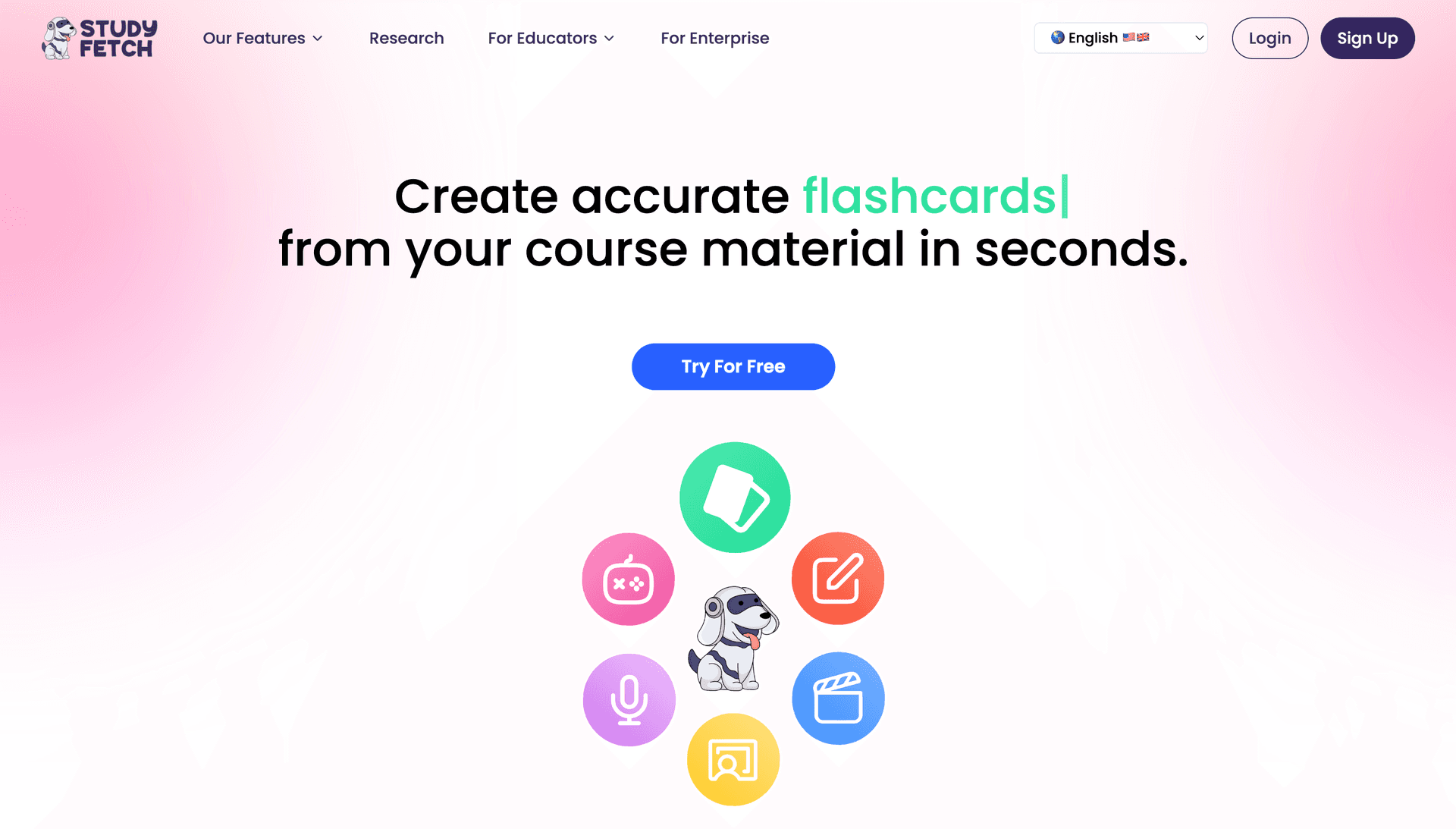
StudyFetch leans hard into mobile. Its iOS and Android apps are polished, lecture recording works, and the Spark.E tutor gives explanations and can grade your answers. If you do most of your studying on your phone and want a study buddy in your pocket, StudyFetch is worth a look. Spark.E answers from the files you upload, which is the right model.
The trade-offs are depth and verification. Spark.E's grounding is real but its citations are limited, so checking exactly where an answer came from is harder than with a fully cited tool. The desktop side is secondary, and the file range and study material are thinner than a course-scoped platform offers. It is a good mobile companion, not the most thorough study partner.
Key Features
- Polished iOS and Android apps
- Spark.E tutor for explanations and grading
- Lecture recording with conversion to study material
- Offline study mode
Pros
- One of the best mobile study experiences
- Reliable lecture recording and offline mode
- Spark.E gives useful explanations
- Good app store ratings
Cons
- Limited citations, harder to verify answers
- Basic quiz and exam generation
- Narrower file support than StudyPDF
- Desktop experience is secondary
Pricing
- Free: Limited
- Pro: paid monthly
Best For: Students who study mostly on their phones and want lecture recording with a tutor on the go.
Many apps market themselves as an "AI study buddy" but are really homework solvers. You snap a photo of a problem or paste a question, and the AI hands you the answer with steps. These help when you are stuck on one problem. But they are a different category. A homework solver answers from the open internet, not your course. It does not know your lectures, it cannot cite the page of your slides, and it pushes you toward getting answers rather than learning the material. For a quick unblock, fine. As your main study partner for an exam, they leave you knowing answers to specific questions without understanding the concepts behind them.
After testing all of these, four things separate a real study buddy from a chatbot with a friendly name.
- It answers from your material. A buddy that answers from the open internet does not know your course, your professor's definitions, or what is on the exam. The best ones answer only from what you upload. StudyPDF and NotebookLM both do. Most flashcard-first tools do not.
- You can check where the answer came from. Grounding is only useful if you can verify it. Citations to the exact page, second, or source let you click through and confirm instead of trusting blindly. StudyPDF cites every answer and every generated question. NotebookLM cites well too. Many tools cite nothing.
- It reads what you actually have. Course material is messy: scanned PDFs, photographed notes, a YouTube lecture, a webpage. StudyPDF reads scanned and handwritten PDFs, photos, videos with timestamps, and websites, so you upload what you have and move on.
- It tracks what you know. A buddy that forgets every session is not much of a partner. Per-concept mastery lets you ask "what should I study next?" and get a real answer. StudyPDF tracks this across everything you do. Most tools here do not.
StudyPDF is the best AI study buddy for students in 2026. Bo answers only from your own course material, cites the exact page, second, or source for every answer, builds seven kinds of study material from your uploads, and tracks per-concept mastery so it always knows what you should study next. It is free to start, with paid Pro and Ultra plans.
If you want a free, well-grounded reading companion, NotebookLM is excellent alongside it. Mindgrasp is fine for auto-notes from documents, Quizlet is still the king of community flashcards, Knowt is the best free flashcard tool, and StudyFetch is the one to pick if you study mostly on your phone. And if all you need is a quick answer to one homework problem, a homework solver will do, just know that is not the same as studying.
But if you want one study buddy that knows your course, works with you all semester, and can prove where every answer comes from, StudyPDF is the clear choice. Start with the free tier. Upload a lecture, ask Bo a question, and see it cite the page back to you.