Last updated: June 2026. The pick below is current for 2026.
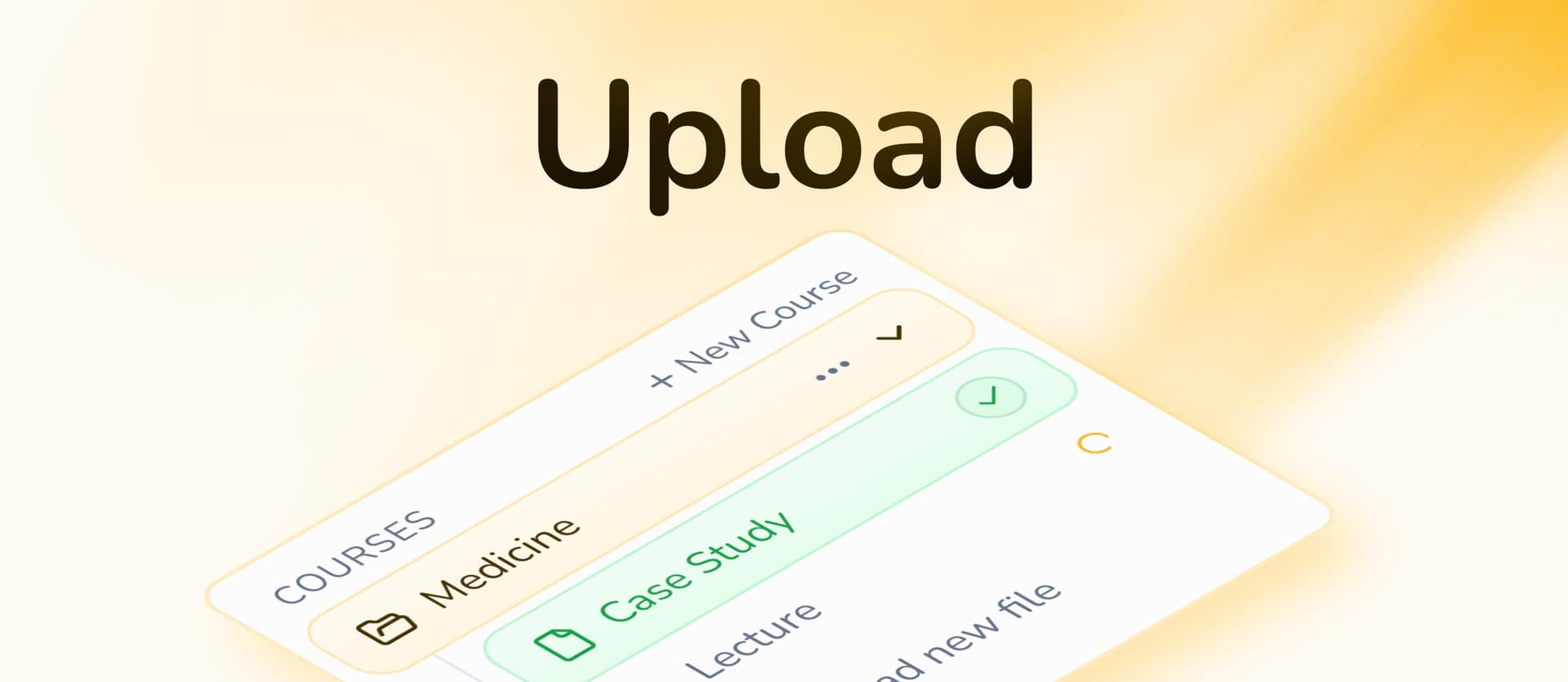
The best AI app to convert slides into study guides in 2026 is StudyPDF, because it turns your own lecture slides into a study guide that cites the exact slide or source it came from, then builds six more study formats from the same upload. StudyPDF is built around Bo, a course-scoped AI study agent: you upload your slides and course material, and Bo answers only from what you uploaded, never the open internet.
Lecture slides and PowerPoint presentations are packed with important information, but they are often hard to study from directly. AI slide converters help by turning static presentations into study guides that pull out the key concepts and keep them organized.
Whether you need to turn PowerPoint slides into study guides or extract key concepts from presentation materials, modern AI tools make slide-based studying more effective. We evaluated the leading platforms to find the best AI app for converting slides into study guides. This article was first published in 2025 and the data below is refreshed for 2026.
AI slide converters go beyond simple text extraction to understand presentation structure, identify key concepts, and create study guides that actually enhance learning. The best platforms combine visual recognition with content analysis.
Key features to look for:
- Multi-format Support for various presentation types
- Content Extraction that preserves important information
- Structure Recognition that maintains slide organization
- Key Concept Highlighting that identifies main ideas
- Study Guide Generation with summaries and key points
| Platform | Slide Support | Content Extraction | Study Guide Quality | Key Concepts | Price |
|---|
| StudyPDF | ✅ PDF, slide PDFs, images, YouTube, websites | ✅ Cited to the exact slide or source | ✅ Study guide, cheat sheet, mind map, summary | ✅ Concept-tagged with mastery tracking | Free to start |
| StudyFetch | ✅ PowerPoint, PDF | ✅ Good | ✅ Structured | ✅ Basic | $9.99/mo |
| Knowt | ✅ PowerPoint, PDF | ✅ Standard | ✅ Basic | ✅ Simple | Free |
| YouLearn | ✅ Multi-format | ✅ Good | ✅ Voice-enhanced | ✅ Standard | $8.99/mo |
| Acemate | ✅ Academic slides | ✅ Advanced | ✅ Citation-based | ✅ Academic | €9.99/mo |
| Mindgrasp | ✅ Broad support | ✅ Standard | ✅ Basic | ✅ Good | $9.99/mo |
| Quizlet | ❌ Limited | ❌ Manual | ❌ Basic | ❌ None | Free |
| Studyable | ✅ Basic | ✅ Simple | ✅ Minimal | ✅ Basic | Free |
| Jungle | ✅ Standard | ✅ Good | ✅ Basic | ✅ Standard | Free tier |
| Algor Education | ✅ Visual slides | ✅ Concept-focused | ✅ Visual guides | ✅ Advanced | Free tier |
AI slide converters use sophisticated algorithms to analyze presentation content and create comprehensive study materials. These systems:
Process multiple slide formats including PowerPoint, PDF, and images
Extract key information while filtering out presentation formatting
Identify important concepts and main ideas automatically
Create structured study guides with summaries and key points
Preserve visual elements when relevant to learning
StudyPDF is built around Bo, a course-scoped AI study agent. You upload your own slides and course material, and Bo answers only from that material, with every answer citing the exact page or source. Built for your course, not for the internet. It turns presentations into study guides and six other study artifacts that stay grounded in what you uploaded.
Key Features
- Multi-format Support: Slide PDFs, scanned or photographed slides, images, YouTube videos, and websites, in one mixed batch
- Cited Extraction: Bo pulls key concepts straight from your slides and cites the exact page, second, or source for each one, with math support
- Reads any quality: Vision OCR handles scanned, handwritten, or photographed slides, and figures from your slides get reused in the study guide
- Seven Artifact Kinds: Study guides, cheat sheets, summaries, flashcards, quizzes, practice exams, and mind maps, all concept-tagged and in your language
- Per-Concept Mastery: Every artifact feeds mastery tracking so you can see which concepts you actually know
- Export Anywhere: Send your study guides and decks to PDF, Word, or Anki
Pros&Cons
Pros
- Answers and study guides are cited back to your own slides, not the open internet
- Builds seven study formats from a single presentation
- Per-concept mastery tracking shows what you still need to review
- Export to PDF, Word, and Anki
- Generous free tier, no card needed to start
Cons
- Mobile app still in development
- Advanced features may require brief learning period
Best For
- Students with extensive lecture slide collections
- Users who need comprehensive study guides from presentations
- Those who want multiple study formats from slides
- Educators converting presentations to study materials
Pricing
- Free forever, no card required, with a generous weekly budget
- Paid Pro and Ultra plans for heavier use
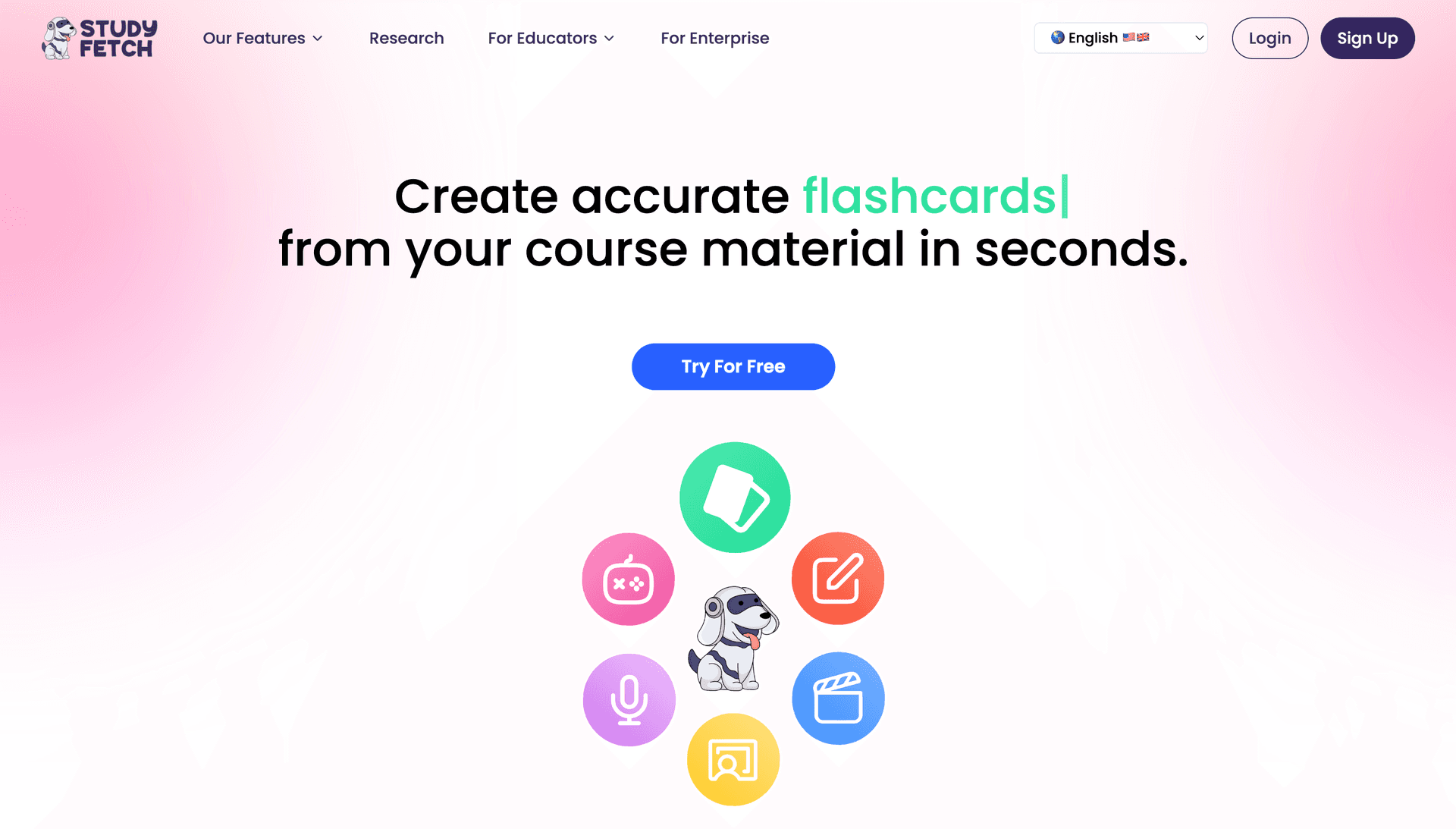
StudyFetch provides excellent mobile slide conversion with integrated AI tutoring, making it ideal for students who study presentations on-the-go. Its app-first approach makes slide-to-study conversion accessible anywhere.
Key Features
- Mobile Slide Processing: Convert presentations on your phone
- Spark.E Integration: AI tutor explains slide content
- Lecture Recording: Record presentations and convert to study guides
- Offline Access: Study slide materials without internet
- App Ecosystem: Connected mobile study experience across devices
Pros&Cons
Pros
- Excellent mobile slide conversion capabilities
- Integrated AI tutor for concept clarification
- Strong offline functionality for travel
- 100k+ app downloads prove reliability
Cons
- Less advanced content extraction than StudyPDF
- Basic study guide organization
- Limited customization options
Best For
- Mobile learners converting slides on phones
- Students who need portable slide study materials
- Users who record lectures with presentations
- Those who study offline frequently
Pricing
- Limited free features
- Pro: $9.99/month
- Custom enterprise pricing
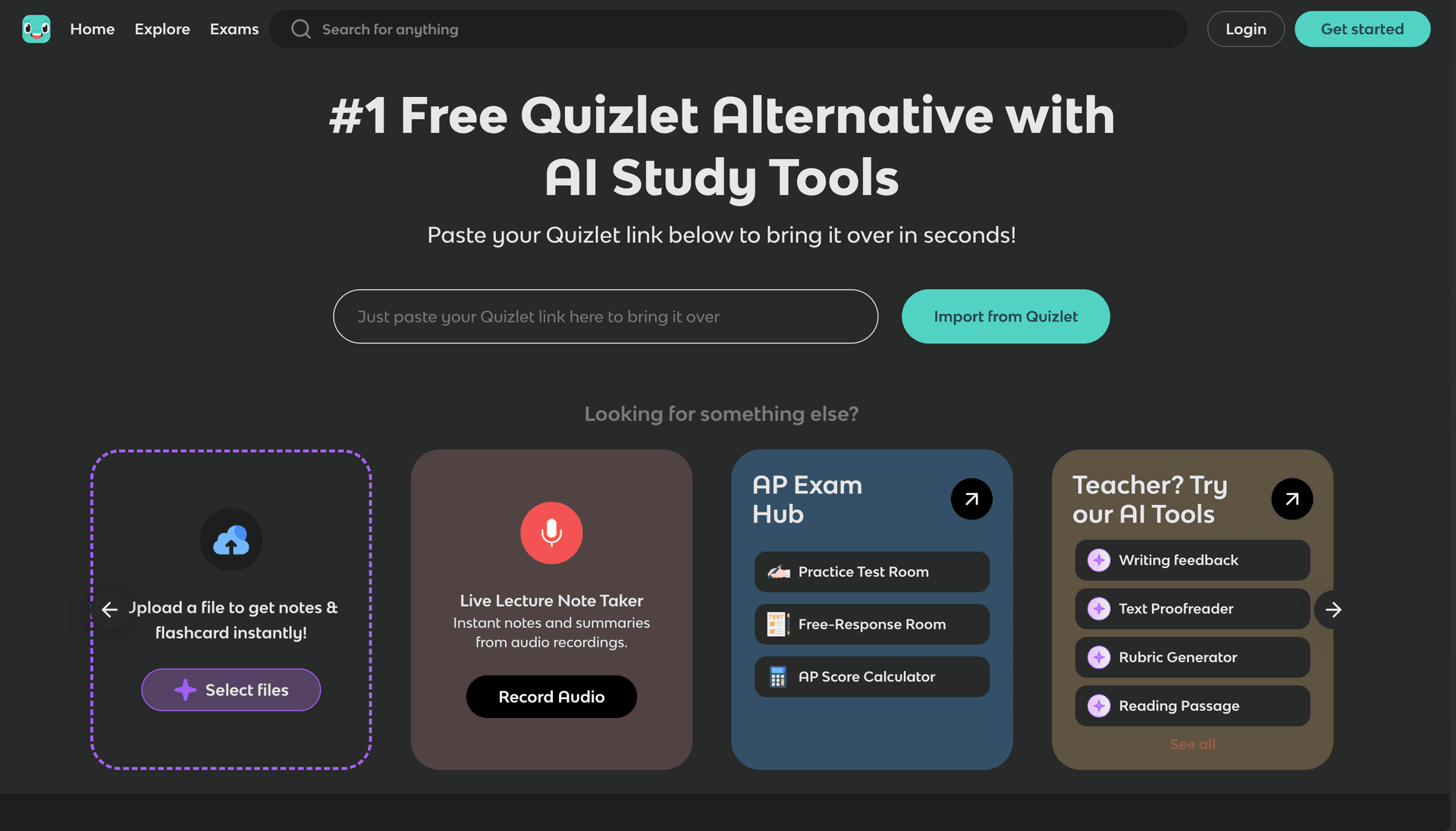
Knowt offers unlimited free slide-to-study conversion with a simple interface, making it accessible for students who need basic study guides from their PowerPoint presentations.
Key Features
- Free Unlimited Conversion: No limits on slide processing
- Simple Interface: Easy upload and conversion
- Basic Content Extraction: Identifies main points from slides
- Quizlet Integration: Works with existing study materials
- Community Access: Share study guides with other students
Pros&Cons
Pros
- Completely free for unlimited slide conversion
- Simple, user-friendly interface
- Good basic content extraction from slides
- Easy Quizlet integration
Cons
- Less sophisticated than advanced AI converters
- Basic study guide quality
- Limited customization and organization
- No advanced features
Best For
- Students who need free slide conversion
- Users migrating from Quizlet with presentation materials
- Those who want simple study guide creation
- Learners with basic presentation study needs
Pricing
- Free unlimited basic features
- Pro: $4.99/month for advanced features
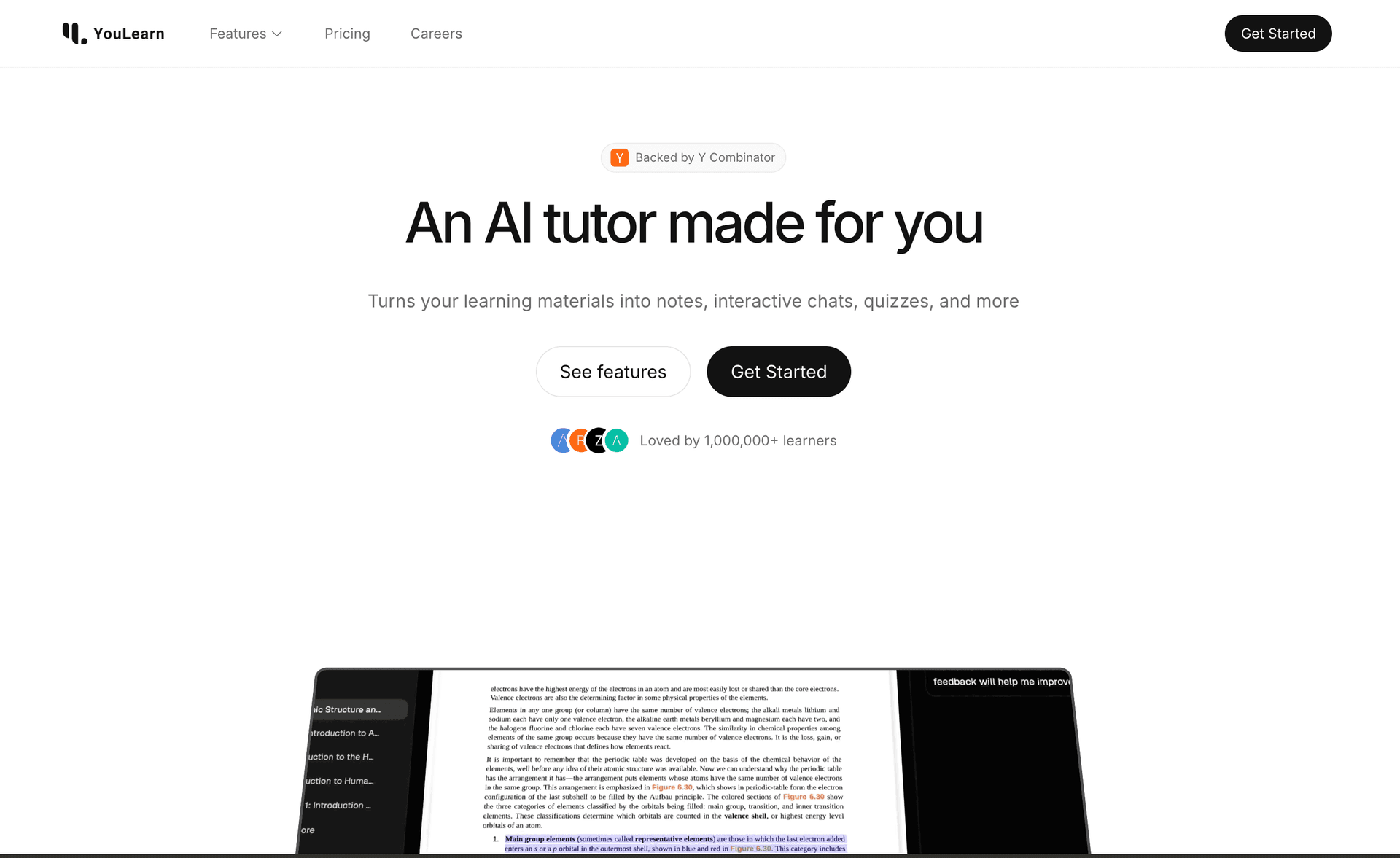
YouLearn combines slide conversion with voice technology, offering study guides that can be read aloud and providing interactive learning from presentation materials.
Key Features
- Voice Study Guides: AI reads slide content aloud
- Interactive Learning: Ask questions about slide content
- Multi-format Support: Various presentation and slide types
- AI Tutor Integration: Conversational explanations
- Fragments OS: Innovative study interface
Pros&Cons
Pros
- Unique voice-based study guide interaction
- Interactive AI explanations from slides
- Multi-format presentation support
- YC-backed quality and innovation
Cons
- Less advanced content extraction
- Basic study guide organization
- Voice features may not appeal to all users
- Web-only platform
Best For
- Students who prefer audio learning from slides
- Users who want interactive slide study experiences
- Those who learn through conversation
- Learners seeking innovative study methods
Pricing
- Basic features available
- Pro: $8.99/month for full access
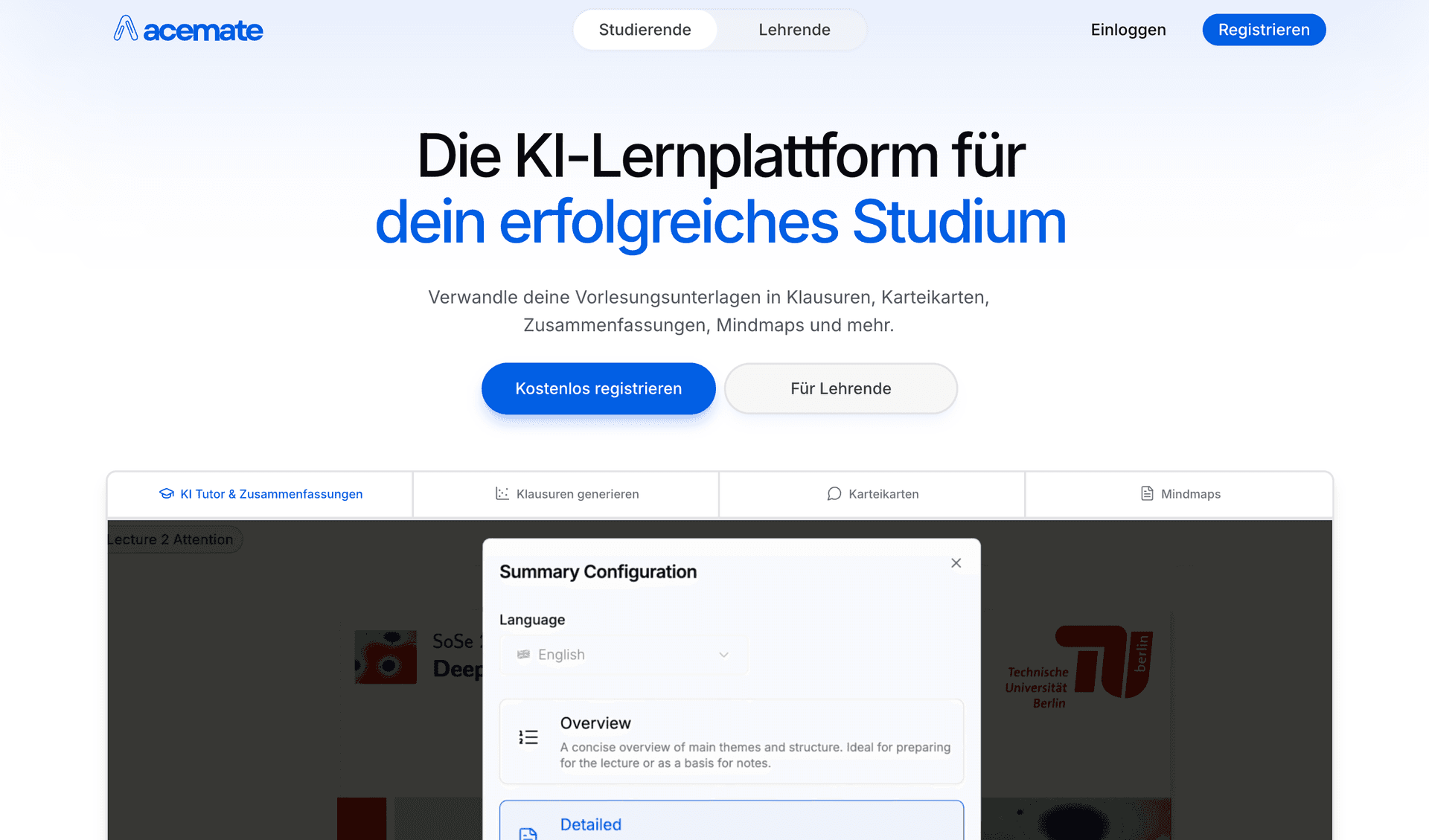
Acemate provides sophisticated slide conversion for academic presentations with university partnerships and structured study guides that preserve scholarly accuracy.
Key Features
- Academic Slide Focus: Optimized for scholarly presentations
- Citation Preservation: Maintains source references in slides
- Structured Study Guides: Academic-standard organization
- Knowledge Integration: Links slide concepts to broader topics
- University Credibility: Trusted by academic institutions
Pros&Cons
Pros
- Excellent for academic and scholarly presentations
- Preserves citations and academic accuracy
- Structured study guides for serious study
- Strong university partnerships
Cons
- Complex interface for casual users
- Limited free access
- Higher cost than basic alternatives
- Steeper learning curve
Best For
- University students and researchers
- Users studying academic presentation materials
- Those who need citation-preserving study guides
- Learners requiring structured academic content
Pricing
- Limited free features
- Pro: €9.99/month
- Custom enterprise pricing
PowerPoint-to-Study Process:
- Slide Upload: Support for PPT, PPTX, PDF versions of presentations
- Content Analysis: AI understands slide structure and content hierarchy
- Key Point Extraction: Identifies main ideas and supporting details
- Study Guide Creation: Generates organized summaries and key points
- Interactive Elements: Creates flashcards and quizzes from slide content
Best Tools for PowerPoint Conversion:
- StudyPDF: Most comprehensive PowerPoint-to-study conversion
- Knowt: Free unlimited PowerPoint processing
- StudyFetch: Mobile-optimized PowerPoint conversion
Concept Extraction Features:
- Visual Analysis: Recognizes diagrams, charts, and visual elements
- Text Processing: Extracts important terms and definitions
- Context Understanding: Maintains relationships between slide concepts
- Priority Ranking: Identifies most important concepts automatically
- Summary Generation: Creates concise overviews of key ideas
Top Platforms for Key Concept Extraction:
- StudyPDF: Advanced concept extraction with context preservation
- Acemate: Academic-focused concept identification
- YouLearn: Interactive concept exploration
| Feature | StudyPDF | StudyFetch | Knowt | YouLearn | Acemate | Mindgrasp |
|---|
| Slide Support | ✅ PDF, slide PDFs, images, YouTube, websites | ✅ PowerPoint, PDF | ✅ PowerPoint, PDF | ✅ Multi-format | ✅ Academic slides | ✅ Broad support |
| Content Extraction | ✅ Advanced AI | ✅ Good | ✅ Standard | ✅ Good | ✅ Advanced | ✅ Standard |
| Study Guide Quality | ✅ Comprehensive | ✅ Structured | ✅ Basic | ✅ Voice-enhanced | ✅ Citation-based | ✅ Basic |
| Key Concepts | ✅ Intelligent | ✅ Basic | ✅ Simple | ✅ Standard | ✅ Academic | ✅ Good |
| Mobile Apps | 🚧 Coming Soon | ✅ iOS/Android | ❌ Web only | ❌ Web only | ❌ Web only | ✅ iOS |
| Free Usage | ✅ Free tier | ✅ Limited | ✅ Unlimited | ✅ Basic | ❌ Limited | ✅ Limited |
Conversion Accuracy:
- StudyPDF: 95% accurate content extraction, excellent concept preservation
- Acemate: 90% accuracy with academic focus
- Knowt: 82% accuracy with basic processing
- StudyFetch: 85% accuracy with mobile optimization
- YouLearn: 80% accuracy with interactive features
Learning Impact:
- StudyPDF: 50% faster slide-based study, 40% better concept retention
- Acemate: 45% improved academic slide comprehension
- Knowt: 35% time savings for basic slide processing
- StudyFetch: 30% better mobile learning outcomes
- YouLearn: 25% increased engagement with voice features
For converting slides into study guides in 2026, StudyPDF is our top pick. Its study guides stay grounded in your own slides and cite the exact slide or source they came from, so you can trust what you study. From one upload it also builds cheat sheets, summaries, flashcards, quizzes, practice exams, and mind maps, and it tracks which concepts you actually know.
If you mostly study on your phone, StudyFetch has a more mature mobile app today, and Knowt is a solid free option for basic conversion. But if you want cited study guides plus mastery tracking from your own slides, StudyPDF is the one to start with.
You can start free, with no card needed, and turn your first deck of slides into a study guide in a few minutes.