Last updated: June 2026.
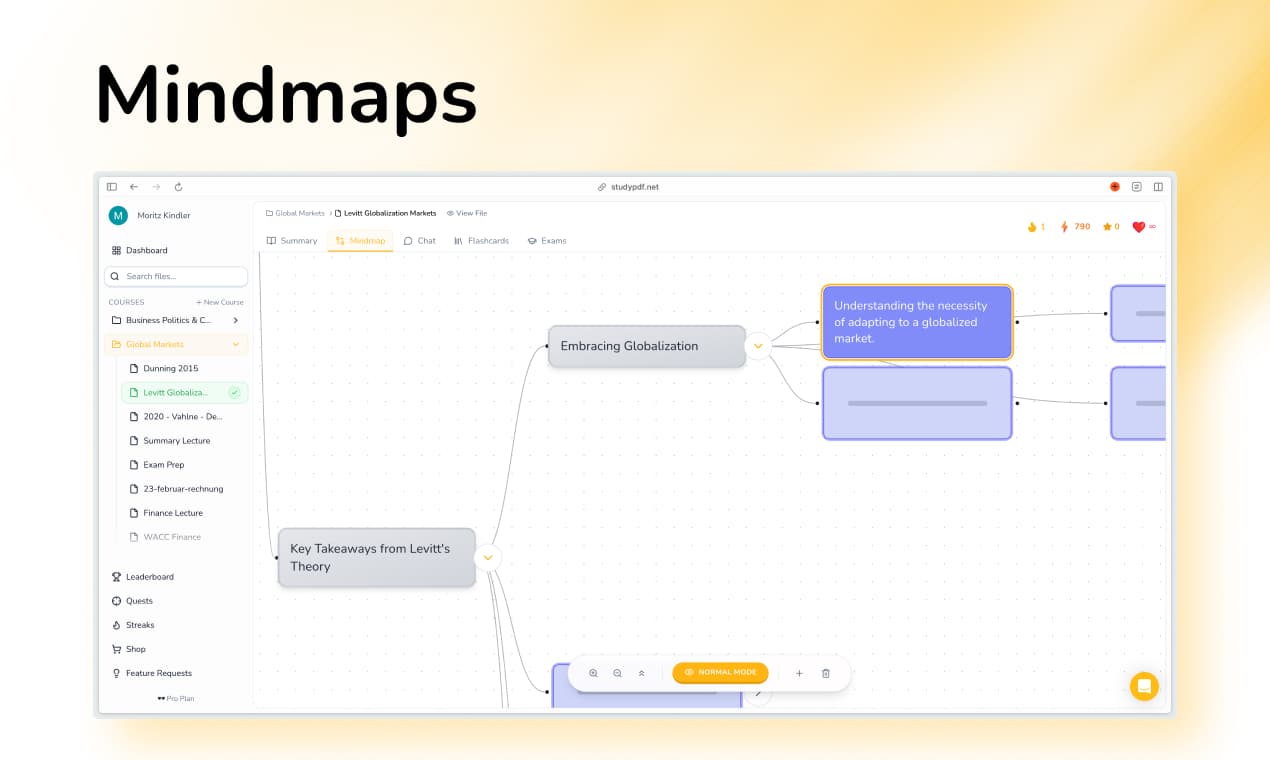
The best AI tool for building mind maps from your own study content in 2025 is StudyPDF, because it turns the material you upload into a mind map where every node is tied to the exact page or source it came from, instead of pulling generic facts off the internet. This is the 2025 edition. For the current picks, see the 2026 edition.
Mind maps are useful visual study tools, but building them by hand takes time and a bit of design skill. AI mind mapping tools handle that for you. They read your study content and draw a clear diagram of the main ideas and how they connect.
Whether you want to make mind maps from class materials or turn messy notes into a clean diagram, these tools make visual study faster. We tested the main platforms to find the best AI tool for building mind maps from study content.
StudyPDF is a course-scoped AI study agent called Bo. You upload your own course material, PDFs of any quality, photos, YouTube videos and websites, and Bo answers only from it. Every answer cites the exact page, second or source, and Bo can turn your material into seven study artifacts: flashcards, a quiz, a practice exam, a study guide, a cheat sheet, a summary and a mind map. It is built for your course, not for the internet.
Good AI mind mapping tools do more than draw a diagram. They read the content, find the key concepts, work out how they relate, and lay the map out clearly. The best ones pair clean visuals with a real grasp of the material.
Essential features for AI mind mapping:
- Content Analysis to understand relationships and hierarchies
- Automatic Layout that creates visually appealing diagrams
- Concept Extraction that identifies key ideas and connections
- Visual Customization for personal learning preferences
- Interactive Features that enhance learning engagement
| Platform | Auto-Generation | Visual Quality | Concept Relationships | Interactive Features | Price |
|---|
| StudyPDF | ✅ From your own material | ✅ Grounded, cited nodes | ✅ Course knowledge graph | ✅ Expand/collapse + 6 other artifacts | Free to start, paid Pro/Ultra |
| StudyFetch | ❌ Manual creation | ✅ Good | ❌ Limited | ✅ Basic | $9.99/mo |
| Knowt | ❌ None | ❌ None | ❌ None | ❌ None | Free |
| YouLearn | ❌ Basic | ✅ Standard | ❌ Limited | ✅ Voice | $8.99/mo |
| Acemate | ✅ Knowledge graphs | ✅ Academic | ✅ Advanced | ✅ Citation-based | €9.99/mo |
| Mindgrasp | ❌ Limited | ✅ Basic | ❌ Standard | ✅ Simple | $9.99/mo |
| Quizlet | ❌ Basic diagrams | ❌ Limited | ❌ None | ❌ None | Free |
| Studyable | ❌ None | ❌ None | ❌ None | ❌ None | Free |
| Jungle | ❌ Limited | ✅ Basic | ❌ Standard | ✅ Simple | Free tier |
| Algor Education | ✅ Visual concept maps | ✅ Advanced | ✅ Visual relationships | ✅ Interactive | Free tier |
How AI Creates Mind Maps from Study Content
AI mind mapping tools use sophisticated algorithms to analyze your study materials and create visual representations that enhance understanding. These systems:
Analyze content structure to identify main concepts and subtopics
Map relationships between ideas and concepts automatically
Create visual hierarchies that reflect information importance
Design appealing layouts using principles of visual learning
Generate interactive elements for enhanced engagement
StudyPDF is built around Bo, a course-scoped AI study agent. You upload your own course material and Bo builds mind maps (and six other study artifacts) that answer only from that material, with every node grounded in the exact page or source it came from. It is built for your course, not for the internet.
Key Features
- Grounded Mind Maps: Every concept is tied to your uploaded material with a citation to the exact page or source
- Expandable Nodes: Easy to expand/collapse sections for detailed study
- Your Own Course: Upload PDFs (including scanned and handwritten), photos, YouTube videos, and websites
- AI Generation: Bo turns your material into mind maps automatically, in your own language
- Intelligent Relationships: Bo identifies and maps concept connections from your content
- Per-Concept Mastery: Mind maps and the other six artifacts feed visible per-concept mastery tracking
- Export Options: Send mind maps and other artifacts to PDF, Word, and Anki
Pros&Cons
Pros
- Mind maps grounded in your own uploaded material with citations
- Intelligent concept relationship mapping
- Professional visual quality and design
- Six other artifact kinds plus per-concept mastery tracking
- Generous free tier, no card required
Cons
- Mobile app still in development
- Advanced features may require brief learning period
Best For
- Students who want automatic mind map creation
- Visual learners who benefit from concept relationships
- Those who need professional-quality diagrams
- Users who want integrated visual learning tools
Pricing
- Free forever, no card required, with a generous free tier
- Paid Pro and Ultra plans for higher usage
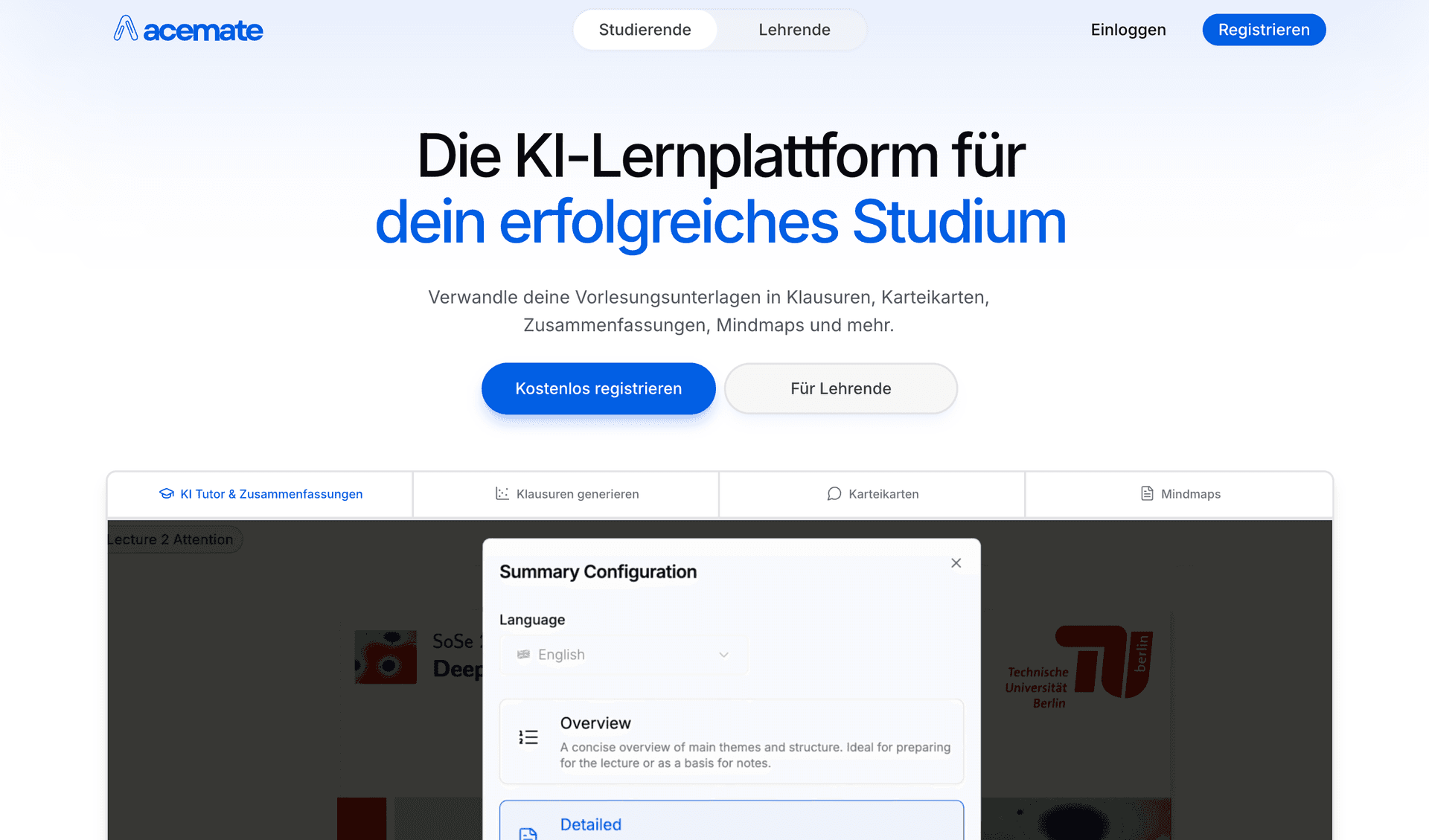
Acemate provides advanced knowledge graphs and mind mapping for academic content with university partnerships and scholarly accuracy.
Key Features
- Knowledge Graphs: Advanced visual concept relationships
- Academic Focus: Optimized for scholarly content mapping
- Citation Integration: Links concepts to source materials
- Structured Visualization: Academic-standard mind map organization
- Research Integration: Connects concepts across disciplines
Pros&Cons
Pros
- Excellent knowledge graph capabilities
- Strong academic content visualization
- Citation-based accuracy for scholarly work
- University partnerships and credibility
Cons
- Complex interface for casual users
- Limited free access
- Higher cost than basic alternatives
- Steeper learning curve
Best For
- University students and researchers
- Users mapping complex academic concepts
- Those who need citation-integrated visualizations
- Learners requiring scholarly knowledge graphs
Pricing
- Limited free features
- Pro: €9.99/month
- Custom enterprise pricing
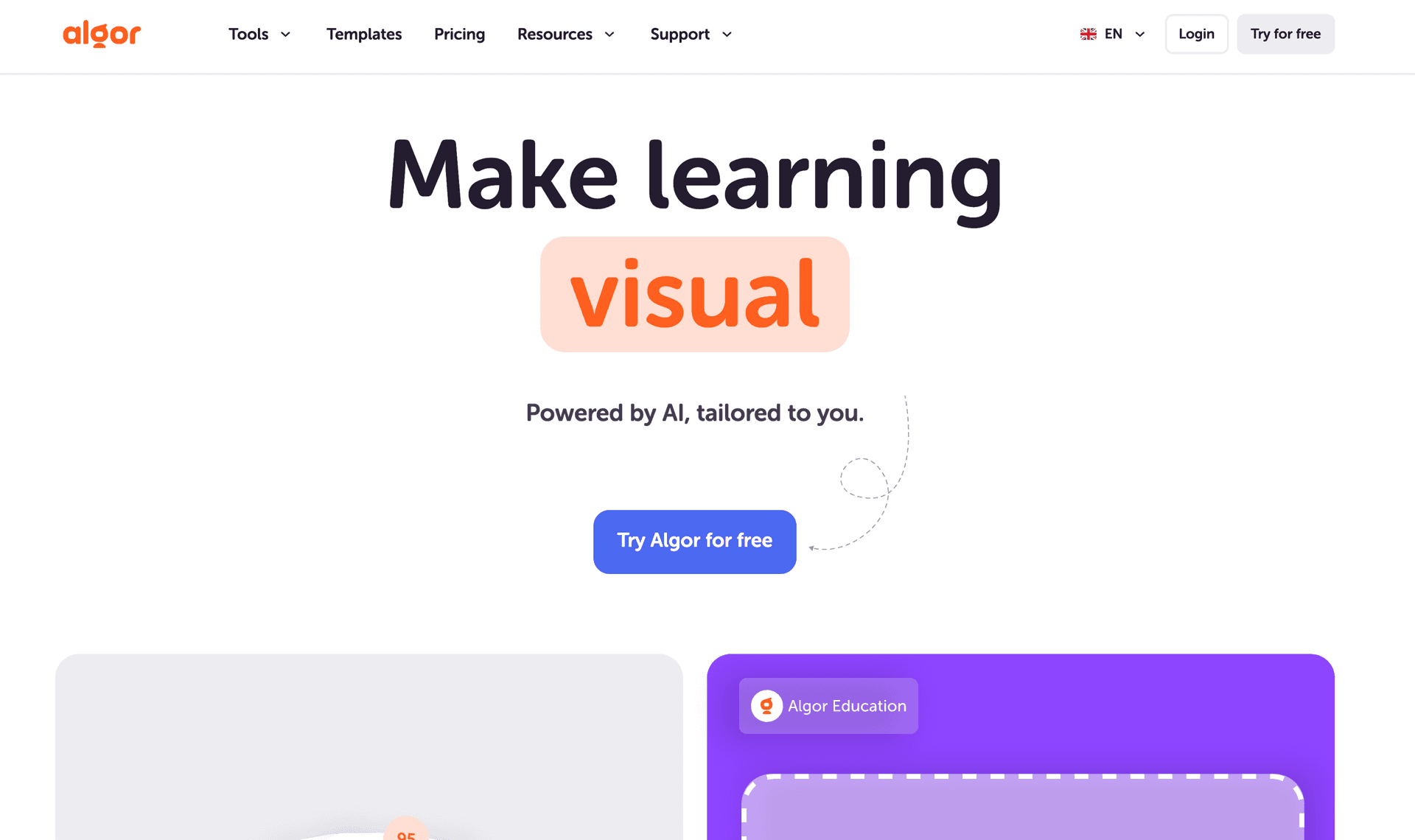
Algor Education specializes in visual learning with AI-powered concept maps and interactive mind mapping features designed specifically for educational content.
Key Features
- Visual Concept Maps: AI-generated visual learning diagrams
- Interactive Elements: Engaging visual learning experiences
- Educational Focus: Designed for academic content mapping
- Visual Relationships: Clear concept connections and hierarchies
- Learning Optimization: Visual elements that enhance comprehension
Pros&Cons
Pros
- Strong focus on visual learning methods
- Interactive concept mapping features
- Educational content specialization
- Clear visual relationship mapping
Cons
- Smaller user base than major competitors
- Limited integration with other study tools
- Basic AI compared to advanced platforms
- Still developing comprehensive features
Best For
- Students who prefer visual learning approaches
- Users who need interactive concept maps
- Those focused on visual study methods
- Educators creating visual learning materials
Pricing
- Free tier with basic features
- Premium plans from $8.99/month
- Educational institution pricing available
StudyFetch offers basic mind mapping capabilities integrated with its mobile platform, though it requires more manual creation than fully automated tools.
Key Features
- Mobile Mind Mapping: Create diagrams on phones and tablets
- Basic Visual Tools: Simple diagram creation capabilities
- Spark.E Integration: AI help with mind map concepts
- Offline Creation: Build mind maps without internet
- App Ecosystem: Seamless mobile mind mapping experience
Pros&Cons
Pros
- Good mobile mind mapping capabilities
- Integrated AI tutoring for concepts
- Strong offline functionality
- 100k+ app downloads prove usability
Cons
- Requires more manual creation than AI tools
- Basic visual quality compared to automated platforms
- Limited automatic generation features
- Fewer customization options
Best For
- Mobile users who need portable mind mapping
- Students who prefer app-based diagram creation
- Those who need offline mind mapping access
- Users who want integrated AI concept help
Pricing
- Limited free features
- Pro: $9.99/month
- Custom enterprise pricing
Mindgrasp provides basic mind mapping features with a simple interface, making visual learning accessible though with limited automation.
Key Features
- Simple Mind Maps: Basic diagram creation tools
- Visual Organization: Standard concept mapping capabilities
- Multi-language Support: Mind maps in different languages
- Browser Integration: Easy web-based mind mapping
- Basic Interactions: Simple visual learning features
Pros&Cons
Pros
- Simple and accessible mind mapping interface
- Multi-language support for international users
- Browser-based accessibility
- Basic visual organization tools
Cons
- Limited AI automation compared to advanced tools
- Basic visual quality and design
- Fewer interactive features
- Limited customization options
Best For
- Users who need simple mind mapping tools
- International students requiring multi-language support
- Those who want basic visual organization
- Learners seeking accessible diagram creation
Pricing
- Limited free features
- Pro: $9.99/month
- Custom enterprise pricing
Automated Mind Map Creation:
- Content Upload: Support for notes, PDFs, textbooks, articles
- AI Analysis: Machine learning identifies key concepts and relationships
- Structure Recognition: Determines main topics and subtopics automatically
- Visual Layout: Creates appealing diagram designs and connections
- Interactive Elements: Adds clickable areas and expandable sections
Best Tools for Automatic Mind Maps:
- StudyPDF: Most comprehensive AI mind map generation
- Acemate: Best for academic content mapping
- Algor Education: Specialized visual concept mapping
Note-to-Diagram Conversion:
- Content Structuring: Organizes scattered notes into coherent diagrams
- Relationship Mapping: Identifies connections between different note topics
- Visual Hierarchy: Creates clear main ideas and supporting details
- Color Coding: Uses visual cues to enhance learning and organization
- Interactive Navigation: Allows exploration of complex note relationships
Top Platforms for Visual Note Organization:
- StudyPDF: Advanced note structuring with visual relationships
- Acemate: Academic note organization with knowledge graphs
- Algor Education: Visual note conversion with interactive elements
| Feature | StudyPDF | Acemate | Algor Education | StudyFetch | Mindgrasp |
|---|
| Auto-Generation | ✅ Advanced AI | ✅ Knowledge graphs | ✅ Visual concept maps | ❌ Manual creation | ❌ Limited |
| Visual Quality | ✅ Professional | ✅ Academic | ✅ Advanced | ✅ Good | ✅ Basic |
| Concept Relationships | ✅ Intelligent | ✅ Advanced | ✅ Visual relationships | ❌ Limited | ❌ Standard |
| Interactive Features | ✅ Comprehensive | ✅ Citation-based | ✅ Interactive | ✅ Basic | ✅ Simple |
| Mobile Apps | 🚧 Coming Soon | ❌ Web only | ❌ Web only | ✅ iOS/Android | ✅ iOS |
| Free Usage | ✅ Free tier | ❌ Limited | ✅ Free tier | ✅ Limited | ✅ Limited |
Visual design:
- StudyPDF: clean, readable maps with expand and collapse, every node cited back to your material
- Acemate: academic-style knowledge graphs with citation links
- Algor Education: clear visual concept maps built for study
- StudyFetch: decent mobile layouts, more manual to build
- Mindgrasp: simple, basic diagrams
Study value:
- StudyPDF: strongest when the map has to stay true to your own course material, since you can check any node against the page it came from
- Acemate: good for mapping dense academic content
- Algor Education: good for visual learners who want interactive maps
- StudyFetch: fine for quick maps on a phone
- Mindgrasp: fine for basic note organization
StudyPDF is the best pick when you want a mind map built from your own study content. It maps the concepts in the material you upload and ties every node back to the page or source it came from, so you can trust the map and use it to actually study. You also get six other study artifacts and per-concept mastery tracking from the same upload.
If your need is more general, the other tools have their place. Acemate is strong for dense academic content and knowledge graphs. Algor Education is a good fit for visual learners who want interactive maps.
For students who want a mind map that stays true to their own course and notes, StudyPDF is the one to start with. It is free to start, with no card required.