Black Friday50% off your first monthuntil Nov 30Pro and UltraBlack Friday50% off your first monthuntil Nov 30Pro and UltraBlack Friday50% off your first monthuntil Nov 30Pro and UltraBlack Friday50% off your first monthuntil Nov 30Pro and UltraBlack Friday50% off your first monthuntil Nov 30Pro and UltraBlack Friday50% off your first monthuntil Nov 30Pro and UltraBlack Friday50% off your first monthuntil Nov 30Pro and UltraBlack Friday50% off your first monthuntil Nov 30Pro and UltraBlack Friday50% off your first monthuntil Nov 30Pro and UltraBlack Friday50% off your first monthuntil Nov 30Pro and UltraBlack Friday50% off your first monthuntil Nov 30Pro and UltraBlack Friday50% off your first monthuntil Nov 30Pro and UltraBlack Friday50% off your first monthuntil Nov 30Pro and UltraBlack Friday50% off your first monthuntil Nov 30Pro and UltraBlack Friday50% off your first monthuntil Nov 30Pro and UltraBlack Friday50% off your first monthuntil Nov 30Pro and Ultra
TeachersFor teachersToolsPricing
Log in
Get started freeGet started free
Ask Bo
  • AI Study PlanPlan every day to my exam
  • AI FlashcardsMake me a deck for chapter 4
  • Image OcclusionMask the labels on a diagram
  • Practice examsBuild a 20-question mock
  • Mind mapsShow how these ideas connect
  • Study guidesSum up the whole unit
  • AI SummarySum up Friday's lecture
  • AI QuizQuiz me on chapter 4
  • Cheat sheetsOne page for the final
  • AI Explainer VideoExplain this topic in a video
Get started freeGet started freeLog in
  • AI Study Plan
  • AI Flashcards
  • Image Occlusion
  • Practice exams
  • Mind maps
  • Study guides
  • AI Summary
  • AI Quiz
  • Cheat sheets
  • AI Explainer Video
For teachersToolsPricing

Use cases

Turn your notes into an explainer video

Upload your notes, handwritten or typed, your slides or a textbook chapter. Pick a topic and StudyPDF makes a narrated video that explains it concept by concept, then quizzes you on it.

  • One concept after another, with diagrams and worked examples
  • In ten languages
What a video looks like

On this page

  • Why turn notes into a video at all
  • What a video looks like
  • From messy notes to one clear explanation per concept
  • Then test yourself on the same topic
  • Start with the topic you understand least
On this page+
  1. Why turn notes into a video at all
  2. What a video looks like
  3. From messy notes to one clear explanation per concept
  4. Then test yourself on the same topic
  5. Start with the topic you understand least

Why turn notes into a video at all

Notes are good at holding what you heard and bad at explaining it back. A page of bullet points tells you that a concept matters, not how it works. Rereading it the night before an exam mostly feels familiar, which is not the same as understanding.

An explainer video puts the picture back: the diagram your lecturer drew, the plot that shows the relationship, the example worked out step by step. Words and pictures together are easier to understand and to remember than words alone.

What a video looks like
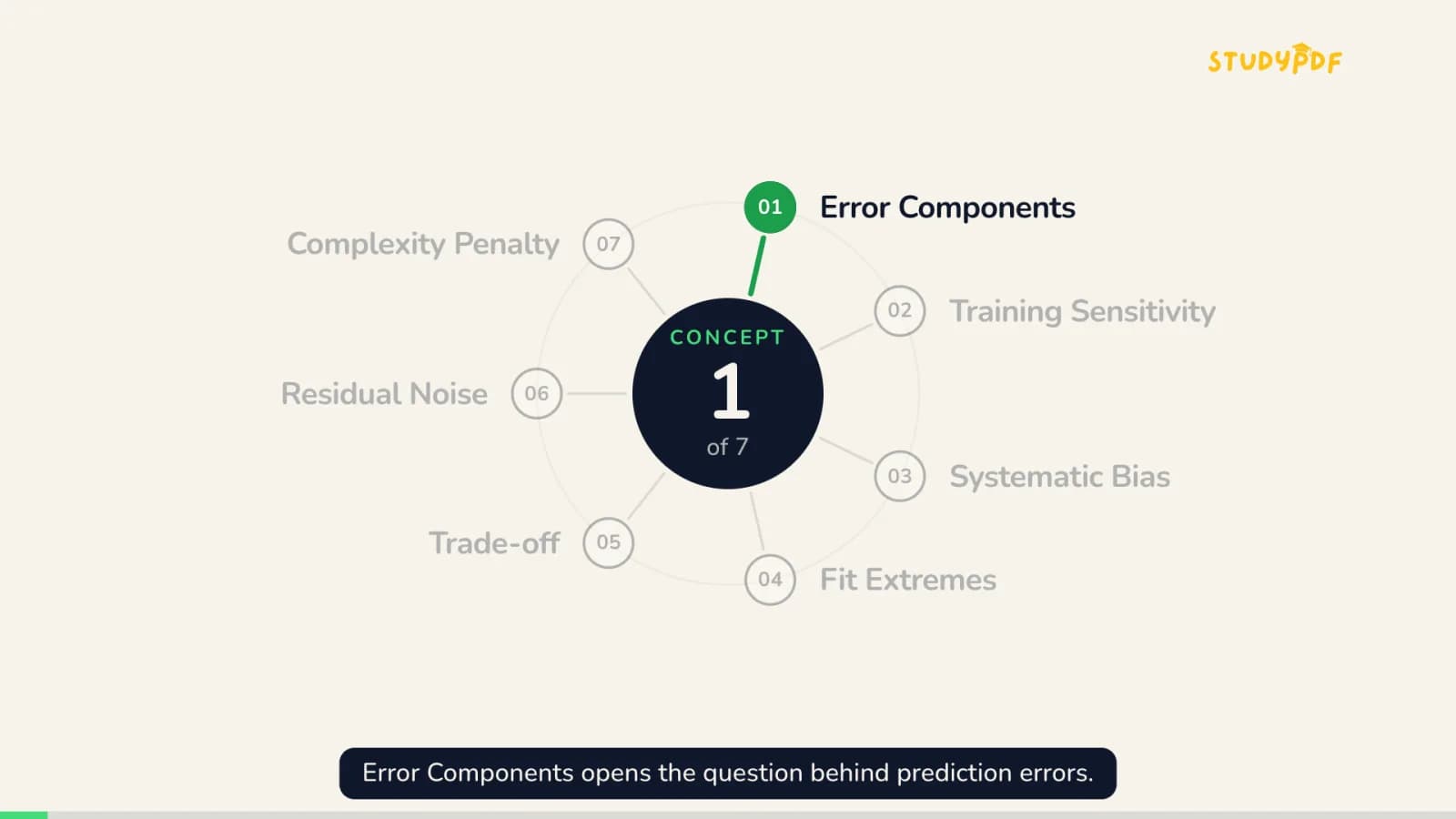
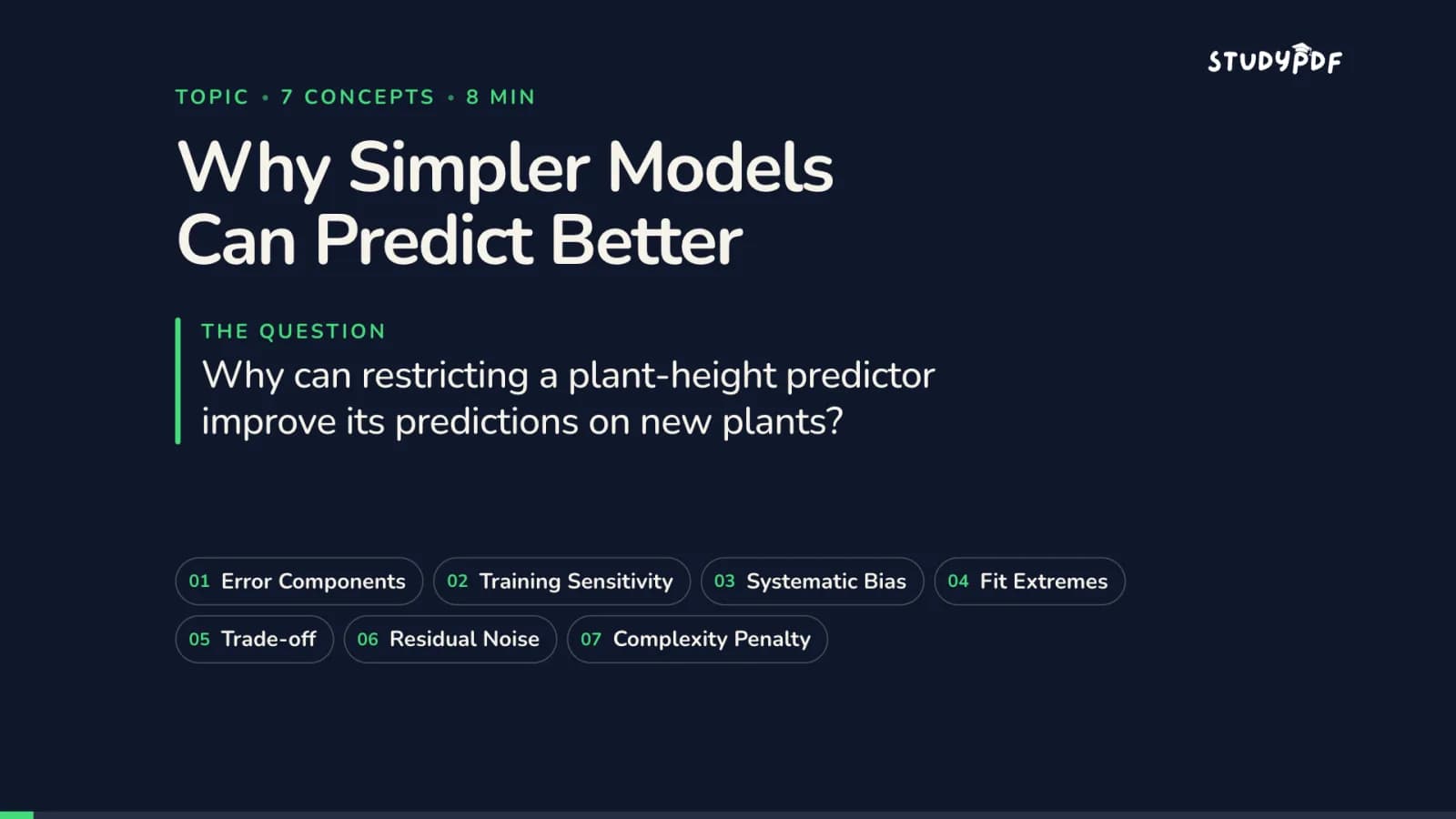
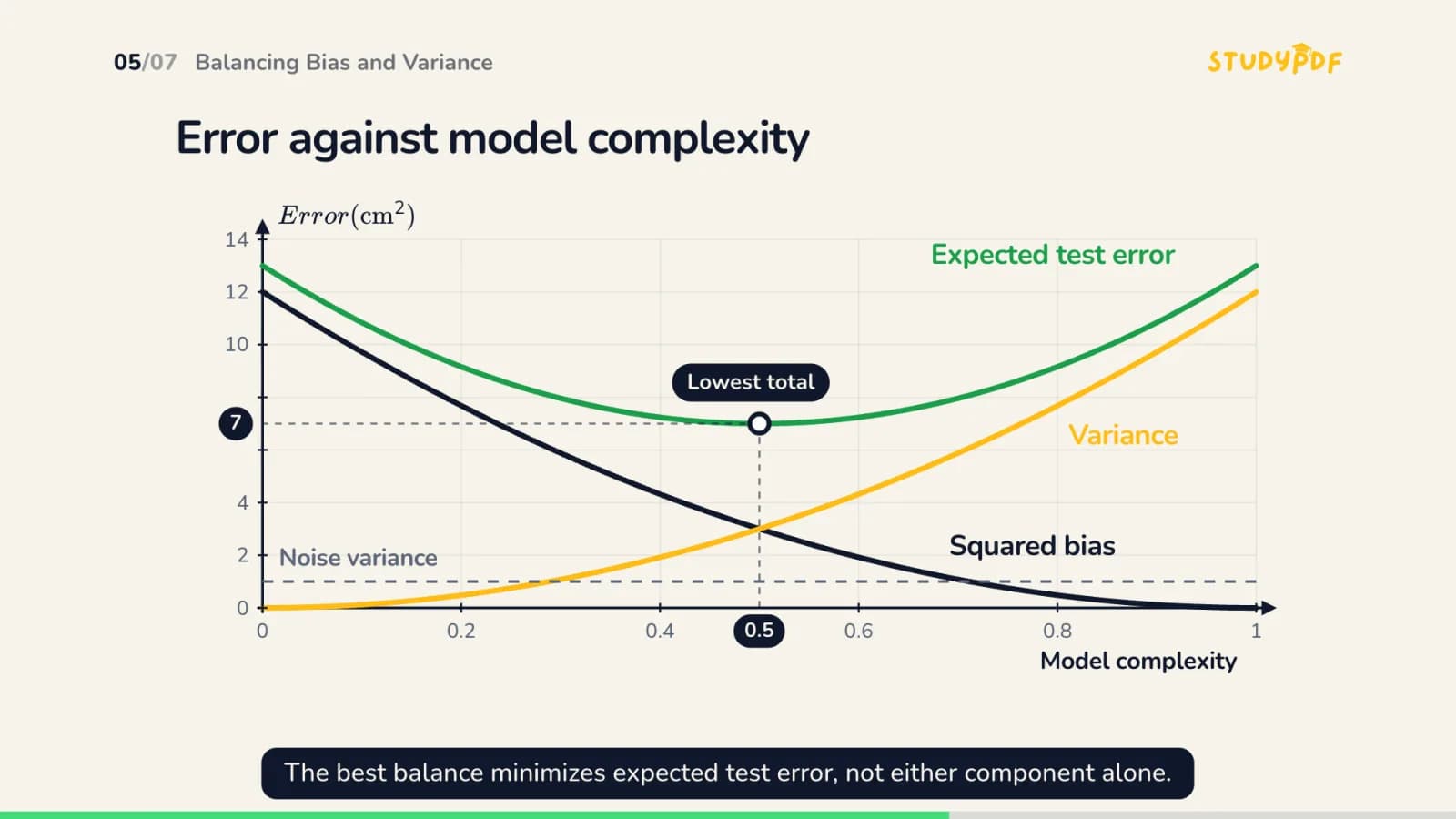
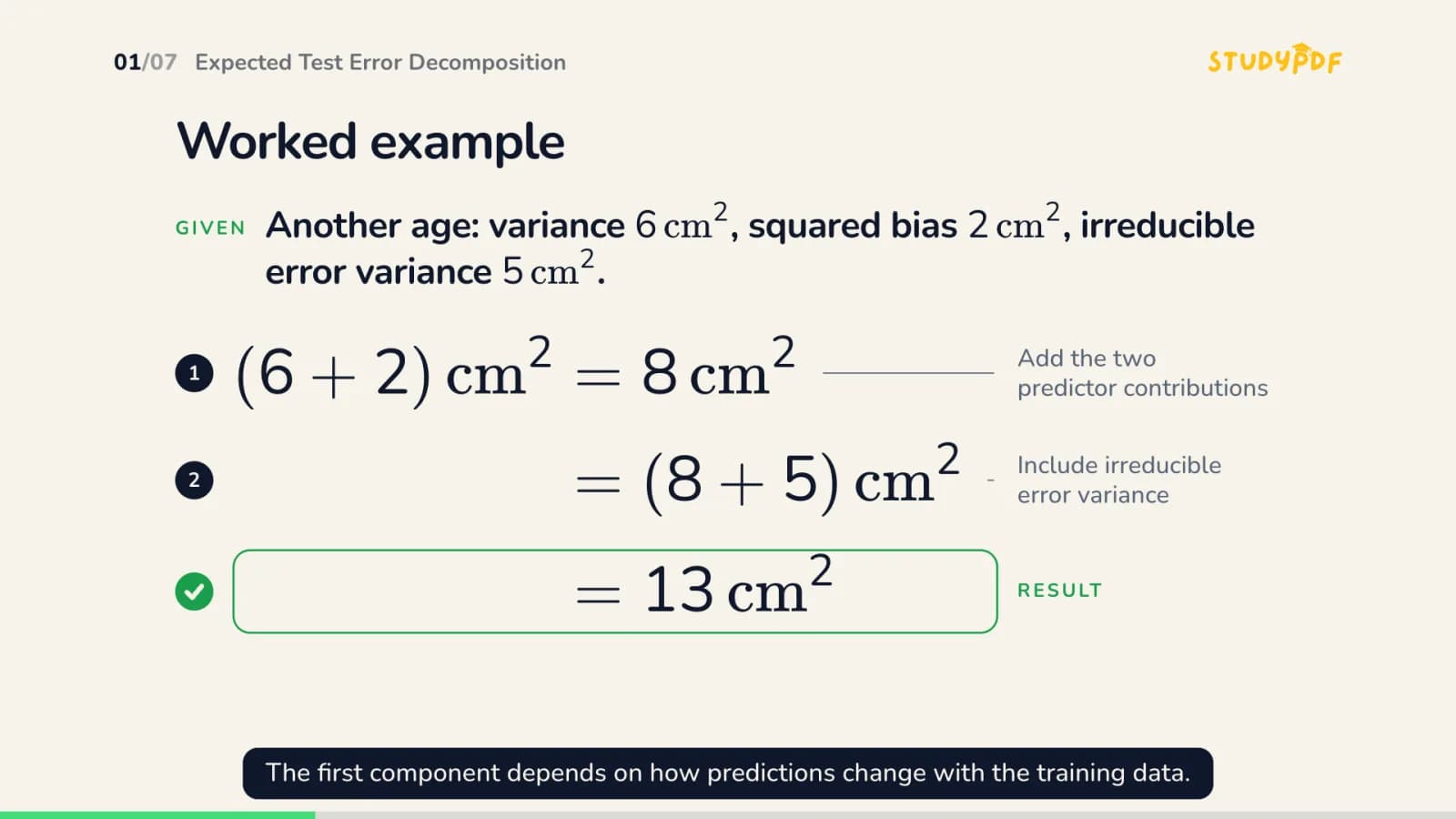
Each concept opens with a card that shows where it sits in the topic.Each concept opens with a card that shows where it sits in the topic.A plot built for the concept.A plot built for the concept.A worked example, step by step.A worked example, step by step.

Frames from a demo video on a typed machine learning topic, made without documents. A video made from your notes follows your pages and names the page each part comes from.

From messy notes to one clear explanation per concept

Your notes do not need to be tidy. StudyPDF reads handwritten and typed pages, splits them into topics and concepts, and builds the video from that structure. Each concept is explained on its own, so a half page of scribbles on one idea becomes a short, focused explanation.

No notes on a topic yet? You can also type the topic and get a video without documents.

Then test yourself on the same topic

A video is the start, not the end. When it finishes, make a quiz or flashcards for the topic in one click. Answering from memory is what turns the explanation into something you can use in the exam, and the concepts you miss come back in your next quiz.

Start with the topic you understand least

Pick the topic in your notes that you keep skipping, watch its video once, then quiz yourself on it. Videos play in the app with chapters and your progress, in ten languages. One topic is free to try.

Try it on your own material

Upload your notes, slides or readings and see it work on your own course.

Upload my first file

Free account, no card needed

How to turn your notes into a video

  1. 1

    Upload your notes

  2. 2

    Pick the topic you need

  3. 3

    Watch it explained

  4. 4

    Test yourself on it

What you get

Your notes, explained back to you, then checked.

  • Diagrams, plots and worked examples where your notes only had words
  • Page references back to your notes
  • Short, medium, long or auto length
  • Chapter jump and progress in the app
  • One topic free to try

Questions and answers

Can I turn handwritten notes into a video?

Yes. Upload photos or scans of your handwritten pages. They are read like any other document, split into topics and concepts, and you pick the topic for the video.

What does the video contain?

It opens with the question and the topic's concepts, then explains one concept after another. Each concept is explained with a diagram, a plot, a worked example or a formula while the narration talks you through it.

Do I need notes to make a video?

No. You can type a topic and get a video without documents. With your notes, the video follows your pages and shows which page each part comes from.

2 more questions

Can I quiz myself after the video?

Yes. When the video ends, make a quiz or flashcards for the same topic in one click.

Is notes to video free?

You can try one topic for free. Pro and Ultra include a number of videos every month.

More to try

  • AI explainer video
  • Use casePDF to video
  • AnswerHow long should a study video be?
  • AnswerDo explainer videos help you learn?

Your notes, explained back to you

Upload your notes, pick a topic and watch it explained. Then find out what you remember.

Make a video from my notes

Your course, not the internet.

Features

  • AI Study Plan
  • Ask Bo
  • AI Flashcards
  • Image Occlusion
  • AI Exams
  • Mind Maps
  • Study Guides
  • AI Summary
  • AI Quiz
  • Cheat Sheets
  • AI Explainer Video

Free tools

  • All practice quizzes
  • Certifications
  • TEAS Science Quiz
  • Pharmacology Flashcards
  • Slide flashcards

Compare

  • vs ChatGPT
  • vs Quizlet
  • vs Anki
  • vs YouLearn
  • All comparisons
  • Alternatives
  • Tool comparisons
  • Best AI by field

Resources

  • Glossary
  • Answers
  • Templates
  • How it works
  • Why StudyPDF
  • Use cases

Company

  • Pricing
  • FAQ
  • Mission
  • Editorial standards
  • Creator program
  • For teachers
  • For professors
  • Enterprise
  • Contact
  • Changelog

Legal

  • Privacy
  • Terms
  • Imprint
  • Delete account
© 2026 StudyPDFFree to start. No card required.