Video content has become one of the most popular ways to learn. From university lectures uploaded to YouTube to professional webinars and tutorial series, students and professionals consume hours of video every week. But watching a video passively is one of the least effective ways to retain information. Research consistently shows that active recall -- testing yourself on what you have learned -- leads to 50-70% better long-term retention compared to passive review.
That is where the concept of turning YouTube videos into quizzes becomes a game changer. Instead of rewatching a 90-minute lecture hoping something sticks, you can transform that video into a structured practice test that forces your brain to actively engage with the material. In this guide, we will show you exactly how to do this with StudyPDF's study agent Bo, and why this approach is backed by learning science. Bo is built for your course, not for the internet: it works from the video you upload and cites the exact second a fact comes from.
The Problem with Passive Video Consumption
Most students treat video content the same way they treat textbooks -- they consume it linearly, from start to finish, and hope the information sticks. But cognitive science tells a different story. The "illusion of competence" is a well-documented phenomenon where watching someone explain a concept makes you feel like you understand it, when in reality you have only recognized the information rather than truly learned it.
Studies from Washington University show that students who passively rewatched lectures performed no better on exams than students who studied the material only once. Meanwhile, students who took practice tests after watching performed 30-50% better. This is the testing effect in action.
How Active Recall Changes Everything
Active recall is the process of retrieving information from memory without looking at the source material. When you take a quiz generated from a video, your brain must:
- Reconstruct the information from memory rather than simply recognizing it
- Identify gaps in your understanding that passive watching would mask
- Strengthen neural pathways through the effort of retrieval
- Build connections between related concepts across the video
This is why converting YouTube videos into practice tests is not just convenient -- it is scientifically the most effective way to study from video content.
Per-Concept Mastery and Video Quizzes
Active recall works best when you can see where your gaps are. Instead of cramming before an exam by rewatching all your lecture recordings, you can take quizzes from the same video and watch your weak spots shrink. Every quiz Bo builds is tagged to the underlying concepts, so each attempt feeds a per-concept mastery view. You can see at a glance which ideas from the video you have mastered and which still need work, then point your next session at the gaps.
StudyPDF uses advanced AI to process YouTube video content and generate comprehensive practice tests. Here is what happens under the hood when you convert a video into a quiz.
AI-Powered Transcript Analysis
When you add a YouTube URL to your course in StudyPDF, Bo automatically extracts the full transcript of the video. Bo then analyzes this transcript to identify:
- Key concepts and definitions that are likely to appear on exams
- Cause-and-effect relationships between ideas presented in the video
- Numerical data, dates, and specific facts that require memorization
- Comparative points where the speaker contrasts different approaches or theories
- Hierarchical structures such as lists, steps, or classification systems
Intelligent Question Generation
Rather than generating random questions, Bo understands the pedagogical structure of the content. It creates questions at multiple cognitive levels based on Bloom's Taxonomy:
- Remember: Basic recall questions about facts and definitions mentioned in the video
- Understand: Questions that test whether you can explain concepts in your own words
- Apply: Scenario-based questions where you must use knowledge from the video in a new context
- Analyze: Questions that require you to break down complex topics discussed in the video
- Evaluate: Questions asking you to assess arguments or compare approaches presented by the speaker
Every Question Cited and Concept-Tagged
Bo does not just dump all questions into a single quiz. It organizes the content around the concepts in the video:
- Concepts map to the major topics or sections of the lecture
- Citations link each question back to the exact second of the video it came from
- Mastery tags connect every question to the concept it tests, so attempts feed your progress view
This means a 2-hour lecture becomes a quiz grouped by the concepts it covers, giving you a systematic, traceable way to work through the material.
Follow these steps to turn any YouTube video into a practice test in under two minutes.
Step 1: Find Your Video
Navigate to the YouTube video you want to convert. This works with any public YouTube video that has a transcript available. This includes:
- University lecture recordings
- Educational YouTube channels (Khan Academy, CrashCourse, 3Blue1Brown, etc.)
- Professional webinars and conference talks
- Tutorial series and how-to videos
- Documentary content
Copy the full URL from your browser's address bar.
Step 2: Add It to Your Course
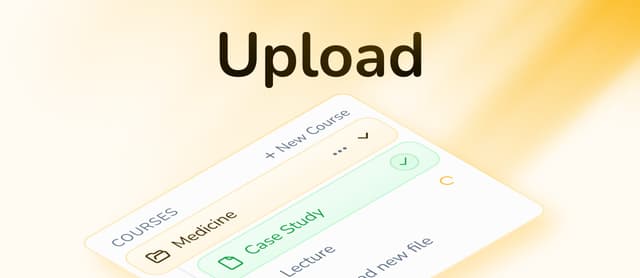
Log in to your StudyPDF account, open the course you are studying, and add the video as a source. Paste the YouTube URL and Bo will immediately begin processing the video's transcript.
You will see a progress indicator as Bo:
- Extracts the transcript
- Analyzes the content structure
- Identifies key concepts
- Generates a quiz and other study materials, each cited back to the video
This typically takes 30-60 seconds depending on the video length.
Step 3: Review Generated Content
Once processing is complete, you can ask Bo to build a full study suite from the video:
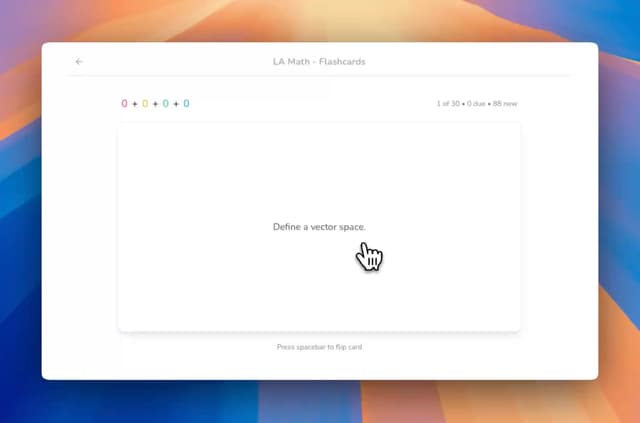
- Flashcards for key terms and definitions
- Mind maps showing relationships between concepts
- Summaries with the main points organized by topic
- Practice quizzes with multiple choice and single choice questions, grouped by concept and cited back to the video
Open the quiz to see your practice test.
Step 4: Customize Your Quiz
Before diving in, you can shape the quiz by asking Bo:
- Adjust difficulty: Focus on higher-order thinking questions or stick to basic recall
- Select specific topics: If the video covers multiple subjects, choose which ones to test
- Set question count: Decide how many questions you want
Step 5: Take the Practice Test
Start your quiz and work through the questions:
- Concept grouping: Questions are grouped by the concept they test, so you can see your strengths and gaps by topic
- Cited answers: Every explanation points back to the exact second of the video the answer came from, so you can rewatch the source in one click
- Immediate feedback: See explanations for both correct and incorrect answers
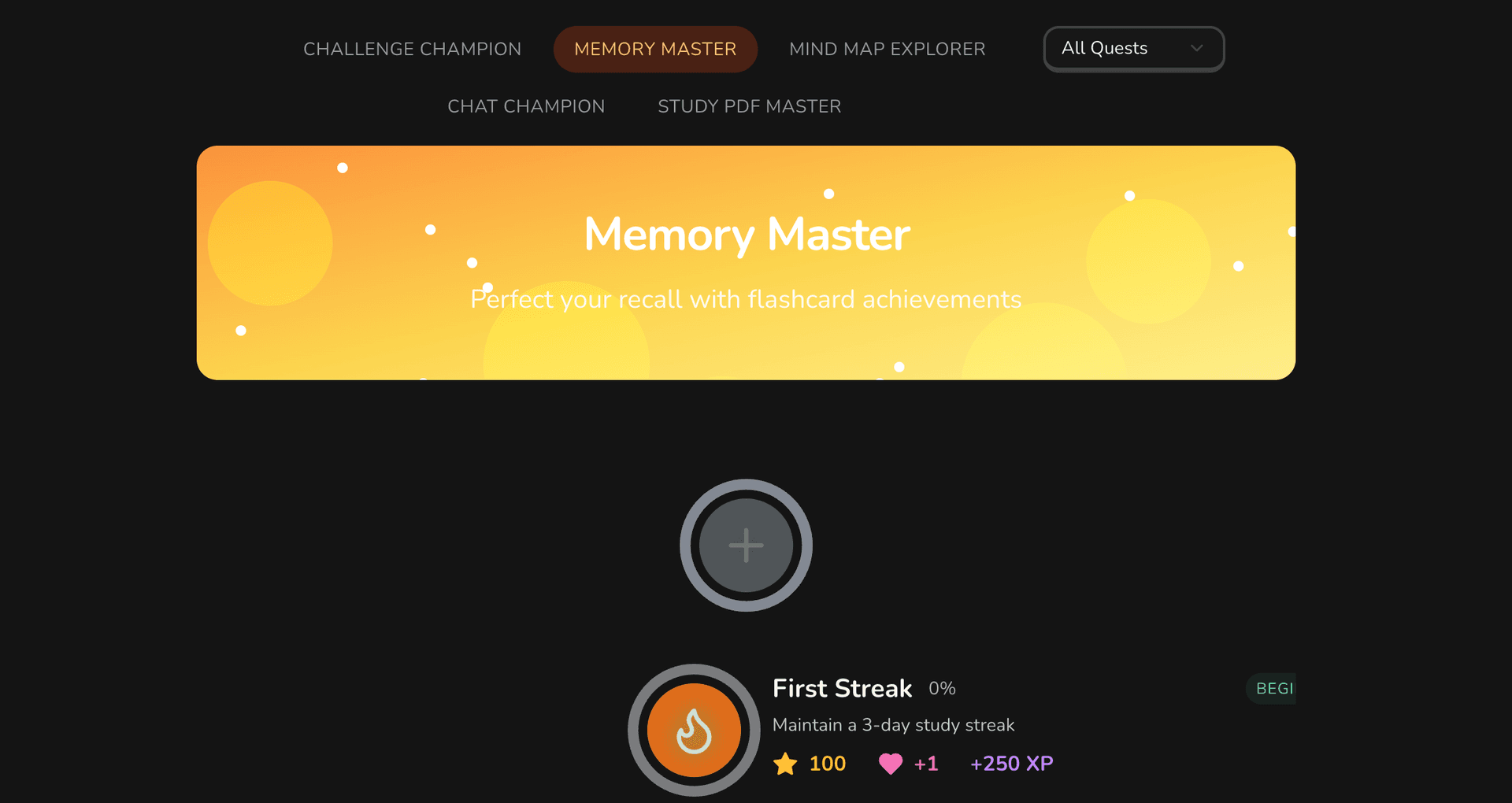
- Daily streak: Show up to study and keep your visit-based streak going, a simple nudge to come back tomorrow
Step 6: Review and Repeat
After completing a quiz session, review your per-concept mastery:
- Mastery by concept: See which ideas from the video you have mastered and where you need more practice
- Progress tracking: Monitor your improvement over multiple attempts as each one updates your mastery view
- Weak area identification: Bo highlights the specific concepts you should review next
Use these insights to guide your next study session. Ask Bo to build a fresh quiz that focuses on the concepts you are still weak on.
Choose the Right Videos
Not all videos are equally suited for quiz generation. For best results, prioritize:
- Structured lectures with clear topics and subtopics
- Videos with good audio quality for accurate transcript extraction
- Content-dense videos rather than vlog-style casual content
- Videos between 10-120 minutes for optimal quiz generation
- Educational content with factual, testable information
Combine Multiple Sources
One of StudyPDF's strengths is its ability to work with multiple sources. Consider uploading:
- The lecture video AND the accompanying PDF slides
- A YouTube tutorial AND the textbook chapter on the same topic
- Multiple videos from a lecture series for comprehensive exam prep
The AI will generate questions that cover all sources, giving you a more complete practice test.
Ask Bo About What You Got Wrong
After taking a quiz, chat with Bo to dive deeper into questions you got wrong. Because Bo answers only from your course material and cites its sources, you can trust what it tells you. Bo can:
- Explain concepts in different ways until you understand, citing the exact second of the video
- Point you to additional examples within the video content
- Connect ideas from the video to your other uploaded materials in the same course
- Answer follow-up questions about specific topics, always with a source you can check
Study in Sessions, Not Marathons
Research shows that distributed practice outperforms massed practice. Instead of taking all generated quizzes in one sitting:
- Limit sessions to 20-30 minutes for optimal focus
- Take quizzes across multiple days rather than all at once
- Come back daily and let the visit-based streak keep you consistent
- Mix topics within a session to improve discrimination between concepts
Leverage the Full Study Suite
Video quizzes are most effective when combined with other study materials. Use the complete set that StudyPDF generates:
- Start with the summary to get an overview of the video content
- Review the mind map to understand relationships between concepts
- Study flashcards for key terms and definitions
- Take the quiz to test your understanding
- Ask Bo to clarify anything you got wrong, with a citation back to the video
This multi-modal approach ensures you engage with the material through different cognitive pathways, dramatically improving retention.
University Students: Lecture Recordings
The most obvious use case is transforming recorded lectures into practice tests. Most universities now record lectures and make them available online. Instead of passively rewatching a 90-minute organic chemistry lecture before the midterm:
- Upload the lecture URL to StudyPDF
- Get a structured quiz covering all key reactions, mechanisms, and concepts
- Take the quiz to identify gaps in your understanding
- Focus your remaining study time on weak areas
Students using this approach report spending 40% less time studying while achieving higher exam scores because they replace inefficient rewatching with targeted active recall.
Self-Learners: YouTube Tutorials
YouTube has become the world's largest classroom, with channels covering everything from programming to philosophy. If you are learning a new skill through YouTube tutorials:
- Programming tutorials: Generate quizzes on syntax, concepts, and best practices from coding tutorials
- Language learning: Turn language lesson videos into vocabulary and grammar quizzes
- Science channels: Convert Veritasium or SmarterEveryDay videos into comprehension tests
- History content: Transform documentary-style videos into timeline and event quizzes
The key advantage is turning passive entertainment into active learning without additional effort.
Professionals: Webinars and Training Videos
Corporate training often involves watching recorded webinars or instructional videos. StudyPDF helps professionals:
- Retain compliance training by generating quizzes from mandatory viewing
- Prepare for certifications by converting study videos into practice exams
- Onboard faster by testing your own comprehension of training materials
- Master conference talks by turning a recorded session into a quiz you can self-test on
Teachers: Creating Assessments from Video Content
Educators who assign video content can use StudyPDF to quickly draft assessments from their own material:
- Add a YouTube video to your course
- Ask Bo to generate a quiz from the same video
- Tell Bo which topics or difficulty to focus on so the quiz matches your learning objectives
- Export the quiz to PDF or Word with the quiz maker
This saves hours of manual question writing while ensuring the assessment accurately covers the video content.
Test Prep: Supplementing Study Materials
Students preparing for standardized tests can supplement their study materials with video-generated quizzes:
- Watch Khan Academy videos on specific topics, then quiz yourself
- Convert SAT/GRE prep videos into practice questions
- Use medical lecture videos to generate USMLE-style questions
- Turn law school lecture recordings into bar exam practice tests
The AI adapts question style and difficulty to match the level of the source content, making it suitable for any standardized test preparation.
| Method | Time to Create | Question Quality | Active Recall | Mastery Tracking | Cost |
|---|
| StudyPDF (Bo) | 1-2 minutes | High, cited to the video | Yes | Per-concept | Free to start |
| Manual Note-taking | 30-60 minutes | Variable | Partial | No | Free |
| Rewatching Video | 0 minutes | N/A | No | No | Free |
| Hiring a Tutor | N/A | High | Yes | No | $30-100/hour |
| Generic Flashcard Apps | 15-30 minutes | Variable | Yes | Some | Varies |
StudyPDF offers the best combination of speed, quality, and learning science features for turning videos into practice tests.
Does it work with any YouTube video?
StudyPDF works with any public YouTube video that has a transcript available. This includes auto-generated captions and manually uploaded subtitles. Videos without any captions may not be processable.
How long should the video be?
StudyPDF handles videos from 5 minutes to over 3 hours. Shorter videos (10-30 minutes) typically produce focused quizzes on specific topics, while longer lectures generate comprehensive exam-style assessments with multiple units.
Can I change the generated questions?
Yes. Just tell Bo what you want, for example more questions on one topic, a harder set, or fewer recall questions, and it builds a new quiz from the same video. You can also export the quiz to PDF or Word and edit it there.
Does it work in languages other than English?
StudyPDF supports multiple languages. If the YouTube video has a transcript in German, Spanish, or other supported languages, the quiz will be generated in that language.
Can I combine video quizzes with PDF-based quizzes?
Absolutely. One of StudyPDF's strengths is combining multiple source types. Upload a lecture video and the corresponding slides or textbook chapter, and the AI will generate a comprehensive quiz covering all sources.
Turning YouTube videos into practice tests is one of the most effective study strategies available, and with StudyPDF's study agent Bo, it takes under two minutes. Whether you are a student trying to ace your next exam, a professional retaining training material, or a self-learner building real skills from YouTube, the combination of cited quizzes and per-concept mastery tracking will transform how you learn from video.
Ready to turn your next video into a practice test? Try StudyPDF's quiz maker for free and experience the difference active recall makes. You can also explore our vocabulary quiz maker for language-specific video content.
Stop rewatching. Start quizzing. Your brain will thank you.