Última actualización: junio de 2026.
La mejor herramienta de estudio con IA en 2026 para convertir tu propio material de curso en tarjetas, cuestionarios y exámenes es StudyPDF, porque cada recurso sale de lo que tú subes y cada respuesta cita la página, el segundo o la fuente exactos. Si solo necesitas tarjetas, Quizlet y Anki siguen siendo opciones fuertes. Abajo tienes el ranking completo con la tabla comparativa.
Las herramientas de estudio con IA han pasado de ser una curiosidad a una necesidad. En 2026, la brecha entre los estudiantes que usan plataformas de estudio con IA y los que no lo hacen es mayor que nunca. Las investigaciones muestran que los estudiantes asistidos por IA dedican un 50% menos de tiempo a estudiar y obtienen entre un 25% y un 40% más en sus exámenes. La pregunta ya no es si usar una herramienta de estudio con IA, sino cuál elegir.
StudyPDF es un agente de estudio con IA centrado en el curso. Subes tu propio material y Bo, su asistente, responde solo a partir de él, citando la página exacta de un PDF, el segundo de un video o la fuente de una web. Está hecho para tu curso, no para internet.
El mercado ha madurado considerablemente desde 2025. Las plataformas han profundizado sus funciones, han surgido nuevos competidores y los modelos de precios han cambiado. Pasamos tres meses probando 10 de las principales herramientas de estudio con IA: subimos materiales de cursos reales, generamos tarjetas de memoria, realizamos exámenes de práctica y evaluamos cada aspecto de la experiencia estudiantil. Esta guía presenta nuestros hallazgos honestos, clasificados de mejor a peor.
Antes de entrar en las reseñas detalladas, aquí tienes cómo se comparan las 10 mejores plataformas en las funciones que más importan a los estudiantes.
| Plataforma | Tarjetas IA | Mapas Mentales | Generador de Exámenes | Tutor IA | App Móvil | Nivel Gratuito | Precio inicial |
|---|
| StudyPDF | ✅ Citadas | ✅ Auto-generado | ✅ Examen de práctica citado | ✅ De tu curso | 🚧 Próximamente | ✅ Generoso | Gratis al empezar |
| Quizlet | ✅ Clásico + Q-Chat | ❌ Ninguno | ✅ Básico | ✅ Q-Chat IA | ✅ iOS/Android | ✅ Básico gratis | $3.99/mes |
| Anki | ✅ SRS avanzado | ❌ Ninguno | ❌ Ninguno | ❌ Ninguno | ✅ Android (gratis) | ✅ Gratis | Gratis (escritorio) |
| Notion AI | ❌ Solo manual | ❌ Solo manual | ❌ Ninguno | ✅ Asistente IA | ✅ iOS/Android | ✅ Nivel gratuito | $10/mes |
| Knowt | ✅ Bueno | ❌ Ninguno | ✅ Opción múltiple | ❌ Limitado | ❌ Solo web | ✅ Gratis | Gratis |
| StudyFetch | ✅ Básico | ❌ Limitado | ✅ Básico | ✅ Spark.E | ✅ iOS/Android | ✅ Limitado | $9.99/mes |
| Brainly | ❌ Ninguno | ❌ Ninguno | ❌ Ninguno | ✅ Respuestas IA | ✅ iOS/Android | ✅ Nivel gratuito | $6.99/mes |
| Acemate | ✅ Avanzado | ✅ Grafos de conocimiento | ✅ Con citas | ✅ Basado en documentos | ❌ Solo web | ❌ Limitado | €9.99/mes |
| Mindgrasp | ✅ Básico | ❌ Limitado | ✅ Básico | ✅ Con contexto | ✅ iOS | ✅ Limitado | $9.99/mes |
| Scholarcy | ❌ Solo resúmenes | ❌ Ninguno | ❌ Ninguno | ❌ Ninguno | ❌ Solo web | ✅ Limitado | $9.99/mes |
Cada herramienta de esta lista fue probada usando la misma metodología:
- Procesamiento de contenido: Subimos los mismos PDFs, presentaciones de PowerPoint y apuntes de clase para evaluar con qué eficacia cada plataforma extrae y organiza la información.
- Calidad de las tarjetas: Evaluamos las tarjetas generadas en cuanto a precisión, relevancia y formato, incluyendo soporte para imágenes, matemáticas y código.
- Generación de exámenes: Probamos la creación de exámenes de práctica en cuanto a profundidad, adaptación de dificultad y variedad de preguntas.
- Calidad del tutor IA: Hicimos las mismas preguntas de seguimiento en todas las plataformas para comparar la calidad de las respuestas y su base en las fuentes.
- Experiencia de usuario: Evaluamos la incorporación, el diseño de la interfaz y la rapidez con que un nuevo estudiante puede ser productivo.
- Valor por precio: Comparamos lo que realmente obtienes en cada punto de precio.
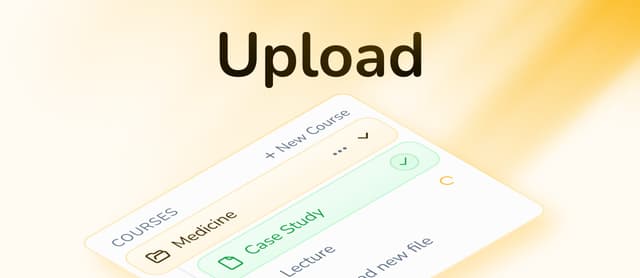
StudyPDF está construido en torno a Bo, un agente de estudio IA que trabaja sobre el material de tu propio curso. Subes tus PDFs (incluidos los escaneados y manuscritos), fotos, videos de YouTube y páginas web, y Bo responde solo a partir de ese material, citando la página, el segundo o la fuente exactos en cada respuesta. Está hecho para tu curso, no para internet.
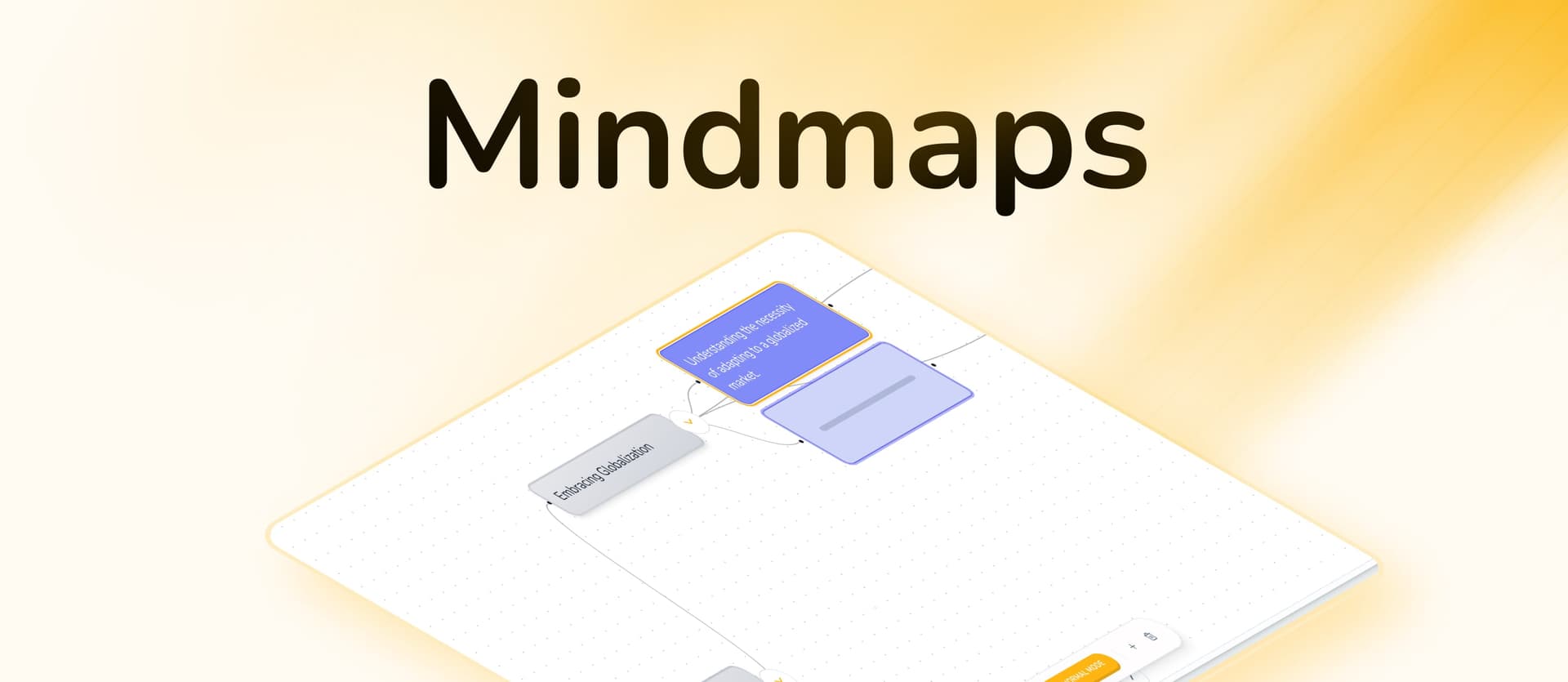
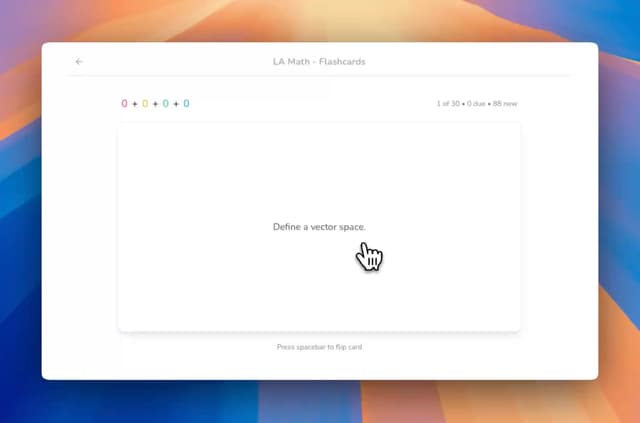
Lo que distingue a StudyPDF es que todo queda anclado a lo que subiste. A partir de tu material, Bo crea siete tipos de recursos: tarjetas de memoria, cuestionario, examen de práctica, guía de estudio, hoja de repaso, resumen y mapa mental. Todos vienen citados y etiquetados por concepto, y todo alimenta un seguimiento de dominio por concepto para que veas exactamente qué temas ya controlas y cuáles no.
Funciones Principales
- Siete tipos de recursos: tarjetas de memoria, cuestionario, examen de práctica, guía de estudio, hoja de repaso, resumen y mapa mental, todos a partir de tu material
- Respuestas citadas: cada respuesta y cada recurso enlaza a la página, el segundo o la fuente exactos de tu material subido
- Seguimiento de dominio por concepto: cada recurso queda etiquetado por concepto y alimenta tu progreso para mostrarte qué dominas
- Bo, anclado a tu curso: preguntas sobre tu material y Bo responde solo a partir de él, no del internet general
- Carga Multiformato: PDF (incluidos escaneados y manuscritos), fotos, Word (.docx), PowerPoint (.pptx), videos de YouTube y páginas web
- Racha diaria: mantén una racha visitando la app cada día para conservar la constancia
- Exporta a donde quieras: descarga cualquier recurso en PDF, Word o Anki
Ventajas
- Todas las respuestas vienen ancladas y citadas a partir de tu propio material de curso
- Siete tipos de recursos cubren memorización, repaso y preparación de exámenes
- El seguimiento de dominio por concepto te muestra exactamente qué estudiar a continuación
- Soporte para matemáticas y LaTeX en los recursos
- Procesa PDFs, fotos, documentos, videos de YouTube y páginas web
- Nivel gratuito generoso, gratis para siempre y sin tarjeta
Desventajas
- App móvil todavía en desarrollo
- Hace falta una o dos sesiones para conocer todos los tipos de recursos
- Sin modo sin conexión por ahora
Precios
- Gratis: gratis para siempre, sin tarjeta, con un presupuesto semanal de créditos generoso
- Pro y Ultra: planes de pago con presupuestos de uso más amplios
Ideal Para: Estudiantes que quieren que todos sus recursos de estudio salgan de su propio material de curso, con citas y seguimiento de dominio. Especialmente potente para cursos con muchos PDFs y materias STEM con matemáticas.
Prueba el Creador de Tarjetas IA, el Creador de Cuestionarios, el Resumidor IA o el Creador de Mapas Mentales de StudyPDF.
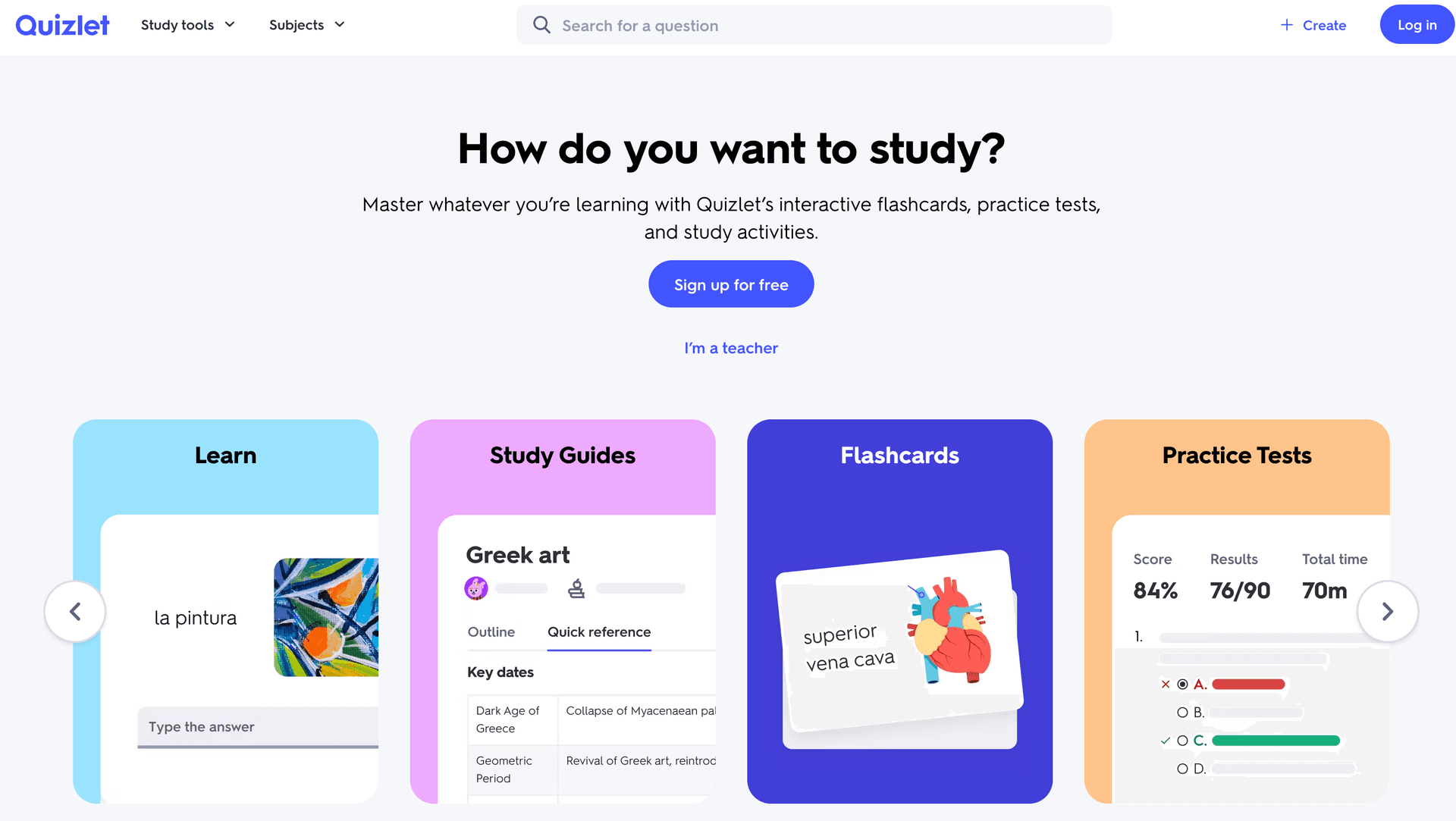
Quizlet ha sido la app de tarjetas por defecto durante más de una década y en 2026 sigue siendo una opción sólida gracias a su enorme biblioteca de contenido creado por usuarios y la incorporación de Q-Chat, su función de tutoría con IA. Si estás estudiando un curso popular, lo más probable es que alguien ya haya creado un set de Quizlet para ello.
Sin embargo, las fortalezas de Quizlet también son sus limitaciones. Fue construida como una herramienta de tarjetas y todavía lo parece: no hay mapas mentales, no hay canales de documento a material de estudio, y tampoco hay generación adaptativa de exámenes. Q-Chat es un paso adelante, pero funciona más como un chatbot de IA general que como un asistente de estudio profundamente integrado.
Funciones Principales
- Enorme biblioteca con millones de sets de tarjetas creados por la comunidad
- Tutor IA Q-Chat para aprendizaje conversacional
- Múltiples modos de estudio: Aprender, Test, Match y Blast
- Apps móviles sólidas en iOS y Android
- Quizlet Plus añade rutas de estudio mejoradas con IA
Ventajas
- La mayor comunidad de tarjetas del mundo
- El nivel gratuito es genuinamente útil
- Interfaz familiar e intuitiva
- Excelente experiencia móvil
- Q-Chat añade explicaciones con IA
Desventajas
- Sin mapas mentales ni herramientas de aprendizaje visual
- No permite subir PDFs para auto-generar materiales de estudio
- Sin generación adaptativa de exámenes
- Q-Chat carece de base profunda en documentos
- El algoritmo de tarjetas es básico comparado con SM-2 o el SRS de Anki
- Sin gamificación más allá de rachas básicas
Precios
- Gratis: Acceso ilimitado a tarjetas
- Quizlet Plus: $7.99/mes ($3.99/mes facturado anualmente)
Ideal Para: Estudiantes que necesitan tarjetas para cursos con mucho vocabulario o basados en datos y quieren acceso a contenido creado por la comunidad. No es ideal para estudiantes que necesitan procesar PDFs o quieren funciones de estudio integrales.
Anki es el estándar de oro para la repetición espaciada y sigue siendo insuperable para estudiantes dispuestos a invertir tiempo en la configuración. Estudiantes de medicina, aprendices de idiomas y cualquiera que necesite memorizar grandes volúmenes de información jura por él. El algoritmo es sofisticado, el ecosistema de complementos es vasto y la app de escritorio es completamente gratuita.
El compromiso es claro: Anki hace una cosa excepcionalmente bien (tarjetas con repetición espaciada) pero nada más. No hay generación con IA, no hay mapas mentales, no hay modo examen, y la interfaz parece diseñada en 2006. Lo fue. Crear tarjetas manualmente requiere mucho tiempo y la curva de aprendizaje para la configuración de mazos es empinada.
Funciones Principales
- Algoritmo SRS avanzado con control granular de intervalos
- Enorme ecosistema de complementos (más de 2.000 plugins)
- Biblioteca de mazos compartidos con contenido de la comunidad
- Personalización total de plantillas de tarjetas (HTML/CSS)
- Sincronización entre dispositivos a través de AnkiWeb
- Gratis en escritorio y Android; de pago en iOS ($24.99 compra única)
Ventajas
- El algoritmo de repetición espaciada más potente disponible
- Completamente gratuito en escritorio y Android
- Infinitamente personalizable con complementos
- Código abierto con comunidad activa
- Trayectoria probada en educación médica
Desventajas
- Sin generación de contenido con IA
- Curva de aprendizaje empinada para nuevos usuarios
- Interfaz y UX anticuadas
- La creación manual de tarjetas requiere mucho tiempo
- Sin mapas mentales, resúmenes ni funciones de examen
- La app para iOS cuesta $24.99
Precios
- Gratis: Escritorio (Windows, Mac, Linux) y Android
- iOS: $24.99 compra única
Ideal Para: Estudiantes de medicina, aprendices de idiomas y cualquiera que necesite el máximo control sobre la repetición espaciada. No es adecuado para estudiantes que quieren contenido generado con IA o una plataforma de estudio moderna y todo en uno.
Notion AI no es una herramienta de estudio dedicada: es un espacio de trabajo potente con una capa de IA encima. Para estudiantes que ya viven en Notion para organizar su trabajo universitario, el asistente IA añade valor real: resume notas, explica conceptos, genera esquemas y reescribe contenido para mayor claridad.
La limitación es que Notion fue diseñado para la productividad, no para el aprendizaje. No hay tarjetas con repetición espaciada, no hay exámenes adaptativos, y no hay mapas mentales a menos que los construyas manualmente usando bases de datos y plantillas. Es una herramienta de organización fantástica con capacidades de IA, pero no reemplaza a una plataforma de estudio diseñada específicamente para ese fin.
Funciones Principales
- Asistente IA que funciona en todo tu espacio de trabajo
- Organización potente de bases de datos y páginas
- Plantillas para apuntes de cursos, tareas y horarios
- Funciones de colaboración para estudio grupal
- Apps multiplataforma con soporte sin conexión
- Resumen con IA, reescritura y preguntas y respuestas
Ventajas
- Excepcional para organizar todos los materiales del curso en un solo lugar
- El asistente IA entiende el contexto de tu espacio de trabajo
- Lo suficientemente flexible para construir sistemas de estudio personalizados
- Excelente colaboración para proyectos grupales
- Apps móviles sólidas con acceso sin conexión
Desventajas
- No es una herramienta de estudio dedicada: sin tarjetas, sin SRS, sin exámenes
- La IA es un asistente general, no un tutor de estudio especializado
- Requiere una configuración significativa para usarla como sistema de estudio
- Sin canales de documento a tarjeta o de documento a cuestionario
- $10/mes por las funciones IA es caro para estudiantes
Precios
- Gratis: Espacio de trabajo básico (sin IA)
- Plus: $10/mes con Notion AI incluido
- Descuento para estudiantes disponible
Ideal Para: Estudiantes que ya usan Notion para tomar notas y quieren asistencia IA dentro de su flujo de trabajo existente. No es ideal como herramienta de estudio independiente.
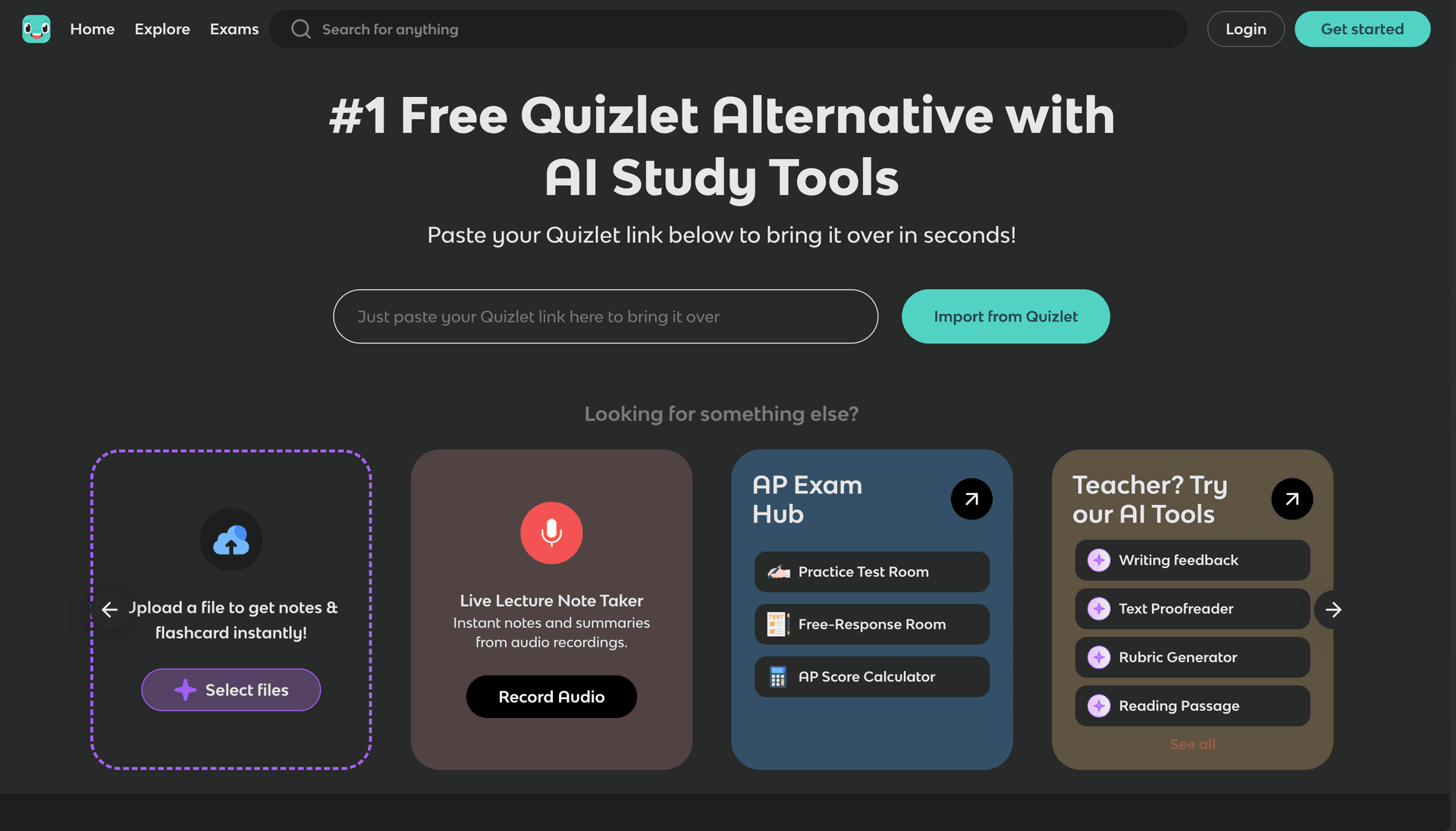
Knowt sigue impresionando como la mejor alternativa gratuita a Quizlet. Ofrece creación ilimitada de tarjetas, importación desde Quizlet y múltiples modos de estudio sin ningún muro de pago. Para estudiantes con presupuesto ajustado que necesitan funcionalidad sólida de tarjetas, Knowt cumple.
La versión 2026 ha mejorado sus funciones de IA, pero todavía le falta la profundidad de las plataformas de estudio dedicadas a IA. No hay mapas mentales, la generación de exámenes es limitada y la plataforma sigue siendo solo web.
Funciones Principales
- Creación ilimitada y gratuita de tarjetas
- Importación sin problemas de mazos de Quizlet
- Múltiples modos de estudio (Aprender, Test, Match)
- Generación básica de tarjetas con IA a partir de notas
- Biblioteca de contenido compartido por la comunidad
- Carga de documentos para extracción básica de contenido
Ventajas
- Completamente gratuito para las funciones principales
- Fácil migración desde Quizlet
- Interfaz limpia e intuitiva
- Buenos modos de estudio básicos
- Biblioteca de contenido en crecimiento
Desventajas
- Sin mapas mentales ni herramientas de aprendizaje visual
- Algoritmo básico de tarjetas (sin SRS real)
- Generación de exámenes limitada
- Solo web (sin apps móviles)
- Las funciones de IA son superficiales
- Sin gamificación
Precios
- Gratis: Funciones básicas ilimitadas
- Pro: $4.99/mes para IA avanzada y más funciones
Ideal Para: Estudiantes que necesitan tarjetas gratuitas e ilimitadas y migran desde Quizlet. Bueno para el estudio de vocabulario y datos concretos, pero no para una preparación de exámenes integral.
StudyFetch ha apostado aún más por su enfoque centrado en móvil en 2026 y se nota. Las apps nativas para iOS y Android están muy pulidas, la grabación de conferencias funciona de forma fiable y el tutor IA Spark.E ofrece explicaciones útiles. Si estudias principalmente desde tu celular, StudyFetch vale la pena considerarlo.
La experiencia de escritorio es adecuada pero no excepcional, y la plataforma todavía carece de mapas mentales y funciones avanzadas de examen que sí ofrecen competidores como StudyPDF.
Funciones Principales
- Apps nativas para iOS y Android con más de 150.000 descargas
- Tutor IA Spark.E para explicaciones y calificaciones
- Grabación de conferencias y conversión automática a materiales de estudio
- Modo de estudio sin conexión
- Generación básica de tarjetas y cuestionarios
Ventajas
- La mejor experiencia de estudio móvil en su clase
- Grabación de conferencias fiable
- Modo sin conexión para estudiar sin internet
- Spark.E ofrece explicaciones útiles
- Buenas valoraciones en las tiendas de apps
Desventajas
- Sin mapas mentales ni herramientas visuales avanzadas
- Generador de exámenes básico
- Soporte de formatos de archivo limitado comparado con StudyPDF
- $9.99/mes es caro para lo que ofrece
- La experiencia de escritorio es secundaria
Precios
- Gratis: Funciones limitadas
- Pro: $9.99/mes
- Precios empresariales personalizados
Ideal Para: Estudiantes que estudian principalmente desde su celular y necesitan capacidades de grabación de conferencias.
Brainly es fundamentalmente diferente a las demás herramientas de esta lista. Es una plataforma de ayuda con tareas, no una herramienta de estudio en el sentido tradicional. Haces una pregunta, escribiéndola o tomando una foto, y la IA de Brainly ofrece explicaciones paso a paso. Destaca para respuestas rápidas, pero no te ayuda a construir hábitos de estudio a largo plazo.
Funciones Principales
- Explicaciones paso a paso con IA
- Entrada de preguntas mediante foto (fotografía un problema)
- Respuestas de la comunidad de otros estudiantes
- Apps móviles sólidas
- Cubre matemáticas, ciencias, idiomas y más
Ventajas
- Excelente para ayuda rápida con tareas
- La entrada por foto es genuinamente útil para problemas de matemáticas
- Gran comunidad con respuestas de compañeros
- Buena experiencia móvil
- El nivel gratuito es funcional
Desventajas
- No es una herramienta de estudio: sin tarjetas, mapas mentales ni exámenes
- Fomenta buscar respuestas en lugar del aprendizaje profundo
- Las respuestas de IA pueden ser superficiales para temas complejos
- Sin procesamiento de documentos ni generación de materiales de estudio
- Sin repetición espaciada ni funciones de retención a largo plazo
Precios
- Gratis: Número limitado de preguntas por día
- Plus: $6.99/mes para respuestas IA ilimitadas
Ideal Para: Estudiantes que necesitan respuestas rápidas a problemas específicos de sus tareas. No es un reemplazo para una herramienta de estudio integral.
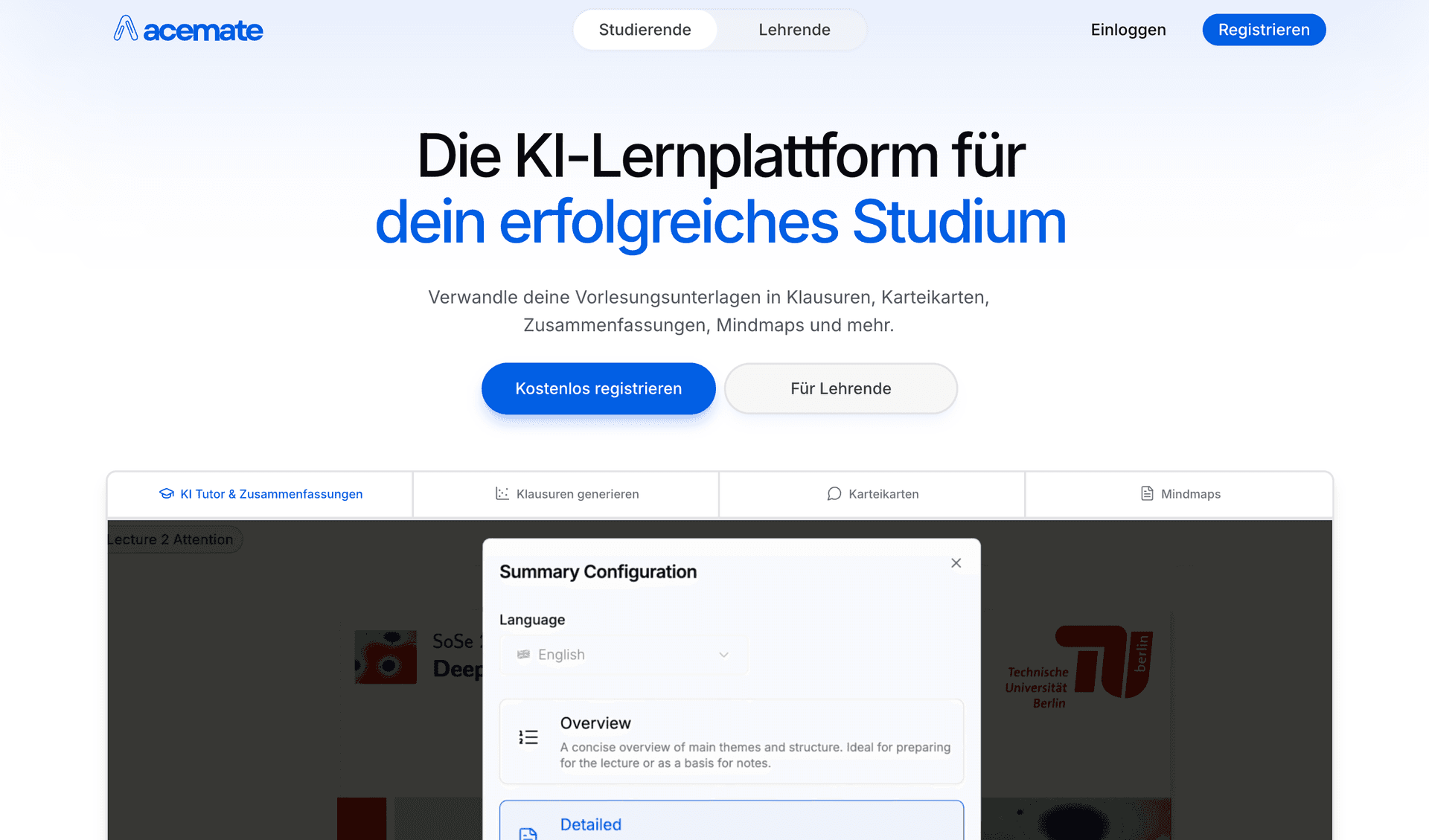
Acemate sigue siendo una opción sólida para estudiantes universitarios europeos, especialmente los de instituciones de habla alemana. Sus alianzas con la TUM, la TU Berlin y la Uni Köln le dan credibilidad, y su función de grafos de conocimiento ofrece representaciones visuales genuinamente útiles de relaciones académicas complejas.
Funciones Principales
- Alianzas universitarias con las principales instituciones europeas
- Grafos de conocimiento para relaciones visuales entre conceptos
- Respuestas IA basadas en citas con referencias a fuentes
- Cumplimiento del RGPD
- Herramientas para educadores para monitoreo de clases
Ventajas
- Sólida credibilidad académica
- Grafos de conocimiento avanzados
- Respuestas fundamentadas en citas
- Cumplimiento del RGPD para estudiantes europeos
- Bueno para material académico complejo
Desventajas
- Curva de aprendizaje pronunciada
- Nivel gratuito muy limitado
- La interfaz puede resultar abrumadora
- Sin gamificación
- Solo web (sin apps móviles)
- Los precios en euros pueden no adaptarse a todos los mercados
Precios
- Funciones gratuitas muy limitadas
- Pro: EUR 9.99/mes
- Precios empresariales personalizados
Ideal Para: Estudiantes universitarios en Europa que necesitan cumplimiento del RGPD y trabajan con materiales académicos complejos.
Mindgrasp admite más de 20 idiomas, lo que lo convierte en la opción preferida para estudiantes internacionales que estudian en varios idiomas. La función de grabación de conferencias y la extensión de navegador para integración con LMS añaden valor práctico, aunque las capacidades de IA siguen siendo genéricas comparadas con plataformas especializadas.
Funciones Principales
- Soporte para más de 20 idiomas
- Grabación de conferencias con transcripción automática
- Extensión de navegador para integración con LMS
- Soporte de contenido en múltiples formatos
- App móvil para iOS
Ventajas
- El mejor soporte multilingüe del mercado
- Grabación de conferencias fiable
- Extensión de navegador para captura fácil de contenido
- Disponibilidad de app móvil
- Amplio soporte de formatos
Desventajas
- IA genérica sin algoritmos de aprendizaje especializados
- Generación básica de tarjetas y exámenes
- Sin mapas mentales avanzados
- Sin gamificación
- Analíticas básicas
- $9.99/mes está por encima de la media para el conjunto de funciones
Precios
- Funciones gratuitas limitadas
- Pro: $9.99/mes
- Precios empresariales personalizados
Ideal Para: Estudiantes internacionales que estudian en varios idiomas y necesitan grabación de conferencias.
Scholarcy ocupa un nicho: está diseñada específicamente para resumir artículos académicos y extraer hallazgos clave, métodos y citas. Para estudiantes de posgrado e investigadores que leen docenas de artículos por semana, ahorra mucho tiempo. Pero no es una herramienta de estudio en el sentido amplio: no hay tarjetas, no hay exámenes y no hay funciones de recuperación activa.
Funciones Principales
- Resumen de artículos con IA y extracción estructurada
- Identificación de citas y referencias
- Extracción de hallazgos clave y metodología
- Extensión de navegador para resumen con un clic
- Tarjetas de resumen similares a tarjetas de memoria para artículos
Ventajas
- Excelente para resumir artículos de investigación
- Extracción estructurada (hallazgos, métodos, limitaciones)
- La extensión de navegador es conveniente
- Bueno para revisiones bibliográficas
- Ahorra tiempo de lectura significativo
Desventajas
- No es una herramienta de estudio: sin tarjetas, exámenes ni mapas mentales
- Limitado a formatos de artículos académicos
- Sin recuperación activa ni repetición espaciada
- Sin funciones de tutoría IA
- Interfaz solo web
- Caso de uso muy específico
Precios
- Gratis: Resúmenes de artículos limitados
- Pro: $9.99/mes para resúmenes ilimitados
Ideal Para: Estudiantes de posgrado e investigadores que necesitan procesar grandes volúmenes de artículos académicos rápidamente. No es adecuado para la preparación de exámenes de pregrado.
| Función | StudyPDF | Quizlet | Anki | Notion AI | Knowt | StudyFetch | Brainly | Acemate | Mindgrasp | Scholarcy |
|---|
| Generación de Tarjetas IA | ✅ Citadas | ✅ Básico | ❌ Manual | ❌ Manual | ✅ Básico | ✅ Básico | ❌ | ✅ Avanzado | ✅ Básico | ❌ |
| Mapas Mentales | ✅ Auto-generado | ❌ | ❌ | ❌ | ❌ | ❌ | ❌ | ✅ Grafos de conocimiento | ❌ | ❌ |
| Generación de Exámenes/Cuestionarios | ✅ Citado | ✅ Básico | ❌ | ❌ | ✅ Básico | ✅ Básico | ❌ | ✅ Con citas | ✅ Básico | ❌ |
| Tutor/Chat IA | ✅ De tu curso | ✅ Q-Chat | ❌ | ✅ IA general | ❌ | ✅ Spark.E | ✅ IA tareas | ✅ Fundamentado | ✅ Con contexto | ❌ |
| Resúmenes | ✅ Citados | ❌ | ❌ | ✅ Asistido por IA | ❌ | ❌ | ❌ | ✅ Básico | ✅ Básico | ✅ Especializado |
| Carga de PDF | ✅ | ❌ | ❌ | ✅ | ✅ Básico | ✅ | ❌ | ✅ | ✅ | ✅ |
| Soporte de YouTube | ✅ | ❌ | ❌ | ❌ | ❌ | ❌ | ❌ | ❌ | ✅ | ❌ |
| Seguimiento de dominio | ✅ Por concepto | ❌ | ❌ | ❌ | ❌ | ❌ | ❌ | ❌ | ❌ | ❌ |
| Racha diaria | ✅ | ❌ | ❌ | ❌ | ❌ | ❌ | ❌ | ❌ | ❌ | ❌ |
| App Móvil | 🚧 | ✅ | ✅ Android | ✅ | ❌ | ✅ | ✅ | ❌ | ✅ iOS | ❌ |
| Nivel Gratuito | ✅ Generoso | ✅ | ✅ | ✅ | ✅ | ✅ Limitado | ✅ | ❌ Limitado | ✅ Limitado | ✅ Limitado |
| Soporte Matemáticas/LaTeX | ✅ | ❌ | ✅ (complementos) | ✅ Básico | ❌ | ❌ | ✅ | ❌ | ❌ | ❌ |
| Herramienta | Nivel Gratuito | Precio Mensual | Precio Anual (por mes) | ¿Mejor Valor? |
|---|
| StudyPDF | Generoso, gratis para siempre | Planes Pro y Ultra de pago | Planes Pro y Ultra de pago | ✅ Mejor valor |
| Quizlet | Tarjetas ilimitadas | $7.99/mes (Plus) | $3.99/mes | Bueno para tarjetas |
| Anki | Gratis (escritorio/Android) | N/A | N/A | Gratis pero manual |
| Notion AI | Espacio de trabajo básico | $10/mes (Plus) | $8/mes | Caro para estudio |
| Knowt | Básico ilimitado | $4.99/mes (Pro) | $3.99/mes | Buen nivel gratuito |
| StudyFetch | Limitado | $9.99/mes | N/A | Precio elevado |
| Brainly | Preguntas limitadas | $6.99/mes (Plus) | N/A | Solo uso específico |
| Acemate | Muy limitado | EUR 9.99/mes | N/A | Enfocado en Europa |
| Mindgrasp | Limitado | $9.99/mes | N/A | Precio elevado |
| Scholarcy | Resúmenes limitados | $9.99/mes | N/A | Nicho de investigación |
Elige StudyPDF Si:
- Quieres que todos tus recursos salgan de tu propio material de curso, con citas
- Estudias con PDFs, presentaciones y documentos con frecuencia
- Necesitas soporte de matemáticas y LaTeX para cursos STEM
- Quieres ver tu dominio por concepto y saber qué estudiar a continuación
- Quieres respuestas ancladas y citadas a la página o fuente exacta, sin invenciones
- Necesitas siete tipos de recursos desde una sola carga
Elige Quizlet Si:
- Necesitas principalmente tarjetas y nada más
- Quieres acceso a millones de sets creados por la comunidad
- Necesitas una app móvil pulida
- Estudias materias con mucho vocabulario
Elige Anki Si:
- Eres estudiante de medicina o necesitas memorizar grandes volúmenes
- Quieres el máximo control sobre la configuración de repetición espaciada
- No te importa una curva de aprendizaje pronunciada y la creación manual de tarjetas
- Prefieres el software gratuito y de código abierto
Elige Notion AI Si:
- Ya usas Notion para todo
- Necesitas un sistema de organización con asistencia IA
- Quieres construir un flujo de trabajo de estudio personalizado
- Priorizas la toma de notas y la planificación sobre la recuperación activa
Elige Knowt Si:
- Necesitas tarjetas gratuitas e ilimitadas
- Estás migrando desde Quizlet
- Quieres una interfaz simple y limpia
- No necesitas funciones avanzadas de IA
Elige StudyFetch Si:
- Estudias principalmente desde tu celular
- Necesitas capacidades de grabación de conferencias
- Quieres acceso a estudio sin conexión
Elige Brainly Si:
- Necesitas respuestas rápidas a problemas específicos de tus tareas
- Prefieres la entrada de preguntas por foto
- Buscas un asistente de tareas, no un sistema de estudio
Elige Acemate Si:
- Estás en una universidad europea
- Necesitas cumplimiento del RGPD
- Trabajas con investigación académica compleja
Elige Mindgrasp Si:
- Estudias en varios idiomas
- Necesitas grabación de conferencias con transcripción automática
- Quieres integración con LMS
Elige Scholarcy Si:
- Eres estudiante de posgrado o investigador
- Necesitas procesar artículos académicos a gran escala
- Quieres resúmenes de artículos estructurados
El panorama de las herramientas de estudio con IA está evolucionando rápidamente. Estas son las tendencias que marcarán el resto de 2026:
La Entrada Multimodal Se Está Convirtiendo en Estándar
Las mejores plataformas ahora aceptan PDFs, presentaciones, imágenes y videos. La integración de YouTube de StudyPDF y el procesamiento de imágenes representan la dirección hacia la que va el sector: los estudiantes no deberían tener que convertir sus materiales antes de subirlos.
La Constancia Importa
Las plataformas que ayudan a los estudiantes a volver cada día ven tasas de retención más altas. StudyPDF lo mantiene simple con una racha diaria por visita y un progreso de dominio por concepto visible, para que veas avanzar tu estudio sin necesidad de puntos ni tablas de clasificación.
Los Tutores IA Se Vuelven Más Inteligentes
La brecha entre los chatbots de IA genéricos y los asistentes de estudio fundamentados en el contexto se está ampliando. Los mejores tutores IA de 2026 responden preguntas específicamente basándose en tu material subido, no en datos de entrenamiento generales, lo que reduce las alucinaciones y mejora la relevancia. Bo, de StudyPDF, va un paso más allá citando la página, el segundo o la fuente exactos de cada respuesta.
Las Citas Se Vuelven Imprescindibles
Los estudiantes ya no confían en respuestas de IA que no pueden verificar. Las plataformas se mueven hacia recursos anclados que enlazan cada afirmación de vuelta a la fuente. StudyPDF etiqueta además cada recurso por concepto, de modo que el estudio queda ligado a lo que realmente necesitas dominar.
El Móvil Sigue Siendo Fundamental
Los estudiantes estudian en breves intervalos entre clases, durante sus traslados y antes de dormir. Las plataformas sin una experiencia móvil sólida están en desventaja creciente, aunque herramientas como StudyPDF, que son primero web, están cerrando la brecha con funciones de aplicación web progresiva mientras sus apps nativas están en desarrollo.
StudyPDF es la mejor herramienta de estudio con IA para estudiantes en 2026. Bo crea siete tipos de recursos (tarjetas de memoria, cuestionario, examen de práctica, guía de estudio, hoja de repaso, resumen y mapa mental) a partir de tu propio material de curso, con cada respuesta citada a la página o fuente exacta y todo etiquetado por concepto para seguir tu dominio. Empiezas gratis y sin tarjeta.
Para estudiantes que necesitan una herramienta especializada, Quizlet sigue siendo excelente para tarjetas de la comunidad, Anki es insuperable para la repetición espaciada avanzada, y Notion AI funciona bien si ya vives en ese ecosistema. Pero si quieres recursos que salgan de tu propio material, con citas y seguimiento de dominio, StudyPDF es el ganador indiscutible.
El mejor momento para integrar la IA en tu rutina de estudio es ahora. Empieza con el nivel gratuito de StudyPDF: sube tu material, deja que Bo genere recursos citados y comprueba la diferencia por ti mismo.