AI study tools have gone from novelty to necessity. In 2026, the gap between students who use AI-powered study platforms and those who do not is wider than ever — research shows AI-assisted learners spend 50% less time studying while scoring 25-40% higher on exams. The question is no longer whether to use an AI study tool, but which one to choose.
The market has matured significantly since 2025. Platforms have deepened their feature sets, new contenders have emerged, and pricing models have shifted. We spent three months testing 10 of the leading AI study tools — uploading real course materials, generating flashcards, running practice exams, and evaluating every aspect of the student experience. This guide presents our honest findings, ranked from best to worst.
Before diving into the detailed reviews, here is how the top 10 platforms stack up across the features that matter most to students.
| Platform | AI Flashcards | Mind Maps | Exam Generator | AI Tutor | Mobile App | Free Tier | Starting Price |
|---|
| StudyPDF | ✅ SM-2 Algorithm | ✅ Auto-generated | ✅ Adaptive (Units/Lessons) | ✅ Context-aware | 🚧 Coming Soon | ✅ 100 pages/mo | Free trial |
| Quizlet | ✅ Legacy + Q-Chat | ❌ None | ✅ Basic | ✅ Q-Chat AI | ✅ iOS/Android | ✅ Free basic | $3.99/mo |
| Anki | ✅ Advanced SRS | ❌ None | ❌ None | ❌ None | ✅ Android (free) | ✅ Free | Free (desktop) |
| Notion AI | ❌ Manual only | ❌ Manual only | ❌ None | ✅ AI assistant | ✅ iOS/Android | ✅ Free tier | $10/mo |
| Knowt | ✅ Good | ❌ None | ✅ Multiple choice | ❌ Limited | ❌ Web only | ✅ Free | Free |
| StudyFetch | ✅ Basic | ❌ Limited | ✅ Basic | ✅ Spark.E | ✅ iOS/Android | ✅ Limited | $9.99/mo |
| Brainly | ❌ None | ❌ None | ❌ None | ✅ AI answers | ✅ iOS/Android | ✅ Free tier | $6.99/mo |
| Acemate | ✅ Advanced | ✅ Knowledge graphs | ✅ With citations | ✅ Document-grounded | ❌ Web only | ❌ Limited | €9.99/mo |
| Mindgrasp | ✅ Basic | ❌ Limited | ✅ Basic | ✅ Content-aware | ✅ iOS | ✅ Limited | $9.99/mo |
| Scholarcy | ❌ Summary only | ❌ None | ❌ None | ❌ None | ❌ Web only | ✅ Limited | $9.99/mo |
Every tool on this list was tested using the same methodology:
- Content processing: We uploaded identical PDFs, PowerPoint decks, and lecture notes to test how well each platform extracts and organizes information.
- Flashcard quality: We evaluated generated flashcards for accuracy, relevance, and formatting — including support for images, math, and code.
- Exam generation: We tested practice exam creation for depth, difficulty adaptation, and question variety.
- AI tutor quality: We asked the same follow-up questions across platforms to compare answer quality and source grounding.
- User experience: We assessed onboarding, interface design, and how quickly a new student can become productive.
- Pricing value: We compared what you actually get at each price point.
StudyPDF remains the most complete AI study platform in 2026. Where most tools excel in one area and fall short in others, StudyPDF delivers a full suite — AI flashcards with spaced repetition, auto-generated mind maps, adaptive exam generation, AI-powered summaries, and a context-aware chat assistant — all from a single document upload.
What sets StudyPDF apart is how these features work together. Upload a PDF and you instantly get flashcards for memorization, a mind map for understanding relationships, a summary for quick review, and practice exams for testing yourself. The gamification layer — hearts, XP, streaks, quests — keeps you coming back, which is half the battle in effective studying.
Key Features
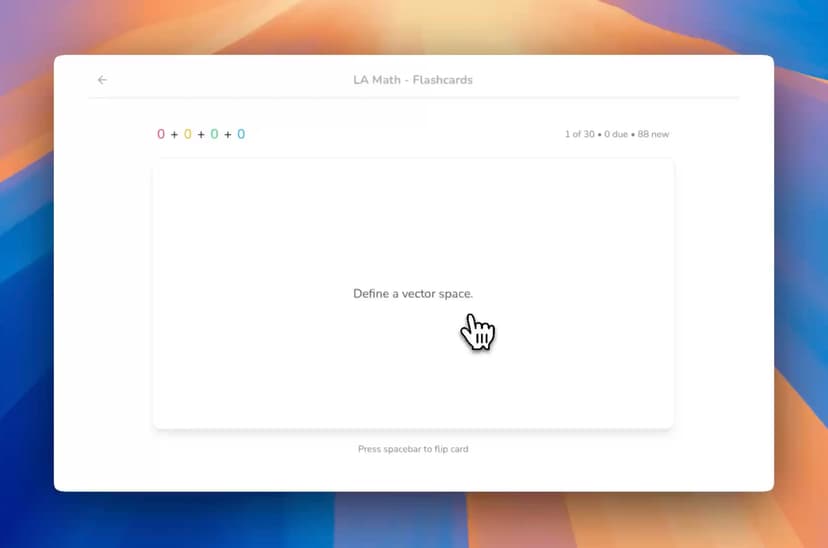
- Anki-style Flashcards: SM-2 spaced repetition algorithm with math rendering, image support, and progress tracking
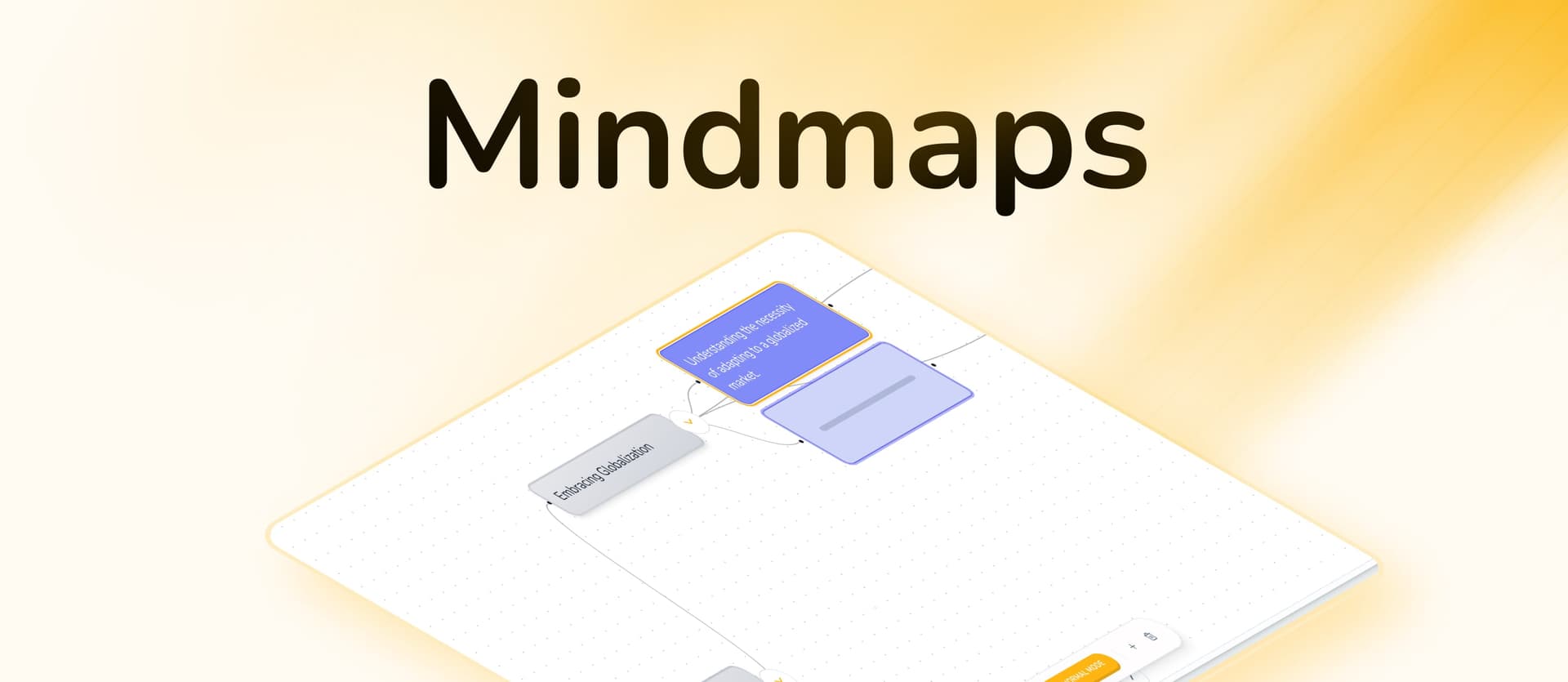
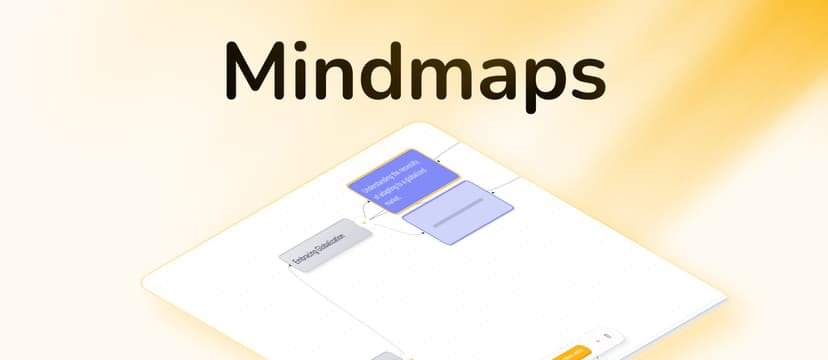
- Direct-Positioning Mind Maps: Auto-generated visual maps with expandable nodes and a hidden study mode for self-testing
- Adaptive Exam Generation: Units, lessons, and challenges with multiple-choice and single-choice questions that adapt to your performance
- Notion-style Summaries: Rich text editor with AI rewrite, highlighting, expandable sections, and clean formatting
- AI Chat Assistant: Ask questions about a single file or across all your uploaded content
- Multi-format Upload: PDF, Word (.docx), PowerPoint (.pptx), YouTube videos, and images
- Heart System & Gamification: Lose hearts for wrong answers, earn XP, complete quests, maintain streaks
- Teacher Collaboration: Upload materials, invite students, role-based permissions
- Advanced Analytics: Track flashcard completion, lesson progress, question accuracy, and study time
Pros
- Most comprehensive feature set of any AI study tool
- Scientifically proven SM-2 algorithm for long-term retention
- Full math and LaTeX support across flashcards, summaries, and chat
- Gamification that genuinely motivates consistent study habits
- Teacher features for classroom management
- Processes PDFs, slides, documents, YouTube videos, and images
- Generous free tier with 100 pages per month
Cons
- Mobile app still in development
- Advanced features take a session or two to learn
- No offline mode yet
Pricing
- Free: 100 pages/month processing
- Pro: $3.99/month (billed yearly) — unlimited uploads, unlimited hearts, XP, quests
- Ultra: $7.99/month (billed yearly) — all Pro features plus leaderboards, collaboration, detailed analytics
Best For: Students who want a single platform that handles flashcards, mind maps, exams, and summaries. Particularly strong for PDF-heavy courses, STEM subjects with math, and anyone who responds well to gamified learning.
Try StudyPDF's AI Flashcard Maker, Quiz Maker, AI Summarizer, or Mind Map Maker.
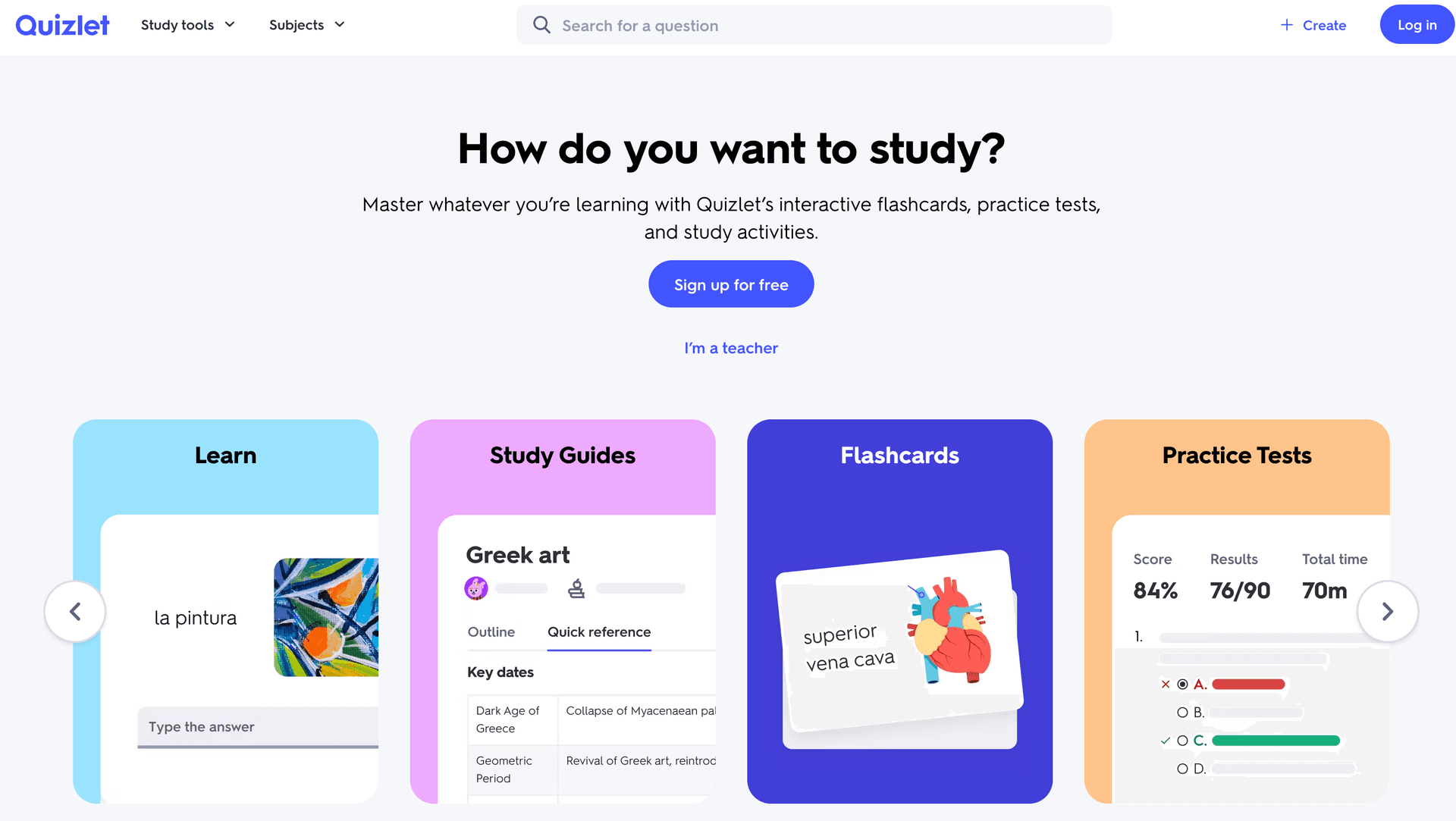
Quizlet has been the default flashcard app for over a decade, and in 2026 it remains a solid option thanks to its massive library of user-created content and the addition of Q-Chat, its AI tutoring feature. If you are studying a popular course, chances are someone has already created a Quizlet set for it.
However, Quizlet's strengths are also its limitations. It was built as a flashcard tool and still feels like one — there are no mind maps, no document-to-study-material pipelines, and no adaptive exam generation. Q-Chat is a step forward, but it operates more like a general AI chatbot than a deeply integrated study assistant.
Key Features
- Massive library of millions of community-created flashcard sets
- Q-Chat AI tutor for conversational learning
- Multiple study modes: Learn, Test, Match, and Blast
- Strong mobile apps on iOS and Android
- Quizlet Plus adds AI-enhanced study paths
Pros
- Largest flashcard community in the world
- Free tier is genuinely useful
- Familiar, intuitive interface
- Excellent mobile experience
- Q-Chat adds AI-powered explanations
Cons
- No mind maps or visual learning tools
- Cannot upload PDFs and auto-generate study materials
- No adaptive exam generation
- Q-Chat lacks deep document grounding
- Flashcard algorithm is basic compared to SM-2 or Anki's SRS
- No gamification beyond basic streaks
Pricing
- Free: Unlimited flashcard access
- Quizlet Plus: $7.99/month ($3.99/month billed yearly)
Best For: Students who need flashcards for vocabulary-heavy or fact-based courses and want access to community-created content. Not ideal for students who need to process PDFs or want comprehensive study features.
Anki is the gold standard for spaced repetition and remains unmatched for students willing to invest time in setup. Medical students, language learners, and anyone who needs to memorize large volumes of information swear by it. The algorithm is sophisticated, the add-on ecosystem is vast, and the desktop app is completely free.
The trade-off is clear: Anki does one thing exceptionally well (spaced repetition flashcards) but nothing else. There is no AI generation, no mind maps, no exam mode, and the interface looks like it was designed in 2006 — because it was. Creating cards manually is time-intensive, and the learning curve for deck configuration is steep.
Key Features
- Advanced SRS algorithm with granular interval control
- Massive add-on ecosystem (2,000+ plugins)
- Shared deck library with community content
- Full customization of card templates (HTML/CSS)
- Sync across devices via AnkiWeb
- Free on desktop, Android; paid on iOS ($24.99 one-time)
Pros
- Most powerful spaced repetition algorithm available
- Completely free on desktop and Android
- Infinitely customizable with add-ons
- Open-source with active community
- Proven track record in medical education
Cons
- No AI-powered content generation
- Steep learning curve for new users
- Outdated interface and UX
- Manual card creation is extremely time-consuming
- No mind maps, summaries, or exam features
- iOS app costs $24.99
Pricing
- Free: Desktop (Windows, Mac, Linux) and Android
- iOS: $24.99 one-time purchase
Best For: Medical students, language learners, and anyone who needs maximum control over spaced repetition. Not suitable for students who want AI-generated content or a modern, all-in-one study platform.
Notion AI is not a dedicated study tool — it is a powerful workspace with an AI layer on top. For students who already live in Notion for organizing their coursework, the AI assistant adds genuine value: summarizing notes, explaining concepts, generating outlines, and rewriting content for clarity.
The limitation is that Notion was designed for productivity, not learning. There are no flashcards with spaced repetition, no adaptive exams, and no mind maps unless you build them manually using databases and templates. It is a fantastic organization tool with AI capabilities, but it does not replace a purpose-built study platform.
Key Features
- AI assistant that works across your entire workspace
- Powerful database and page organization
- Templates for course notes, assignments, and schedules
- Collaboration features for group study
- Cross-platform apps with offline support
- AI summarization, rewriting, and Q&A
Pros
- Exceptional for organizing all course materials in one place
- AI assistant understands context from your workspace
- Flexible enough to build custom study systems
- Great collaboration for group projects
- Strong mobile apps with offline access
Cons
- Not a dedicated study tool — no flashcards, no SRS, no exams
- AI is a general assistant, not a specialized study tutor
- Requires significant setup to use as a study system
- No document-to-flashcard or document-to-quiz pipelines
- $10/month for AI features is steep for students
Pricing
- Free: Basic workspace (no AI)
- Plus: $10/month with Notion AI included
- Student discount available
Best For: Students who already use Notion for note-taking and want AI assistance within their existing workflow. Not ideal as a standalone study tool.
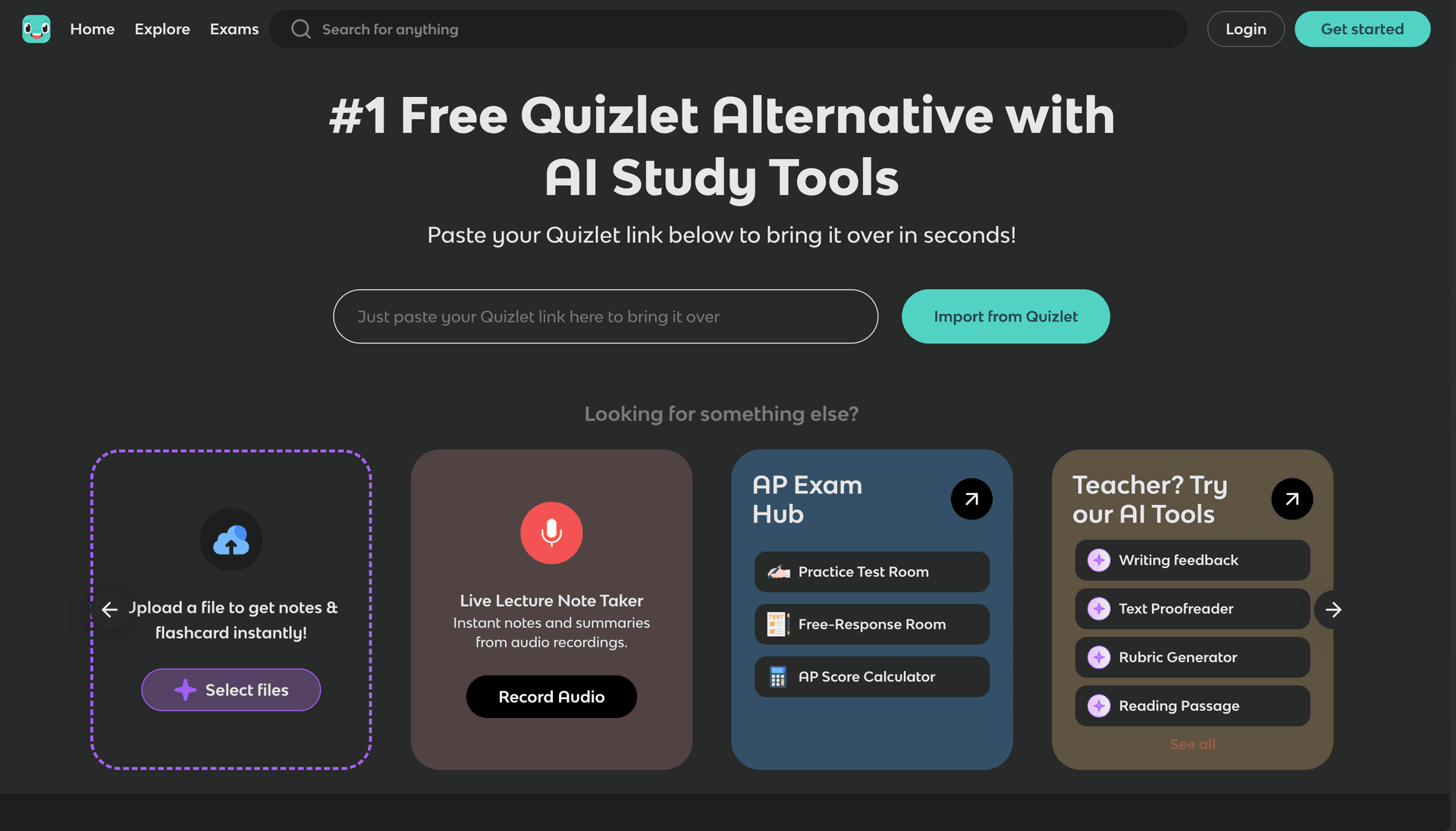
Knowt continues to impress as the best free alternative to Quizlet. It offers unlimited flashcard creation, Quizlet import, and multiple study modes without a paywall. For budget-conscious students who need solid flashcard functionality, Knowt delivers.
The 2026 version has improved its AI features, but it still lacks the depth of dedicated AI study platforms. There are no mind maps, limited exam generation, and the platform remains web-only.
Key Features
- Unlimited free flashcard creation
- Seamless Quizlet deck import
- Multiple study modes (Learn, Test, Match)
- Basic AI flashcard generation from notes
- Community-shared content library
- Document upload for basic content extraction
Pros
- Completely free for core features
- Easy migration from Quizlet
- Clean, intuitive interface
- Good basic study modes
- Growing content library
Cons
- No mind maps or visual learning tools
- Basic flashcard algorithm (no true SRS)
- Limited exam generation
- Web-only (no mobile apps)
- AI features are surface-level
- No gamification
Pricing
- Free: Unlimited basic features
- Pro: $4.99/month for advanced AI and features
Best For: Students who need free, unlimited flashcards and are migrating from Quizlet. Good for vocabulary and fact-based study but not for comprehensive exam preparation.
StudyFetch has doubled down on its mobile-first approach in 2026 and it shows. The native iOS and Android apps are polished, lecture recording works reliably, and the Spark.E AI tutor provides helpful explanations. If you do most of your studying on your phone, StudyFetch is worth considering.
The desktop experience is adequate but not exceptional, and the platform still lacks mind maps and advanced exam features that competitors like StudyPDF offer.
Key Features
- Native iOS and Android apps with 150k+ downloads
- Spark.E AI tutor for explanations and grading
- Lecture recording and auto-conversion to study materials
- Offline study mode
- Basic flashcard and quiz generation
Pros
- Best-in-class mobile study experience
- Reliable lecture recording
- Offline mode for studying without internet
- Spark.E provides useful explanations
- Good app store ratings
Cons
- No mind maps or advanced visual tools
- Basic exam generator
- Limited file format support compared to StudyPDF
- $9.99/month is expensive for what you get
- Desktop experience is secondary
Pricing
- Free: Limited features
- Pro: $9.99/month
- Custom enterprise pricing
Best For: Students who study primarily on their phones and need lecture recording capabilities.
Brainly is fundamentally different from the other tools on this list. It is a homework help platform, not a study tool in the traditional sense. You ask a question — by typing or snapping a photo — and Brainly's AI provides step-by-step explanations. It excels for quick answers but does not help you build long-term study habits.
Key Features
- AI-powered step-by-step explanations
- Photo-based question input (snap a problem)
- Community answers from other students
- Strong mobile apps
- Covers math, science, languages, and more
Pros
- Excellent for quick homework help
- Photo input is genuinely useful for math problems
- Large community with peer answers
- Good mobile experience
- Free tier is functional
Cons
- Not a study tool — no flashcards, mind maps, or exams
- Encourages answer-seeking rather than deep learning
- AI answers can be superficial for complex topics
- No document processing or study material generation
- No spaced repetition or long-term retention features
Pricing
- Free: Limited questions per day
- Plus: $6.99/month for unlimited AI answers
Best For: Students who need quick answers to specific homework problems. Not a replacement for a comprehensive study tool.
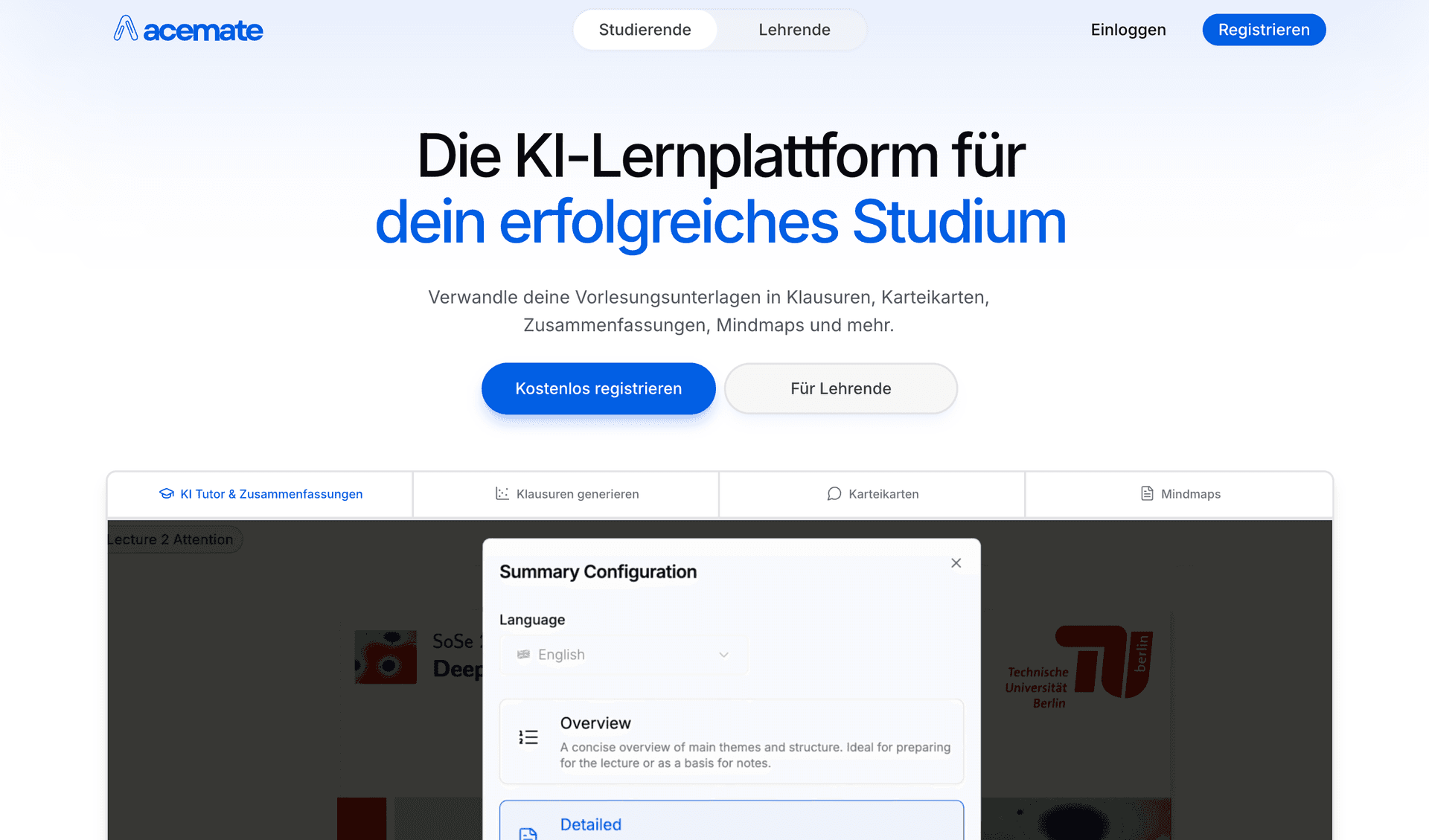
Acemate remains a strong choice for European university students, particularly those at German-speaking institutions. Its partnerships with TUM, TU Berlin, and Uni Koln provide credibility, and its knowledge graph feature offers genuinely useful visual representations of complex academic relationships.
Key Features
- University partnerships with major European institutions
- Knowledge graphs for visual concept relationships
- Citation-based AI answers with source references
- GDPR compliant
- Educator tools for class monitoring
Pros
- Strong academic credibility
- Advanced knowledge graphs
- Citation-grounded answers
- GDPR compliant for EU students
- Good for complex academic material
Cons
- Steep learning curve
- Limited free tier
- Interface can feel overwhelming
- No gamification
- Web-only (no mobile apps)
- Pricing in euros may not suit all markets
Pricing
- Limited free features
- Pro: EUR 9.99/month
- Custom enterprise pricing
Best For: University students in Europe who need GDPR compliance and work with complex academic materials.
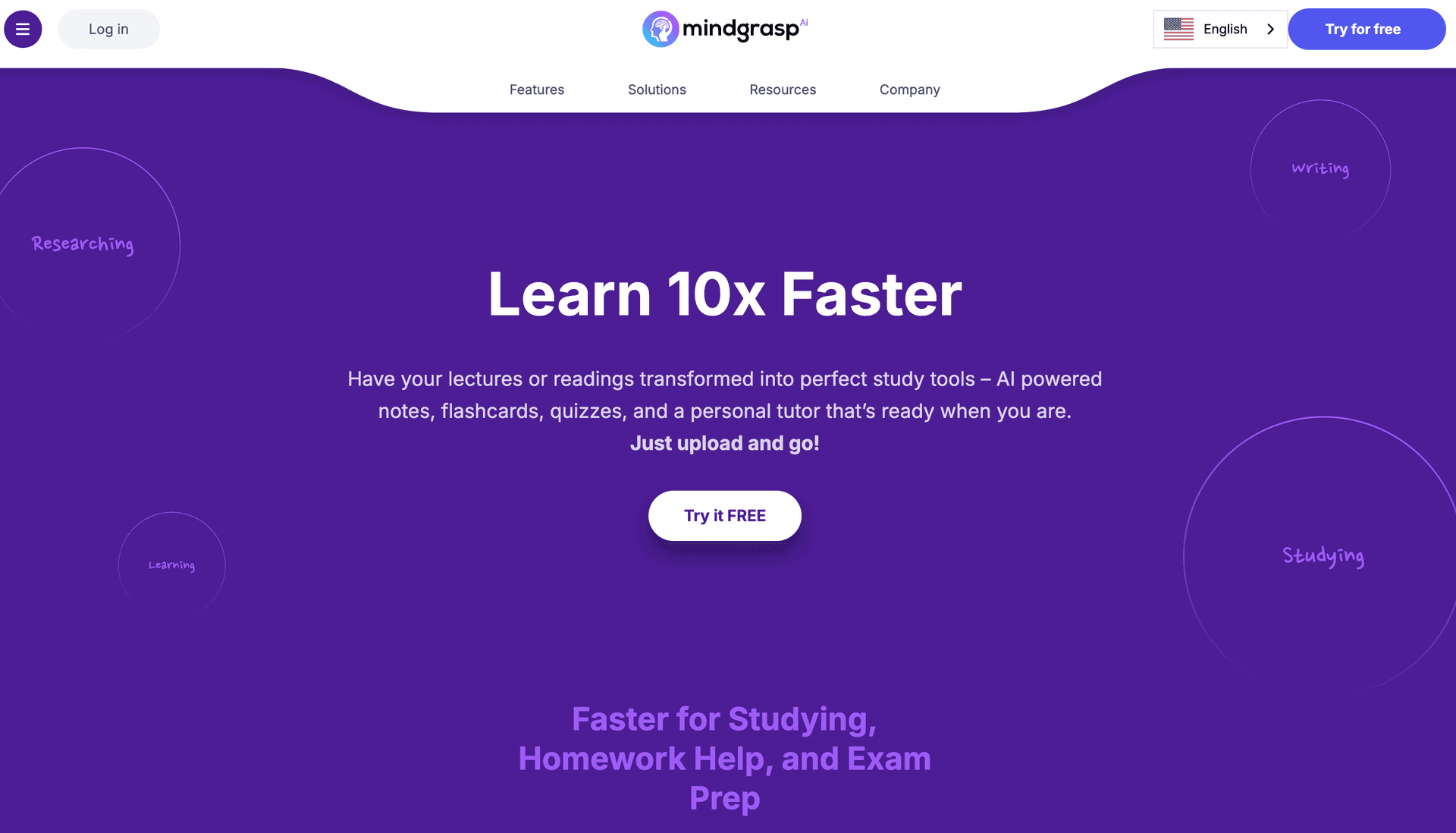
Mindgrasp supports 20+ languages, making it the go-to choice for international students who study in multiple languages. The lecture recording feature and browser extension for LMS integration add practical value, though the AI capabilities remain generic compared to specialized platforms.
Key Features
- 20+ language support
- Lecture recording with auto-transcription
- Browser extension for LMS integration
- Multi-format content support
- iOS mobile app
Pros
- Best multi-language support in the market
- Reliable lecture recording
- Browser extension for easy content capture
- Mobile app availability
- Broad format support
Cons
- Generic AI without specialized learning algorithms
- Basic flashcard and exam generation
- No advanced mind mapping
- No gamification
- Basic analytics
- $9.99/month is above average for the feature set
Pricing
- Limited free features
- Pro: $9.99/month
- Custom enterprise pricing
Best For: International students who study in multiple languages and need lecture recording.
Scholarcy occupies a niche: it is specifically designed to summarize academic papers and extract key findings, methods, and citations. For graduate students and researchers who read dozens of papers per week, it saves significant time. But it is not a study tool in the broader sense — there are no flashcards, no exams, and no active recall features.
Key Features
- AI paper summarization with structured extraction
- Citation and reference identification
- Key findings and methodology extraction
- Browser extension for one-click summarization
- Flashcard-like summary cards for papers
Pros
- Excellent at summarizing research papers
- Structured extraction (findings, methods, limitations)
- Browser extension is convenient
- Good for literature reviews
- Saves significant reading time
Cons
- Not a study tool — no flashcards, exams, or mind maps
- Limited to academic paper formats
- No active recall or spaced repetition
- No AI tutoring features
- Web-only interface
- Narrow use case
Pricing
- Free: Limited paper summaries
- Pro: $9.99/month for unlimited summaries
Best For: Graduate students and researchers who need to quickly process large volumes of academic papers. Not suitable for undergraduate study preparation.
| Feature | StudyPDF | Quizlet | Anki | Notion AI | Knowt | StudyFetch | Brainly | Acemate | Mindgrasp | Scholarcy |
|---|
| AI Flashcard Generation | ✅ SM-2 | ✅ Basic | ❌ Manual | ❌ Manual | ✅ Basic | ✅ Basic | ❌ | ✅ Advanced | ✅ Basic | ❌ |
| Mind Maps | ✅ Auto-generated | ❌ | ❌ | ❌ | ❌ | ❌ | ❌ | ✅ Knowledge graphs | ❌ | ❌ |
| Exam/Quiz Generation | ✅ Adaptive | ✅ Basic | ❌ | ❌ | ✅ Basic | ✅ Basic | ❌ | ✅ With citations | ✅ Basic | ❌ |
| AI Tutor/Chat | ✅ Context-aware | ✅ Q-Chat | ❌ | ✅ General AI | ❌ | ✅ Spark.E | ✅ Homework AI | ✅ Grounded | ✅ Content-aware | ❌ |
| Summaries | ✅ Notion-style | ❌ | ❌ | ✅ AI-assisted | ❌ | ❌ | ❌ | ✅ Basic | ✅ Basic | ✅ Specialized |
| PDF Upload | ✅ | ❌ | ❌ | ✅ | ✅ Basic | ✅ | ❌ | ✅ | ✅ | ✅ |
| YouTube Support | ✅ | ❌ | ❌ | ❌ | ❌ | ❌ | ❌ | ❌ | ✅ | ❌ |
| Spaced Repetition | ✅ SM-2 | ❌ Basic | ✅ Advanced | ❌ | ❌ | ❌ | ❌ | ❌ | ❌ | ❌ |
| Gamification | ✅ Hearts/XP/Quests | ❌ | ❌ | ❌ | ❌ | ❌ | ❌ | ❌ | ❌ | ❌ |
| Mobile App | 🚧 | ✅ | ✅ Android | ✅ | ❌ | ✅ | ✅ | ❌ | ✅ iOS | ❌ |
| Free Tier | ✅ 100 pg/mo | ✅ | ✅ | ✅ | ✅ | ✅ Limited | ✅ | ❌ Limited | ✅ Limited | ✅ Limited |
| Math/LaTeX Support | ✅ | ❌ | ✅ (add-ons) | ✅ Basic | ❌ | ❌ | ✅ | ❌ | ❌ | ❌ |
| Tool | Free Tier | Monthly Price | Annual Price (per month) | Best Value? |
|---|
| StudyPDF | 100 pages/mo | $11.99/mo (Pro) | $3.99/mo (Pro) | ✅ Best value |
| Quizlet | Unlimited flashcards | $7.99/mo (Plus) | $3.99/mo | Good for flashcards |
| Anki | Free (desktop/Android) | N/A | N/A | Free but manual |
| Notion AI | Basic workspace | $10/mo (Plus) | $8/mo | Expensive for study |
| Knowt | Unlimited basic | $4.99/mo (Pro) | $3.99/mo | Good free tier |
| StudyFetch | Limited | $9.99/mo | N/A | Overpriced |
| Brainly | Limited questions | $6.99/mo (Plus) | N/A | Niche use only |
| Acemate | Very limited | EUR 9.99/mo | N/A | EU-focused |
| Mindgrasp | Limited | $9.99/mo | N/A | Overpriced |
| Scholarcy | Limited summaries | $9.99/mo | N/A | Research niche |
Choose StudyPDF If You:
- Want a single platform that handles flashcards, mind maps, exams, and summaries
- Study from PDFs, slides, and documents regularly
- Need math and LaTeX support for STEM courses
- Respond well to gamified learning (hearts, XP, streaks)
- Want scientifically proven spaced repetition (SM-2)
- Need teacher collaboration features
Choose Quizlet If You:
- Primarily need flashcards and nothing else
- Want access to millions of community-created sets
- Need a polished mobile app
- Study vocabulary-heavy subjects
Choose Anki If You:
- Are a medical student or need to memorize massive volumes
- Want maximum control over spaced repetition settings
- Do not mind a steep learning curve and manual card creation
- Prefer free, open-source software
Choose Notion AI If You:
- Already use Notion for everything
- Need an organizational system with AI assistance
- Want to build a custom study workflow
- Prioritize note-taking and planning over active recall
Choose Knowt If You:
- Need free, unlimited flashcards
- Are migrating from Quizlet
- Want a simple, clean interface
- Do not need advanced AI features
Choose StudyFetch If You:
- Study primarily on your phone
- Need lecture recording capabilities
- Want offline study access
Choose Brainly If You:
- Need quick answers to specific homework problems
- Prefer photo-based question input
- Are looking for a homework assistant, not a study system
Choose Acemate If You:
- Are at a European university
- Need GDPR compliance
- Work with complex academic research
Choose Mindgrasp If You:
- Study in multiple languages
- Need lecture recording with auto-transcription
- Want LMS integration
Choose Scholarcy If You:
- Are a graduate student or researcher
- Need to process academic papers at scale
- Want structured paper summaries
The AI study tool landscape is evolving rapidly. Here are the trends shaping the rest of 2026:
Multimodal Input Is Becoming Standard
The best platforms now accept PDFs, slides, images, and videos. StudyPDF's YouTube integration and image processing represent the direction the industry is heading — students should not need to convert their materials before uploading.
Gamification Drives Consistency
Platforms that incorporate game mechanics — hearts, XP, streaks, leaderboards — see significantly higher retention rates. StudyPDF's Duolingo-inspired approach proves that making study sessions feel rewarding keeps students coming back.
AI Tutors Are Getting Smarter
The gap between generic AI chatbots and context-grounded study assistants is widening. The best AI tutors in 2026 answer questions specifically from your uploaded material, not from general training data — reducing hallucination and improving relevance.
Spaced Repetition Goes Mainstream
What was once an Anki-only feature is now appearing in more platforms. StudyPDF's SM-2 implementation brings scientifically proven spacing algorithms to a modern interface, making SRS accessible to students who would never touch Anki.
Mobile Remains Critical
Students study in short bursts between classes, on commutes, and before bed. Platforms without strong mobile experiences are at a growing disadvantage, though web-first tools like StudyPDF are bridging the gap with progressive web app features while their native apps are in development.
StudyPDF is the best AI study tool for students in 2026. It offers the most comprehensive feature set — AI flashcards with SM-2 spaced repetition, auto-generated mind maps, adaptive exam generation, Notion-style summaries, and a context-aware AI tutor — all at a price point that undercuts most competitors.
For students who need a specialized tool, Quizlet remains excellent for community flashcards, Anki is unbeatable for hardcore spaced repetition, and Notion AI works well if you already live in that ecosystem. But if you want one platform that does everything, StudyPDF is the clear winner.
The best time to integrate AI into your study routine is now. Start with StudyPDF's free tier — upload a PDF, generate flashcards, build a mind map, and see the difference for yourself.

 AI Study Tools
 AI Study Tools