True personalization starts with the right source. StudyPDF runs on Bo, a course-scoped study agent. You upload the exact material your students learn from, and Bo builds cited study tools from that material and nothing else. Built for your course, not for the internet.
So every flashcard, quiz, and study guide matches what you actually teach. No generic content, no drift from your syllabus.
Why source-grounded study beats generic AI:
| Teaching Approach | Matches Your Syllabus | Cites the Source | Tracks What Each Student Knows |
|---|
| Generic AI chatbot | Sometimes | No | No |
| Pre-made deck library | Rarely | No | No |
| StudyPDF / Bo | Always | Yes (page, second, source) | Yes (per concept) |
Upload the Material Your Students Actually Use
Bo works from your real course. Upload lecture PDFs (including scanned and handwritten notes), photos of the board, YouTube lectures, and source websites. Bo reads all of it and answers only from what you gave it.
What Bo can ingest:
- PDFs: slide decks, textbooks, handouts, scanned packets, handwritten notes
- Photos: snapshots of pages, diagrams, or the whiteboard
- YouTube videos: recorded lectures and explainers
- Websites: reading assignments and reference pages
Every answer cites the exact page, second, or source, so you and your students can always check the original.
Bo makes seven study tools, all grounded in your material. Pick what fits the lesson and Bo builds it, with citations back to the source and tagged by concept.
The seven tools Bo builds:
- Flashcards: quick recall in your students' language
- Quiz: self-check questions with answers
- Practice exam: longer assessments that mirror the real test
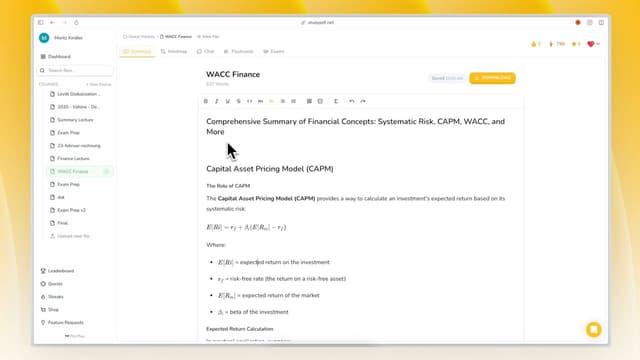
- Study guide: a structured walkthrough of the material
- Cheat sheet: a tight one-page reference
- Summary: the core ideas in plain language
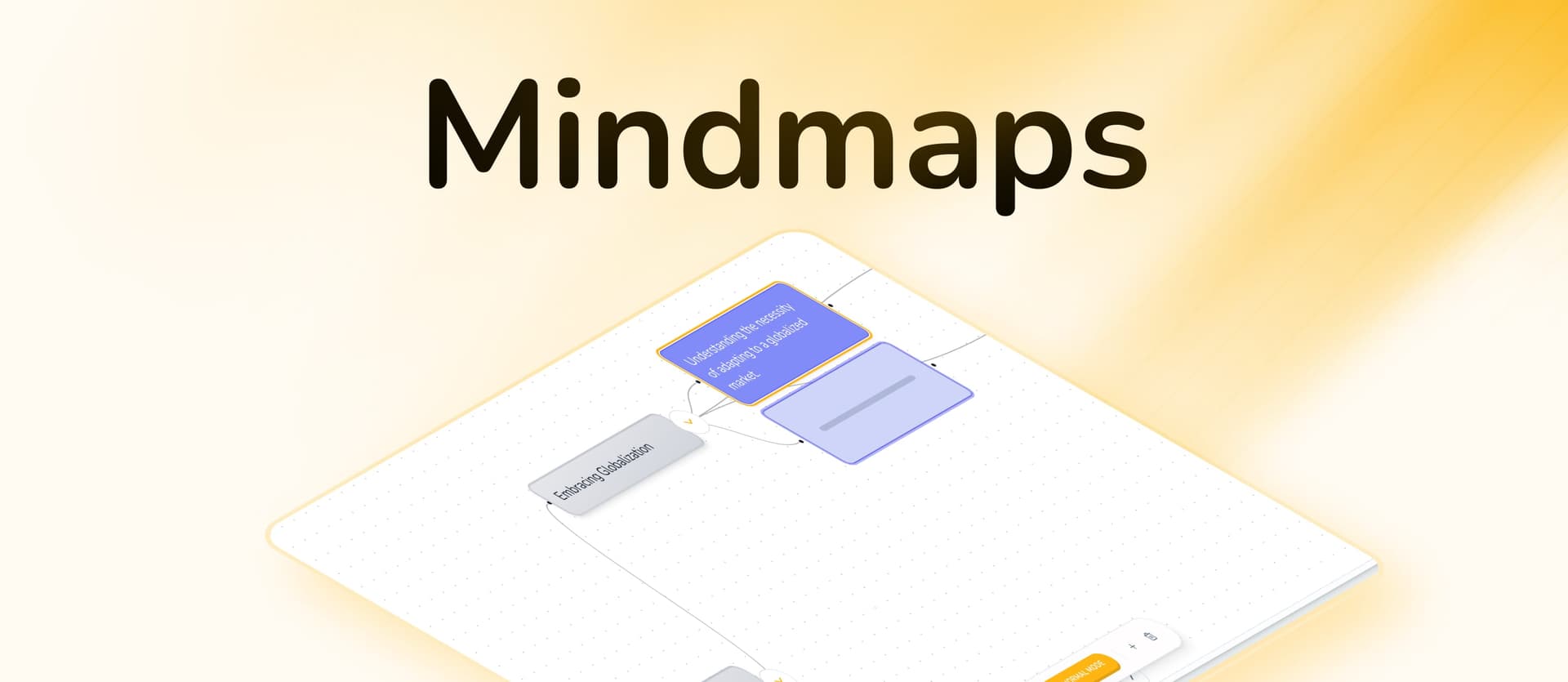
- Mind map: how the concepts connect
Bo builds these and only these. No invented extras, just the study tools students actually use.
Export and share, no shared logins required. Bo exports every tool to PDF, Word, and Anki. You build the material once from your course, then hand students a file they can open and study anywhere.
Export options:
- PDF: print or post to your class portal
- Word: edit and adapt before you share
- Anki: drop flashcards straight into a deck students already use
Students study from the file. You keep control of the source material.
Bo adapts to your field. Tell Bo what you teach and it shapes the study tools for that subject, whether that's medicine, law, math, or high school content. The same upload produces material that reads the way your discipline expects.
How Bo personalizes generation:
- Subject-aware tone: worked steps for math, case framing for law, clinical detail for medicine
- Right level: content pitched for high school or university
- Your language: tools generated in the language your students study in
- Your source only: examples and questions come from your uploaded material, not the open web
See exactly what each tool covers. Every flashcard, quiz, and exam Bo builds is tagged to the underlying concepts in your material. That feeds per-concept mastery tracking, so progress is measured against the actual ideas in your course, not a vague score.
What concept tracking gives you:
- Concept-level view: know which ideas are covered and which still need work
- Grounded in your material: mastery maps to the concepts in your uploads
- Honest progress: tied to real source content, not engagement points
- Daily streak: a simple visit-based streak is the one light nudge to keep showing up
There is no XP, no leaderboards, no badges. Just a clear view of what's been learned.
Support Diverse Source Material
Bo handles the formats real classrooms produce. Scanned packets, handwritten notes, photos of the board, and recorded lectures all become searchable, cited study material.
Material Bo turns into study tools:
- Scanned and handwritten pages: read and turned into flashcards, quizzes, and guides
- Photos: board shots and diagrams become usable source content
- Recorded lectures: YouTube videos become summaries and study guides
- Multiple languages: tools generated in the language your students study in
Keep Students Anchored to the Source
Every answer points back to the original. When a student asks Bo a question, the answer cites the page, the second in the video, or the source page. Students learn to check the real material instead of trusting a black box.
How grounding helps students:
- Citations on every answer: page, second, or source, every time
- Only your material: Bo will not pull from the open internet
- Verifiable: students can open the cited source and confirm
- Honest gaps: if your material does not cover something, Bo says so instead of guessing
Build once, distribute as files. You upload the course material, build the study tools, and export them to PDF, Word, or Anki. Then you share those files with every student. No per-student account juggling and no separate platform for them to log into.
How class distribution works:
- One source, many students: build from your material, hand out the export
- Format that fits: PDF to post, Word to adapt, Anki for decks students already run
- You own the source: students study from files, you keep the master material
- Same content for everyone: every student gets tools built from the exact same syllabus
Practical advantage: you spend your time teaching, not formatting. Bo turns your raw material into clean, cited study tools you can hand out in minutes.
Adapt Material Before You Share
Edit anything before it reaches students. Export to Word and the study guide, quiz, or cheat sheet is fully editable. Tweak wording, drop a question, add your own note, then share the final version.
Ways to adapt:
- Edit in Word: change anything before handing it out
- Pick the right tool: a cheat sheet for review day, a practice exam before the test
- Trim or extend: cut what your class already knows, keep what they need
- Re-export: push the edited version to PDF or Anki when it's ready
Scale Material Across Large Classes
One upload serves a whole cohort. Because the study tools are files, the number of students does not change your workload. Build the material once and distribute it to thirty students or three hundred.
How it scales:
- Build once: the source material is uploaded a single time
- Distribute as files: exports go to any number of students
- Reuse next term: keep the course and rebuild fresh tools when the syllabus updates
- Consistent quality: every student gets the same cited, concept-tagged material
Free to Start
Try Bo on your own course at no cost. The free plan is free forever with no card required, and it's generous. Paid Pro and Ultra plans add more capacity when you need it. Usage runs on a weekly credit budget plus a rolling burst window, so you can build a batch of tools before a big test without watching a meter.
Plans:
- Free: free forever, no card, generous enough to build real study tools
- Pro and Ultra: more capacity for heavier weeks
- Standalone free tools: quick one-off generators with their own daily limits
FAQ: AI-Powered Personalized Learning
How does Bo personalize study material?
It works from your exact course. Bo only uses the material you upload, so every flashcard, quiz, and guide matches your syllabus. It also adapts the style to your subject and generates in your students' language.
Can Bo work for a large class?
Yes. You build study tools once from your material and export them to PDF, Word, or Anki. Then you share those files with as many students as you like. Class size does not change the work.
How accurate is the material Bo builds?
It is grounded and citable. Every answer and study tool cites the exact page, second, or source. If your material does not cover something, Bo says so instead of guessing, so you can always verify against the original.
What if my source is scanned or handwritten?
Bo reads it. Scanned packets, handwritten notes, and photos of the board all get turned into searchable, cited study tools alongside regular PDFs, YouTube lectures, and websites.
How do I keep material aligned to my curriculum?
Upload your curriculum material and build from it. Bo only draws on what you give it, so the study tools stay inside your syllabus. You can also edit any export in Word before sharing.
Can students check where an answer came from?
Yes. Every answer cites the page, second, or source. Students can open the original material and confirm it instead of trusting a black box.
How much time does this save me?
It turns raw material into clean study tools fast. Upload your course, pick a tool, and Bo builds a cited, concept-tagged flashcard set, quiz, exam, study guide, cheat sheet, summary, or mind map you can hand out.
Does Bo track student progress?
It tracks concepts. Every tool is tagged to the concepts in your material, which feeds per-concept mastery. Progress maps to the real ideas in your course, not points or badges.
Personalize Learning Today
Stop handing students generic content that drifts from your syllabus. StudyPDF turns your own course material into cited, concept-tagged study tools that meet every student where they are.
Build from your real material: flashcards, quizzes, practice exams, study guides, cheat sheets, summaries, and mind maps, all grounded in what you teach.
Ready to build study material from your own course? Start free, no card required.
Start With Your Course - Upload your material and build cited study tools today.