Bo is a course-scoped AI study agent. You upload your own material and Bo answers only from that material, with every answer citing the exact page, second, or source. Built for your course, not for the internet.
For lesson prep, that means you can drop in the same documents you already teach from, like slides, a textbook chapter, a set of handouts, or a recorded lecture, and turn them into study material your students can actually use. Nothing is invented. Everything traces back to a line in your file.
What you upload:
- PDFs, including scanned pages and handwritten notes
- Photos of pages or whiteboards
- YouTube videos
- Websites
The Seven Things Bo Builds
Bo turns your material into seven artifact kinds, and nothing else. Each one is cited, concept-tagged, and produced in your language.
- Flashcards for the core terms and definitions in a unit
- Quiz for a quick check of understanding
- Practice exam for end-of-unit review
- Study guide that organizes a chapter into a clear sequence
- Cheat sheet that condenses a topic to one page
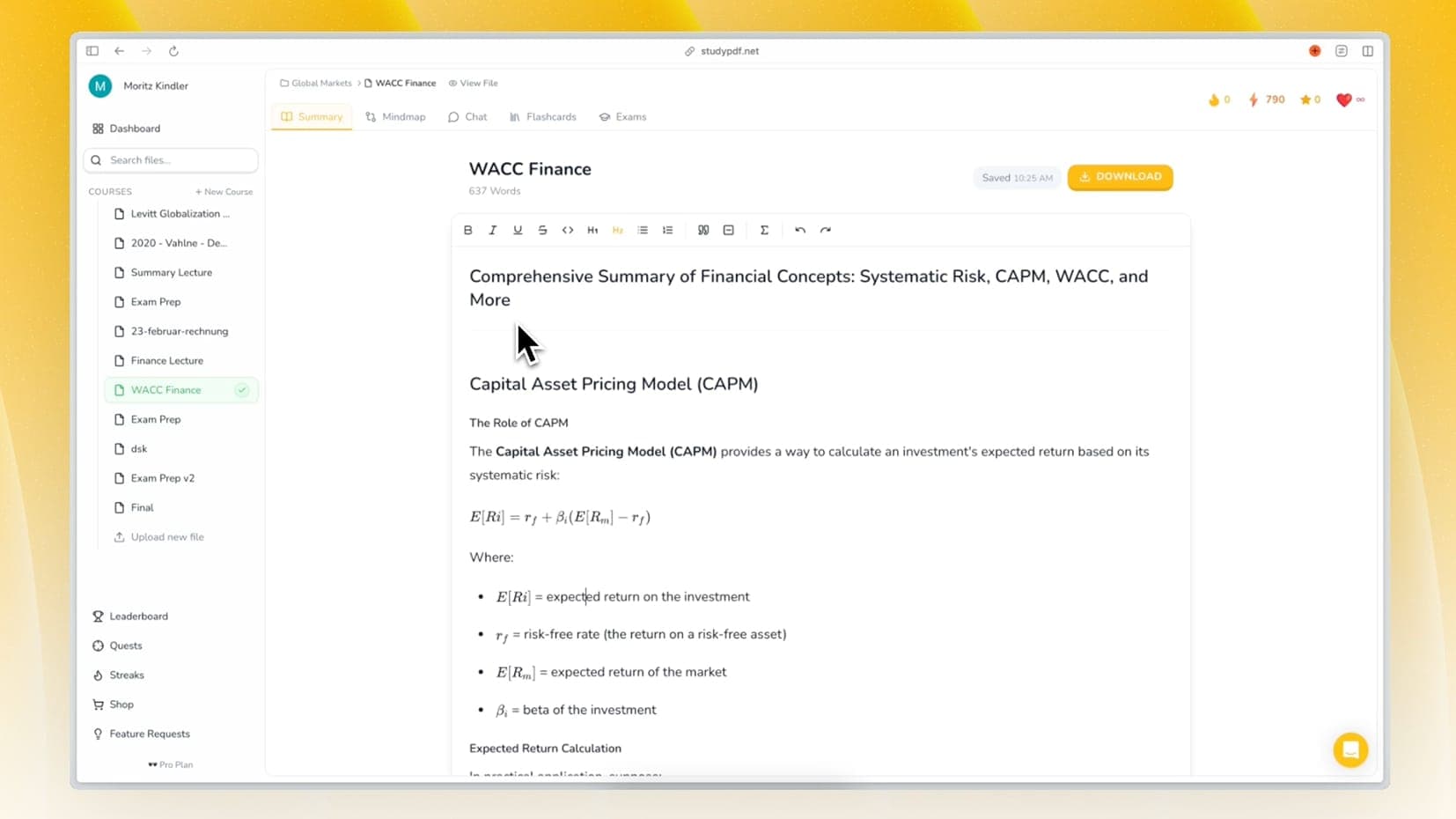
- Summary that pulls the main points out of a long source
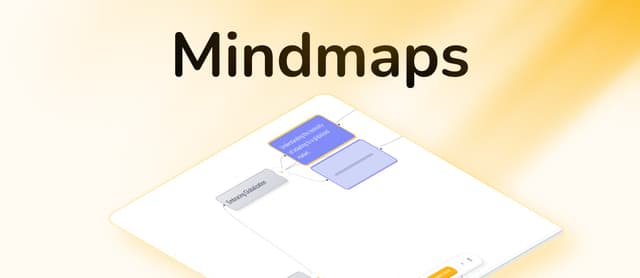
- Mind map that shows how concepts connect
Upload your lesson materials, ask Bo for the artifact you need, and review the result against the cited sources before you hand it out.
Instead of preparing one document at a time, you can give Bo the whole unit. Add the chapter, the slides, and any supporting reading to one course, and Bo treats them as a single body of material.
How a unit comes together:
- Upload the sources: drop every file for the unit into one course
- Ask for what you need: request flashcards, a quiz, or a study guide for a topic
- Check the citations: each item points back to the page or source it came from
- Edit and export: adjust anything, then export to PDF, Word, or Anki
Because Bo only answers from what you uploaded, the material stays aligned with what you actually teach.
Generate a quiz or a practice exam straight from the source you are teaching. Bo grounds every question in your uploaded files, so the questions match your content rather than a generic web answer.
Assessment artifacts:
- Quiz: a quick check for understanding, cited back to your material
- Practice exam: a longer end-of-unit assessment
- Cheat sheet: a one-page condensed reference for revision
- Study guide: a structured walk-through of the material
Every question is tied to a concept from your source, so you can see exactly which part of the unit it tests.
Bo tags every artifact by concept and tracks per-concept mastery as items are reviewed and attempted. That gives you a concept-level view of a unit, built from your own files.
What the concept layer gives you:
- Concept tagging: each flashcard, question, and section is linked to a concept
- Mastery tracking: review and attempt data feed a per-concept progress view
- Source grounding: every concept traces back to the page or source it came from
- Consistent coverage: the same concepts run across flashcards, quizzes, and study guides
This keeps the material for a unit connected, so a topic looks the same whether you open it as flashcards or as a study guide.
When an artifact is ready, export it in the format that fits your workflow.
Export options:
- PDF: for printing or sharing a clean handout
- Word: for editing in your own templates
- Anki: for flashcards your students can study with spaced repetition
You review and edit before exporting, so you stay in control of what goes out.
Keep Students Motivated
The only game-like feature in Bo is a daily streak that counts visits. There are no points, badges, or leaderboards. Students stay motivated by seeing their per-concept mastery move as they study, and by keeping a simple daily streak going.
Work the Way You Already Teach
Bo fits around your existing material rather than replacing it.
- Flipped classroom: prep flashcards and a study guide for at-home review
- Blended learning: use a cheat sheet or quiz alongside in-person teaching
- Revision sessions: build a practice exam from the unit before a test
- Quick recap: generate a summary of a long reading to open a lesson
FAQ: AI Lesson Planning for Teachers
How does Bo help with lesson prep?
You upload your own teaching material and Bo turns it into cited flashcards, quizzes, practice exams, study guides, cheat sheets, summaries, and mind maps. Every item points back to the page or source it came from.
Does Bo make up content?
No. Bo answers only from the material you upload, and each answer cites the exact page, second, or source. If something is not in your files, Bo does not invent it.
Can I edit AI-generated materials?
Yes. You can edit any artifact before handing it out, then export to PDF, Word, or Anki.
What can I upload?
PDFs, including scanned and handwritten pages, photos, YouTube videos, and websites.
Is Bo suitable for all grade levels?
Bo works from whatever material you give it, so it fits high school through university. The artifacts reflect the level of the source you upload.
How much does it cost?
Bo is free to start, with no card and a generous free tier. There are paid Pro and Ultra plans if you need more. Usage runs on a weekly credit budget plus a rolling burst window, not a fixed page or exam count.
Does Bo track concepts?
Yes. Every artifact is tagged by concept, and review and attempt data feed a per-concept mastery view, all grounded in your own uploaded material.
Start Prepping With Bo Today
Upload the material you already teach from and let Bo turn it into cited flashcards, quizzes, practice exams, study guides, cheat sheets, summaries, and mind maps.
Try StudyPDF and build your first unit from your own sources. Free to start, no card needed.